







Question: 3 Using Text functions, in column B, create an inventory code from the products in column A that will look like in cell B8. 4
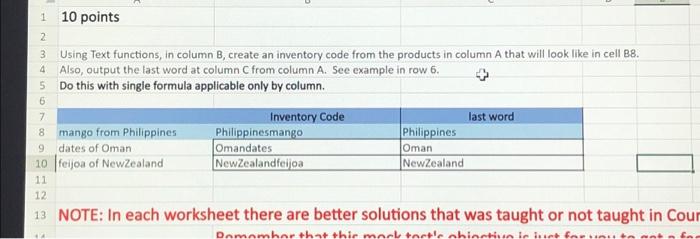
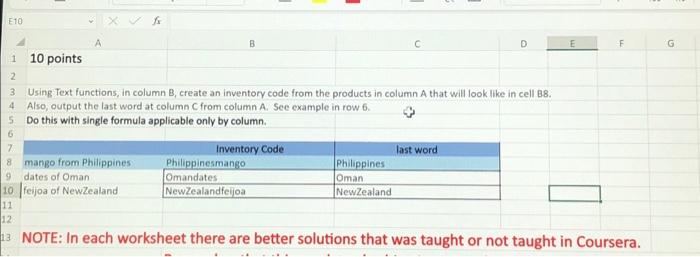
Using Text functions, in column B, create an inventory code from the products in column A that will look like in cell B8. Also, output the last word at column C from column A. Sec example in row 6. Do this with single formula applicable only by column. NOTE: In each worksheet there are better solutions that was taught or not taught in Cour 3 Using Text functions, in column B, create an inventory code from the products in column A that will look like in cell B8. Also, output the last word at column C from column A. See example in row 6. Do this with single formula applicable only by column. NOTE: In each worksheet there are better solutions that was taught or not taught in Coursera
Step by Step Solution
There are 3 Steps involved in it

Get step-by-step solutions from verified subject matter experts
 Study Help