







Question: As you do the exercises, it is a good idea to copy/paste your query as well as your query result into a word processor (review
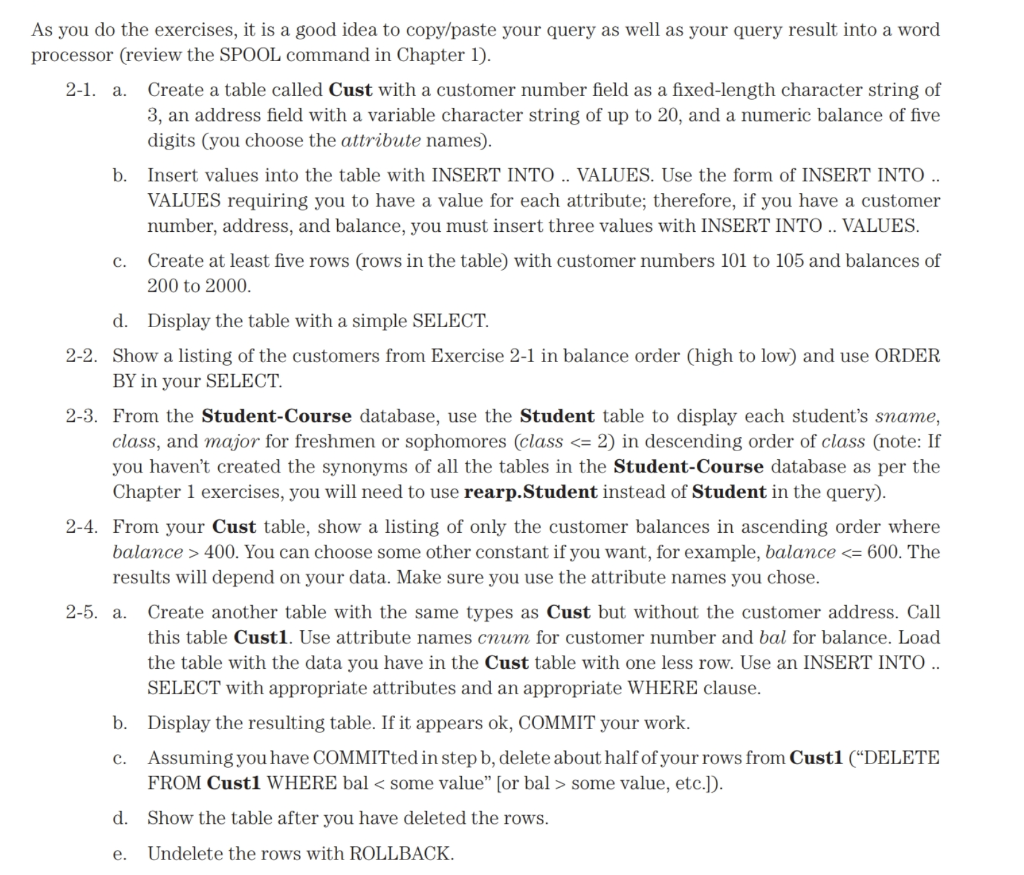
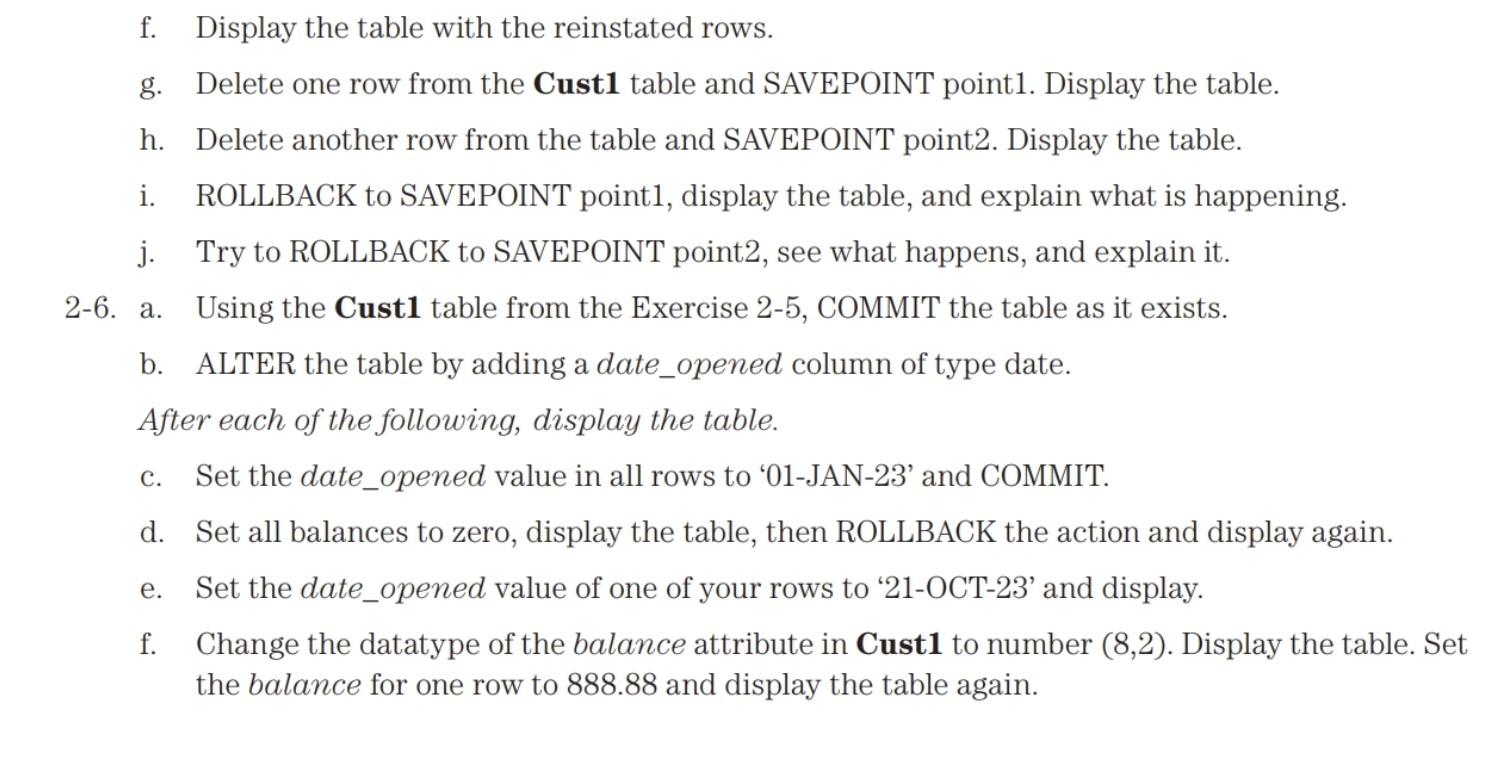
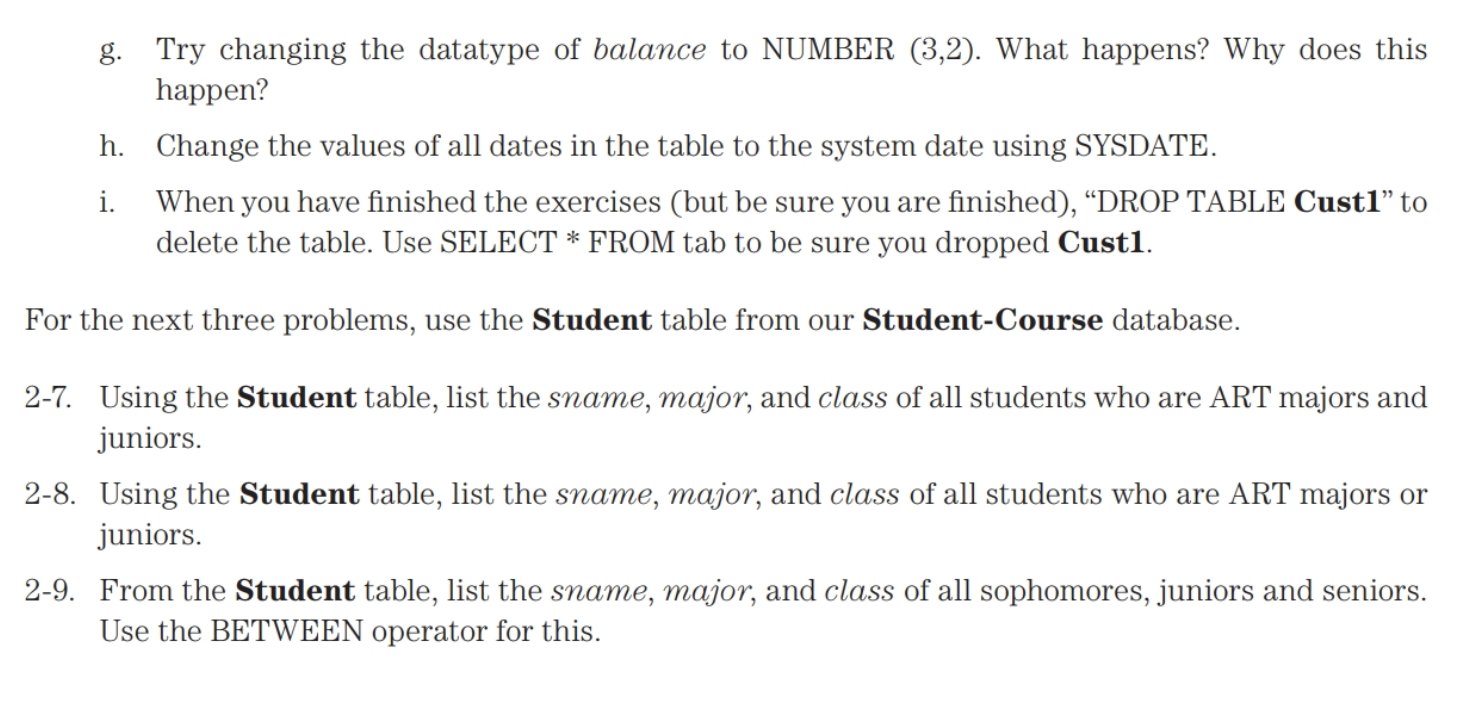
As you do the exercises, it is a good idea to copy/paste your query as well as your query result into a word processor (review the SPOOL command in Chapter 1). 2-1. a. Create a table called Cust with a customer number field as a fixed-length character string of 3 , an address field with a variable character string of up to 20, and a numeric balance of five digits (you choose the attribute names). b. Insert values into the table with INSERT INTO .. VALUES. Use the form of INSERT INTO .. VALUES requiring you to have a value for each attribute; therefore, if you have a customer number, address, and balance, you must insert three values with INSERT INTO .. VALUES. c. Create at least five rows (rows in the table) with customer numbers 101 to 105 and balances of 200 to 2000 . d. Display the table with a simple SELECT. 2-2. Show a listing of the customers from Exercise 2-1 in balance order (high to low) and use ORDER BY in your SELECT. 2-3. From the Student-Course database, use the Student table to display each student's sname, class, and major for freshmen or sophomores (class ==2 ) in descending order of class (note: If you haven't created the synonyms of all the tables in the Student-Course database as per the Chapter 1 exercises, you will need to use rearp.Student instead of Student in the query). 2-4. From your Cust table, show a listing of only the customer balances in ascending order where balance >400. You can choose some other constant if you want, for example, balance
Step by Step Solution
There are 3 Steps involved in it

Get step-by-step solutions from verified subject matter experts
 Study Help