Question: CS 205 Project Two Milestone Guidelines and Rubric Overview This milestone will help prepare you for Project Two. You will begin your work with the
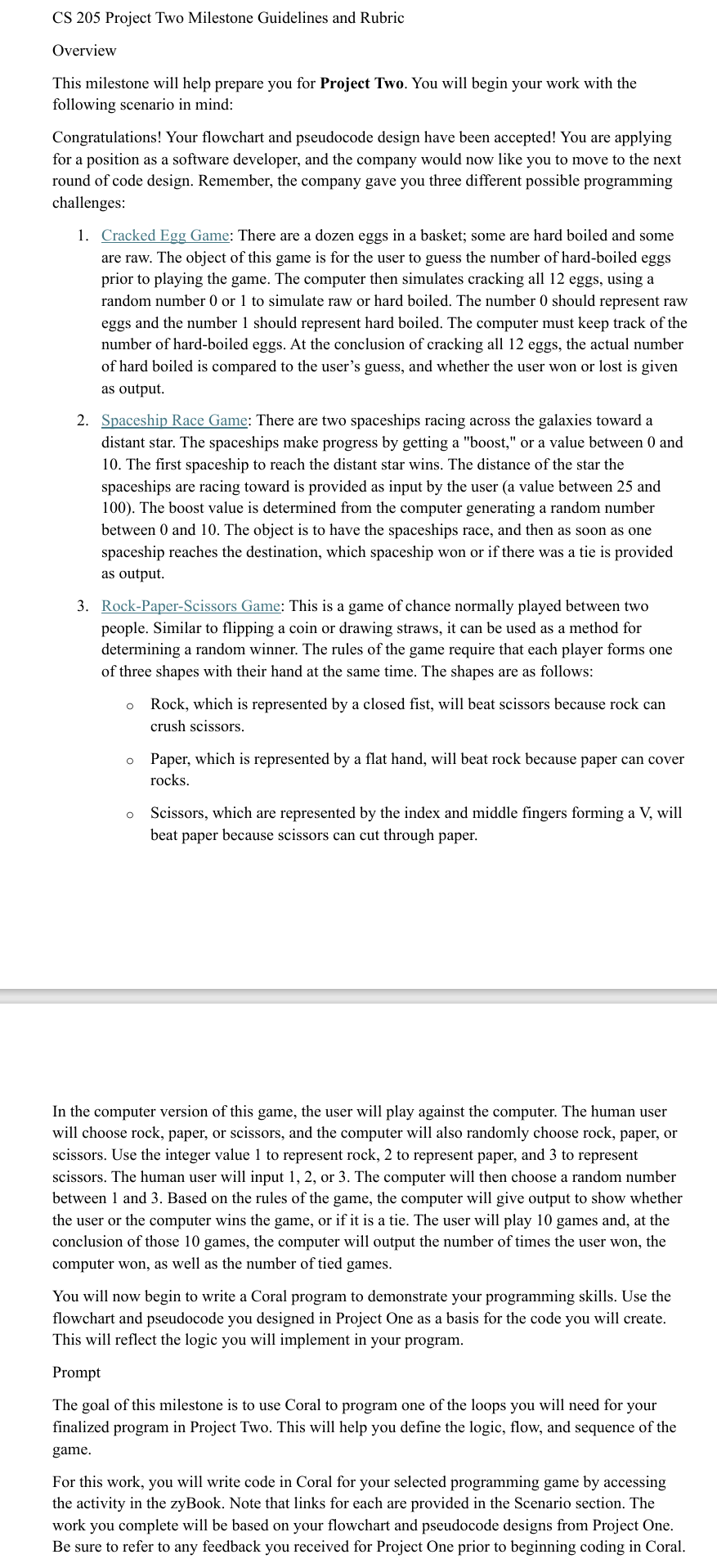
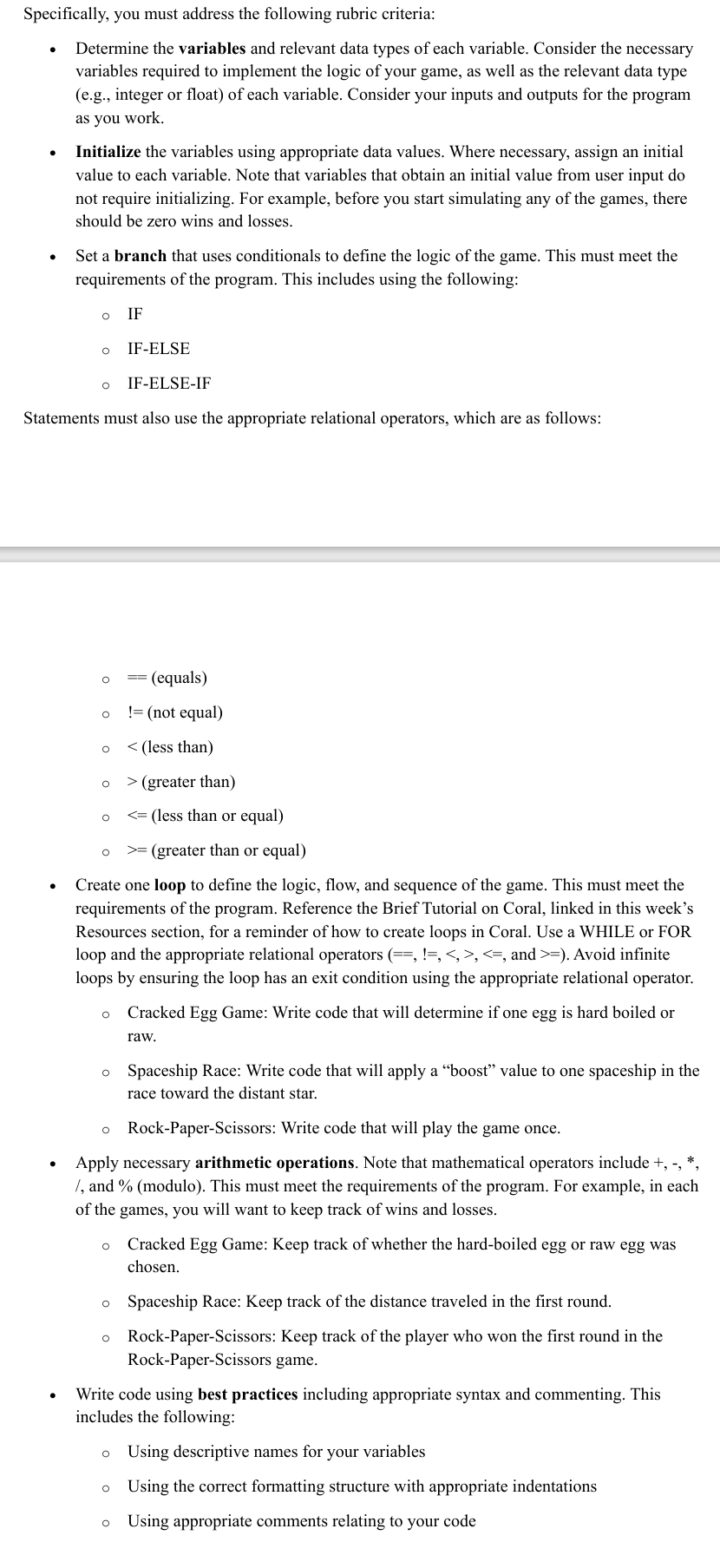
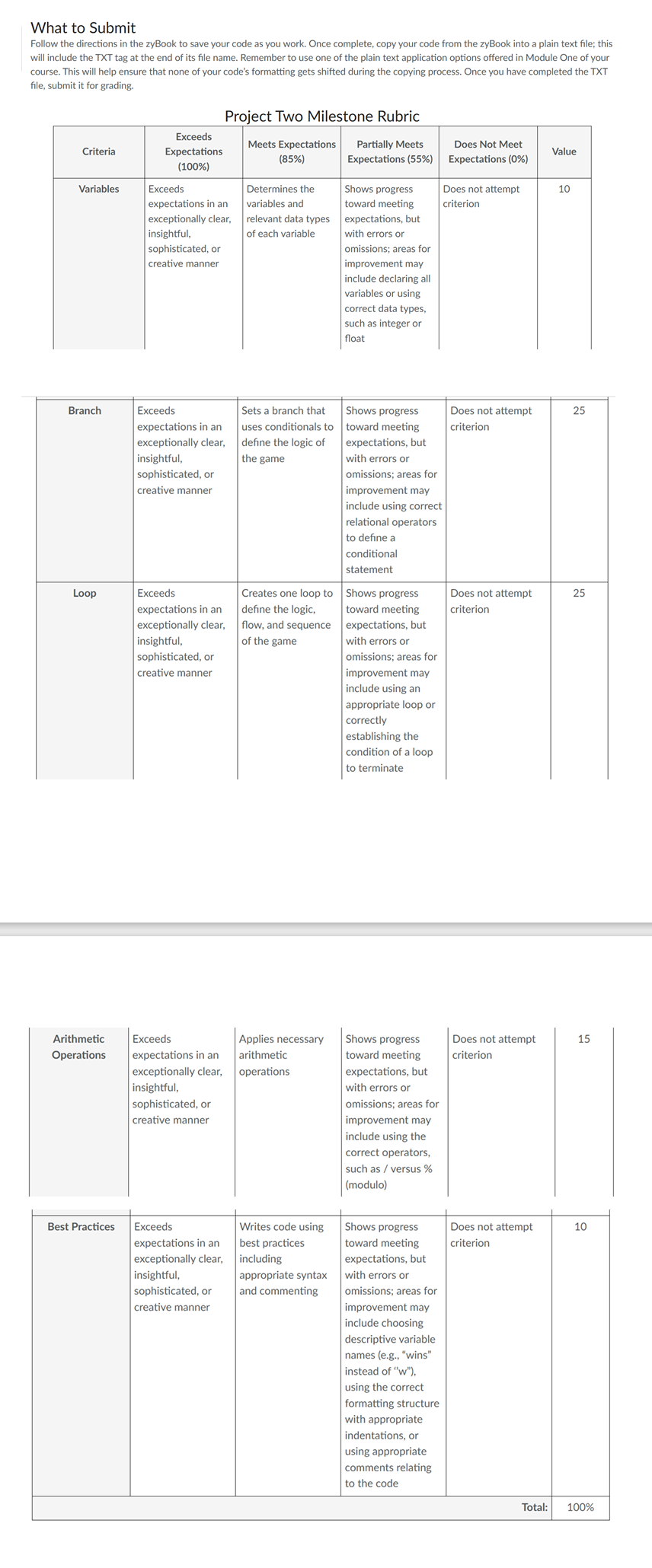
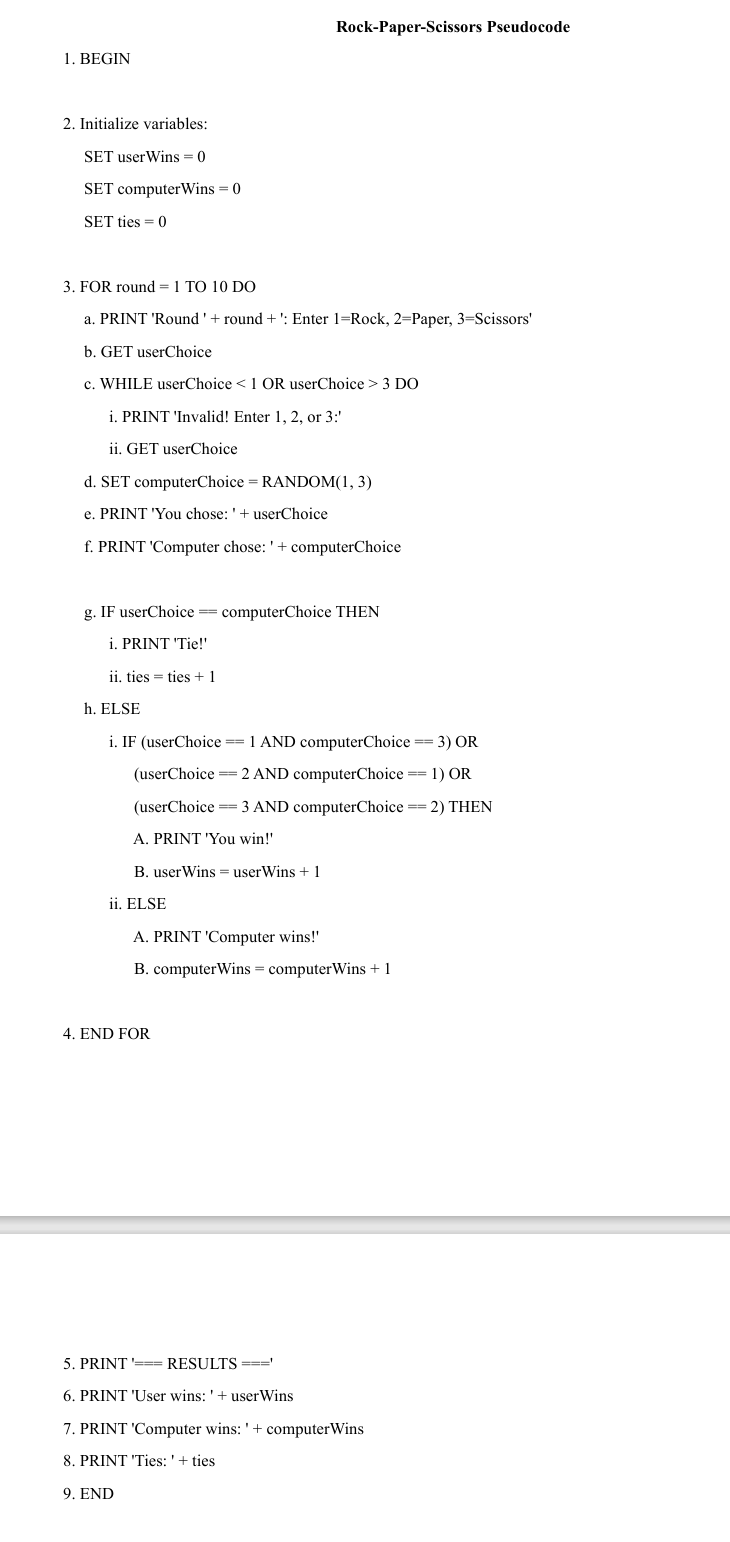
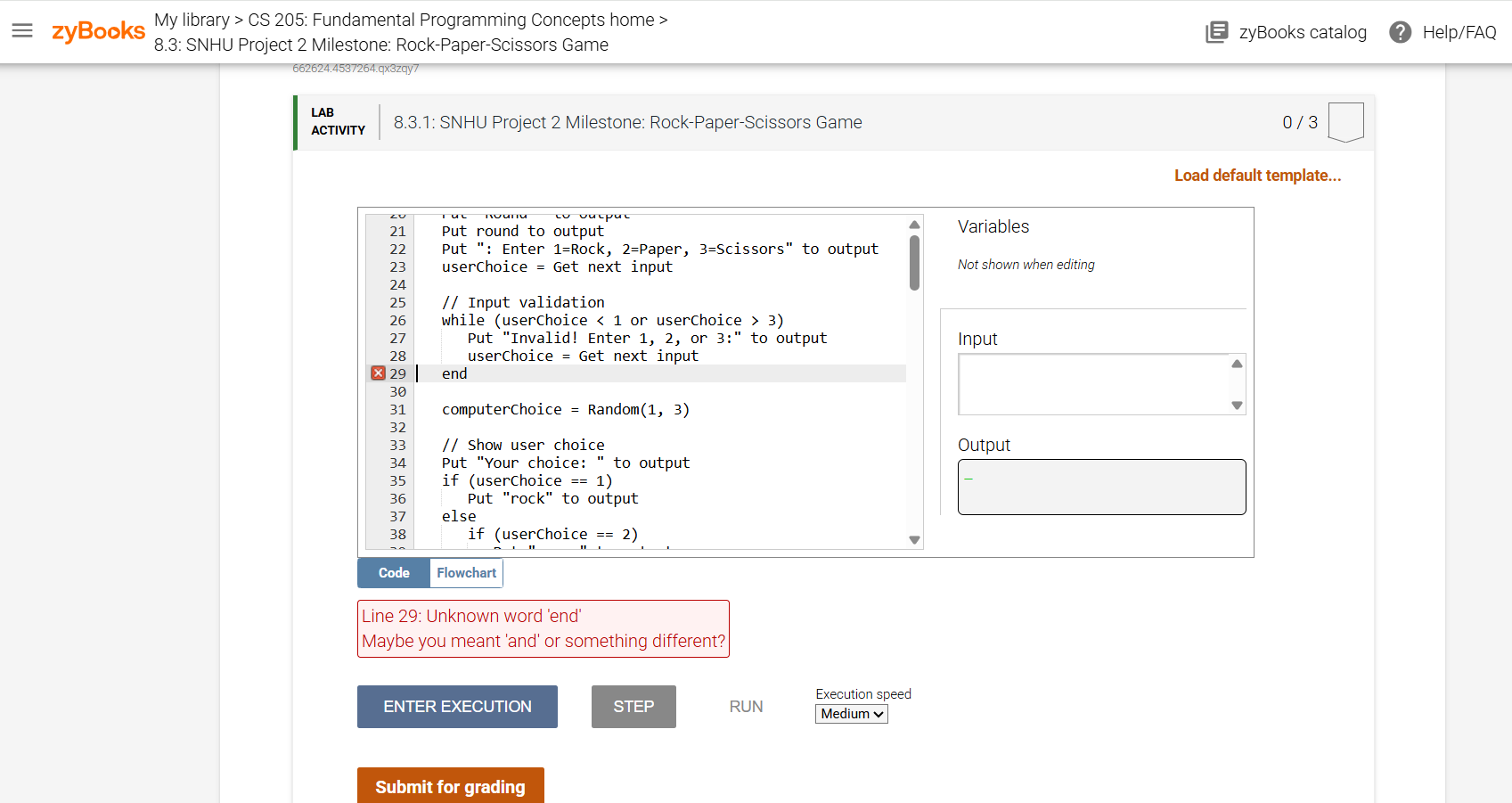
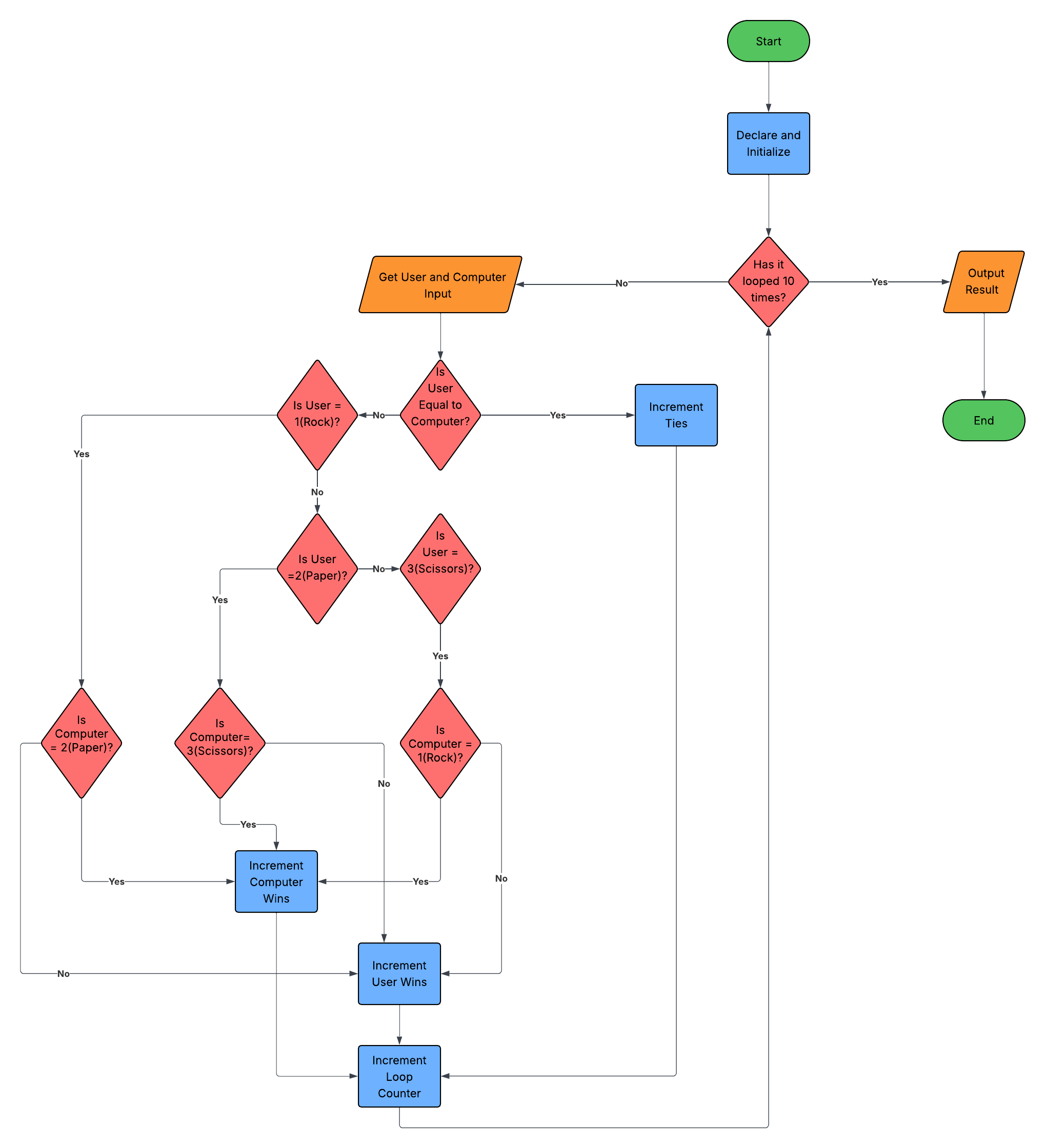
CS 205 Project Two Milestone Guidelines and Rubric Overview This milestone will help prepare you for Project Two. You will begin your work with the following scenario in mind: Congratulations! Your flowchart and pseudocode design have been accepted! You are applying for a position as a software developer, and the company would now like you to move to the next round of code design. Remember, the company gave you three different possible programming challenges: 1. Cracked Egg Game: There are a dozen eggs in a basket; some are hard boiled and some are raw. The object of this game is for the user to guess the number of hard-boiled eggs prior to playing the game. The computer then simulates cracking all 12 eggs, using a random number 0 or | to simulate raw or hard boiled. The number 0 should represent raw eggs and the number | should represent hard boiled. The computer must keep track of the number of hard-boiled eggs. At the conclusion of cracking all 12 eggs, the actual number of hard boiled is compared to the user's guess, and whether the user won or lost is given as output. 2. Spaceship Race Game: There are two spaceships racing across the galaxies toward a distant star. The spaceships make progress by getting a "boost," or a value between 0 and 10. The first spaceship to reach the distant star wins. The distance of the star the spaceships are racing toward is provided as input by the user (a value between 25 and 100). The boost value is determined from the computer generating a random number between 0 and 10. The object is to have the spaceships race, and then as soon as one spaceship reaches the destination, which spaceship won or if there was a tie is provided as output. 3. Rock-Paper-Scissors Game: This is a game of chance normally played between two people. Similar to flipping a coin or drawing straws, it can be used as a method for determining a random winner. The rules of the game require that each player forms one of three shapes with their hand at the same time. The shapes are as follows: e Rock, which is represented by a closed fist, will beat scissors because rock can crush scissors. o Paper, which is represented by a flat hand, will beat rock because paper can cover rocks. o Scissors, which are represented by the index and middle fingers forming a V, will beat paper because scissors can cut through paper. In the computer version of this game, the user will play against the computer. The human user will choose rock, paper, or scissors, and the computer will also randomly choose rock, paper, or scissors. Use the integer value | to represent rock, 2 to represent paper, and 3 to represent scissors. The human user will input 1, 2, or 3. The computer will then choose a random number between | and 3. Based on the rules of the game, the computer will give output to show whether the user or the computer wins the game, or if it is a tie. The user will play 10 games and, at the conclusion of those 10 games, the computer will output the number of times the user won, the computer won, as well as the number of tied games. You will now begin to write a Coral program to demonstrate your programming skills. Use the flowchart and pseudocode you designed in Project One as a basis for the code you will create. This will reflect the logic you will implement in your program. Prompt The goal of this milestone is to use Coral to program one of the loops you will need for your finalized program in Project Two. This will help you define the logic, flow, and sequence of the game. For this work, you will write code in Coral for your selected programming game by accessing the activity in the zyBook. Note that links for each are provided in the Scenario section. The work you complete will be based on your flowchart and pseudocode designs from Project One. Be sure to refer to any feedback you received for Project One prior to beginning coding in Coral. Specifically, you must address the following rubric criteria: Determine the variables and relevant data types of each variable. Consider the necessary variables required to implement the logic of your game, as well as the relevant data type (.g., integer or float) of each variable. Consider your inputs and outputs for the program as you work. Initialize the variables using appropriate data values. Where necessary, assign an initial value to each variable. Note that variables that obtain an initial value from user input do not require initializing. For example, before you start simulating any of the games, there should be zero wins and losses. * Seta branch that uses conditionals to define the logic of the game. This must meet the requirements of the program. This includes using the following: o IF o IF-ELSE o IF-ELSE-IF Statements must also use the appropriate relational operators, which are as follows: o == (equals) o !=(not equal) o (greater than) o = (greater than or equal) Create one loop to define the logic, flow, and sequence of the game. This must meet the requirements of the program. Reference the Brief Tutorial on Coral, linked in this week's Resources section, for a reminder of how to create loops in Coral. Use a WHILE or FOR loop and the appropriate relational operators (==, !=, , =). Avoid infinite loops by ensuring the loop has an exit condition using the appropriate relational operator. eo Cracked Egg Game: Write code that will determine if one egg is hard boiled or raw. o Spaceship Race: Write code that will apply a \"boost\" value to one spaceship in the race toward the distant star. o Rock-Paper-Scissors: Write code that will play the game once. Apply necessary arithmetic operations. Note that mathematical operators include +, -, *, /, and % (modulo). This must meet the requirements of the program. For example, in each of the games, you will want to keep track of wins and losses. o Cracked Egg Game: Keep track of whether the hard-boiled egg or raw egg was chosen. o Spaceship Race: Keep track of the distance traveled in the first round. eo Rock-Paper-Scissors: Keep track of the player who won the first round in the Rock-Paper-Scissors game. Write code using best practices including appropriate syntax and commenting. This includes the following: o Using descriptive names for your variables o Using the correct formatting structure with appropriate indentations o Using appropriate comments relating to your code What to Submit Follow the directions in the zyBook to save your code as you work. Once complete, copy your code from the zyBook into a plain text file; this will include the TXT tag at the end of its file name. Remember to use one of the plain text application options offered in Module One of your course. This will help ensure that none of your code's formatting gets shifted during the copying process. Once you have completed the TXT file, submit it for grading. Project Two Milestone Rubric criteria Pees Meets Expectations Partially Meets Does Not Meet Value (85%) Expectations (55%) | Expectations (0%) (100%) Variables Exceeds Determines the Shows progress Does not attempt 10 expectations inan | variables and toward meeting criterion exceptionally clear, | relevant datatypes | expectations, but insightful, of each variable with errors or sophisticated, or creative manner Exceeds expectations in an exceptionally clear, insightful, sophisticated, or creative manner Exceeds expectations in an exceptionally clear, insightful, sophisticated, or creative manner Arithmetic Operations Exceeds expectations in an exceptionally clear, insightful, sophisticated, or creative manner Exceeds expectations in an exceptionally clear, insightful, sophisticated, or creative manner Best Practices Sets a branch that uses conditionals to define the logic of the game Creates one loop to define the logic, flow, and sequence of the game Applies necessary arithmetic operations Writes code using best practices including. appropriate syntax and commenting omissions; areas for improvement may include declaring all variables or using correct data types, such as integer or float Shows progress toward meeting expectations, but with errors or omissions; areas for improvement may include using correct relational operators to definea conditional statement Shows progress toward meeting expectations, but with errors or omissions; areas for improvement may include using an appropriate loop or correctly establishing the condition of a loop to terminate Shows progress. toward meeting expectations, but with errors or omissions; areas for improvement may include using the correct operators, such as / versus % (modulo) Shows progress toward meeting expectations, but with errors or omissions; areas for improvement may include choosing descriptive variable names (e.g., \"wins\" instead of \"w"), using the correct formatting structure with appropriate indentations, or using appropriate comments relating to the code Does not attempt criterion Does not attempt criterion Does not attempt criterion Does not attempt criterion 25 25 15 10 Total: 100% Rock-Paper-Scissors Pseudocode 1. BEGIN 2. Initialize variables: SET user Wins = 0 SET computer Wins = 0 SET ties = 0 3. FOR round = 1 TO 10 DO a. PRINT 'Round ' + round + ': Enter 1=Rock, 2=Paper, 3=Scissors' b. GET userChoice c. WHILE userChoice 3 DO i. PRINT 'Invalid! Enter 1, 2, or 3:' ii. GET userChoice d. SET computerChoice = RANDOM(1, 3) e. PRINT 'You chose: ' + userChoice f. PRINT 'Computer chose: ' + computerChoice g. IF userChoice = computerChoice THEN i. PRINT 'Tie!' ii. ties = ties + 1 h. ELSE i. IF (userChoice == 1 AND computerChoice == 3) OR (userChoice = 2 AND computerChoice == 1) OR (userChoice = 3 AND computerChoice == 2) THEN A. PRINT 'You win!' B. user Wins = user Wins + 1 ii. ELSE A. PRINT 'Computer wins!' B. computer Wins = computer Wins + 1 4. END FOR 5. PRINT '== RESULTS === 6. PRINT 'User wins: ' + user Wins 7. PRINT 'Computer wins: ' + computer Wins 8. PRINT 'Ties: ' + ties 9. END= zyBooks My library > CS 205: Fundamental Programming Concepts home > zyBooks catalog ? Help/FAQ 8.3: SNHU Project 2 Milestone: Rock-Paper-Scissors Game 662624.4537264.qx3zqy7 LAB 8.3.1: SNHU Project 2 Milestone: Rock-Paper-Scissors Game 0/3 ACTIVITY Load default template... 21 Put round to output Variables 22 Put ": Enter 1=Rock, 2=Paper, 3=Scissors" to output 23 userChoice = Get next input Not shown when editing 24 25 // Input validation 26 while (userChoice 3) 27 Put "Invalid! Enter 1, 2, or 3:" to output Input 28 userChoice = Get next input X 29 end 30 31 computerChoice = Random(1, 3) 32 33 // Show user choice Output 34 Put "Your choice: " to output 35 if (userChoice = = 1) 36 Put "rock" to output 37 else 38 if (userChoice == 2) Code Flowchart Line 29: Unknown word 'end' Maybe you meant 'and' or something different? Execution speed ENTER EXECUTION STEP RUN Medium v Submit for gradingStart Declare and Initialize Has it Get User and Computer looped 10 -Yes Output Input times? Result Use Is User Equal to Increment Computer? Yes 1(Rock)? Ties End 10 Is Is User User = =2(Paper)? No - 3(Scissors) Yes Yes Is Computer Is Is = 2(Paper) Computer= 3(Scissors)? Computer : 1(Rock)? No ncrement VAS Computer No Wins -No- Increment User Wins Increment Loop Counter
Step by Step Solution
There are 3 Steps involved in it
1 Expert Approved Answer
Step: 1 Unlock
To resolve the issue and complete the RockPaperScissors game in Coral follow the steps below and address any concerns about syntax errors such as the ... View full answer
Question Has Been Solved by an Expert!
Get step-by-step solutions from verified subject matter experts
Step: 2 Unlock
Step: 3 Unlock
Students Have Also Explored These Related Accounting Questions!









 Study Help