







Question: For this assignment, I recommend that you start with existing code (e.g., the sugar content code) and modify it. For this assignment you will write
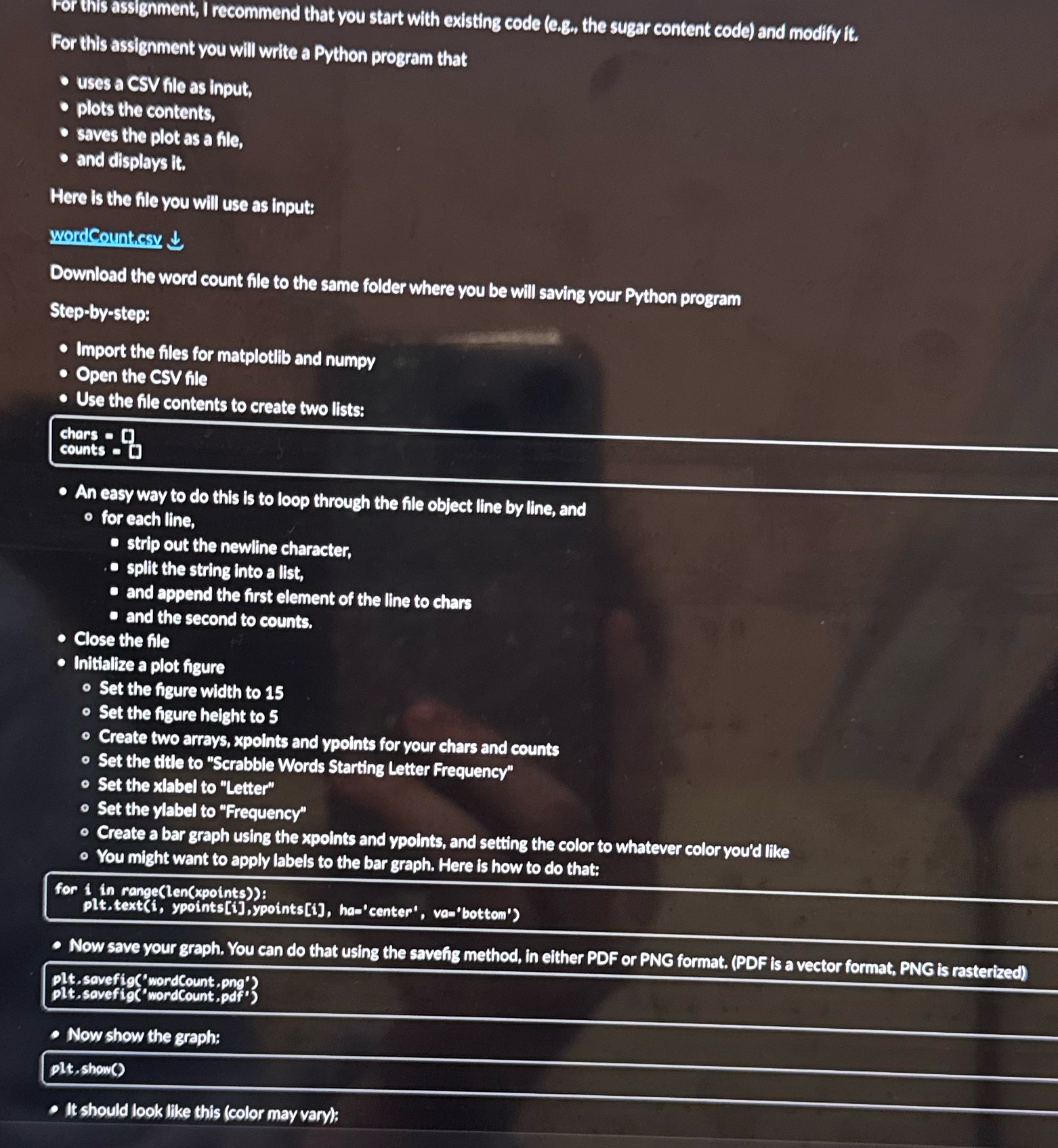 For this assignment, I recommend that you start with existing code (e.g., the sugar content code) and modify it. For this assignment you will write a Python program that . uses a CSV file as input, . plots the contents, . saves the plot as a file, . and displays it. Here is the file you will use as input: wordCount.csy.
 Step by Step Solution
There are 3 Steps involved in it
1 Expert Approved Answer
Step: 1 Unlock

Question Has Been Solved by an Expert!
Get step-by-step solutions from verified subject matter experts
Step: 2 Unlock
Step: 3 Unlock
 Study Help