







Question: For this exam, you will create a workbook for a candy company that includes an inventory list, and invoice form. You will use a VLOOKUP
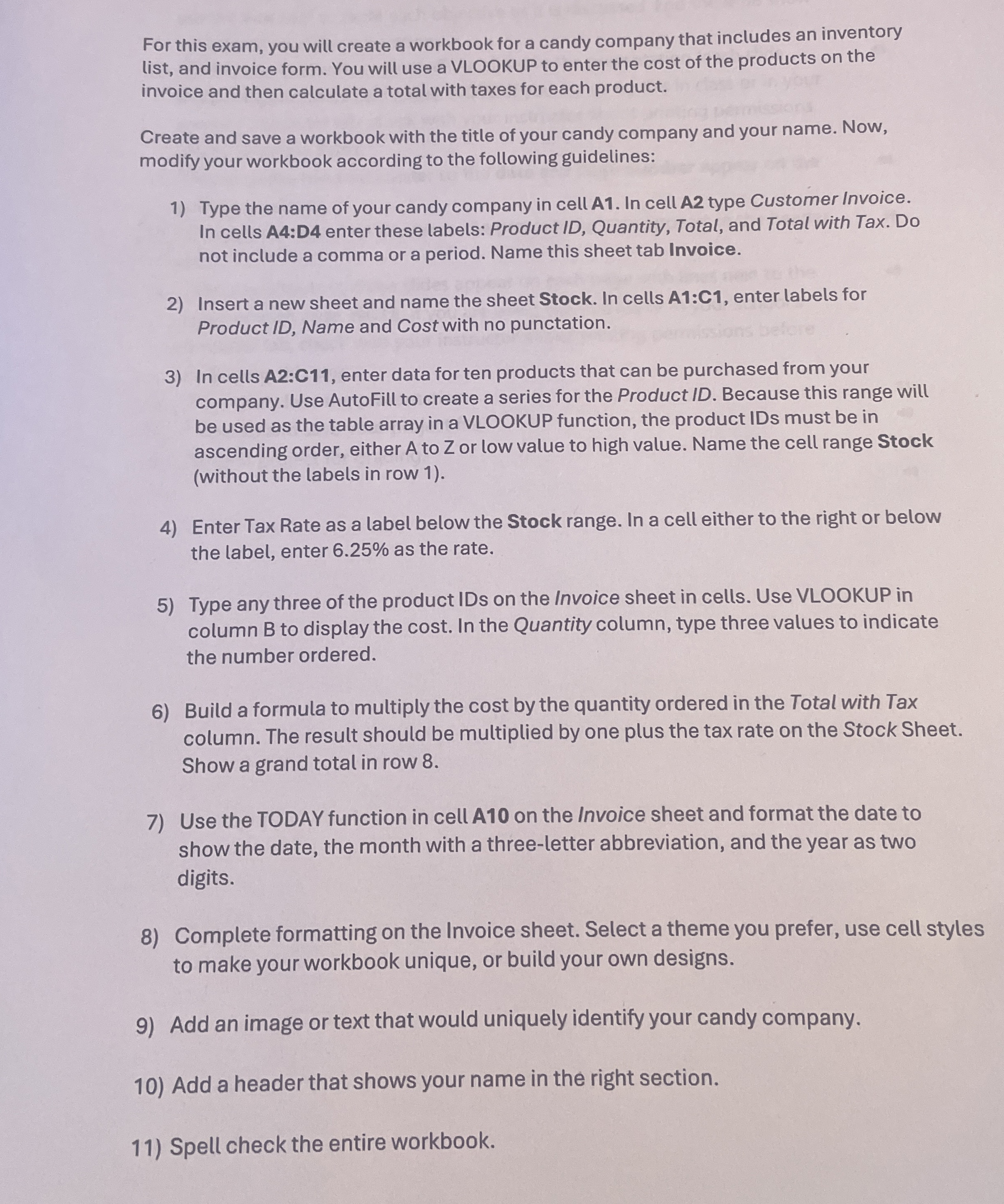
For this exam, you will create a workbook for a candy company that includes an inventory list, and invoice form. You will use a VLOOKUP to enter the cost of the products on the invoice and then calculate a total with taxes for each product.
Create and save a workbook with the title of your candy company and your name. Now, modify your workbook according to the following guidelines:
Type the name of your candy company in cell A In cell A type Customer Invoice. In cells A:D enter these labels: Product ID Quantity, Total, and Total with Tax. Do not include a comma or a period. Name this sheet tab Invoice.
Insert a new sheet and name the sheet Stock. In cells A:C enter labels for Product ID Name and Cost with no punctation.
In cells A:C enter data for ten products that can be purchased from your company. Use AutoFill to create a series for the Product ID Because this range will be used as the table array in a VLOOKUP function, the product IDs must be in ascending order, either to or low value to high value. Name the cell range Stock without the labels in row
Enter Tax Rate as a label below the Stock range. In a cell either to the right or below the label, enter as the rate.
Type any three of the product IDs on the Invoice sheet in cells. Use VLOOKUP in column B to display the cost. In the Quantity column, type three values to indicate the number ordered.
Build a formula to multiply the cost by the quantity ordered in the Total with Tax column. The result should be multiplied by one plus the tax rate on the Stock Sheet. Show a grand total in row
Use the TODAY function in cell A on the Invoice sheet and format the date to show the date, the month with a threeletter abbreviation, and the year as two digits.
Complete formatting on the Invoice sheet. Select a theme you prefer, use cell styles to make your workbook unique, or build your own designs.
Add an image or text that would uniquely identify your candy company.
Add a header that shows your name in the right section.
Spell check the entire workbook.
Step by Step Solution
There are 3 Steps involved in it
1 Expert Approved Answer
Step: 1 Unlock

Question Has Been Solved by an Expert!
Get step-by-step solutions from verified subject matter experts
Step: 2 Unlock
Step: 3 Unlock
 Study Help