







Question: ^Item (question 2) ^PC (question 1) customer^ (question 3) order_line^ (question 4) Capture the output of these queries and upload your output screenshot. Run as
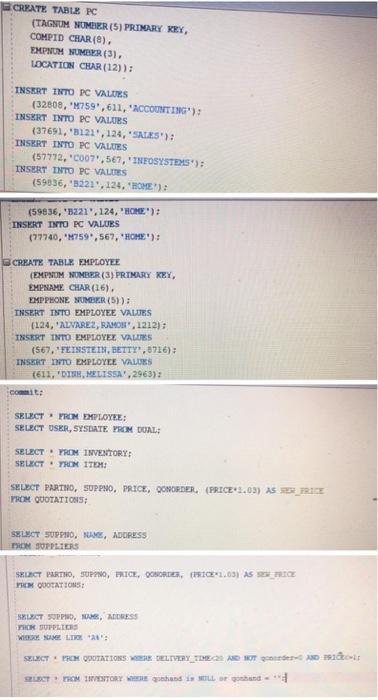
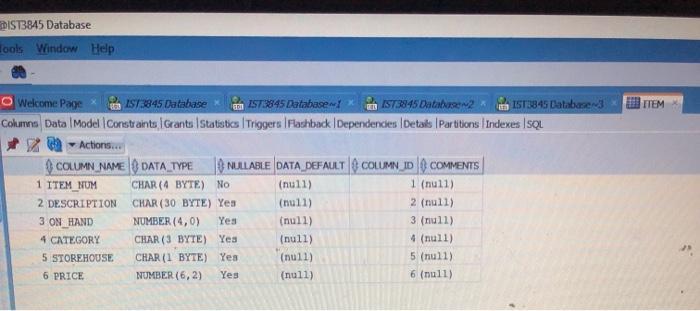
^Item (question 2)
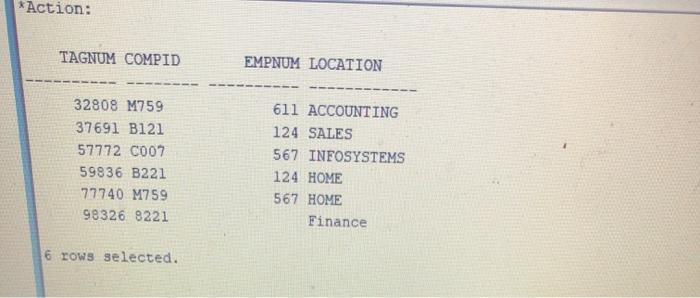
^PC (question 1)
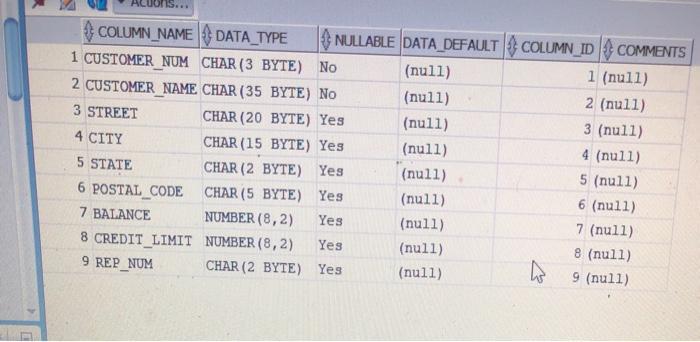
customer^ (question 3)
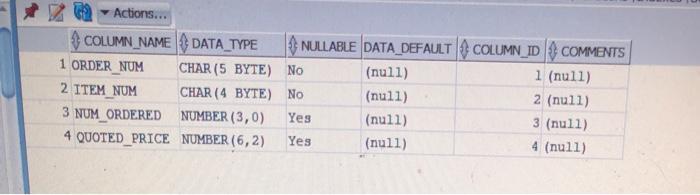
order_line^ (question 4)
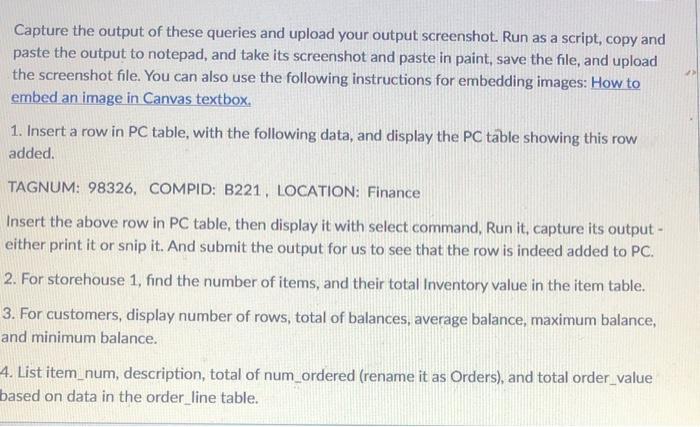
Capture the output of these queries and upload your output screenshot. Run as a script, copy and paste the output to notepad, and take its screenshot and paste in paint, save the file, and upload the screenshot file. You can also use the following instructions for embedding images: How to embed an image in Canvas textbox. 1. Insert a row in PC table, with the following data, and display the PC table showing this row added. TAGNUM: 98326, COMPID: B221, LOCATION: Finance Insert the above row in PC table, then display it with select command, Run it, capture its output - either print it or snip it. And submit the output for us to see that the row is indeed added to PC. 2. For storehouse 1, find the number of items, and their total Inventory value in the item table. 3. For customers, display number of rows, total of balances, average balance, maximum balance, and minimum balance. 4. List item_num, description, total of num_ordered (rename it as Orders), and total order value based on data in the order line table.
Step by Step Solution
3.44 Rating (154 Votes )
There are 3 Steps involved in it
1 Insert a row PC table with the following data and display the PC table showing this ro... View full answer

Get step-by-step solutions from verified subject matter experts
 Study Help