







Question: In Java Please place SCREENSHOTS of output, a brief summary, and descriptions. ASSESSMENT You will be assessed for your competence in programming and writing effective
In Java
Please place SCREENSHOTS of output, a brief summary, and descriptions.
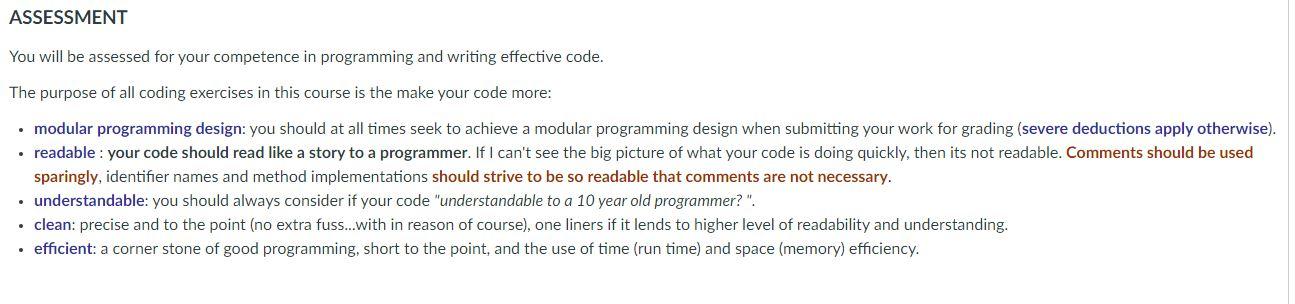
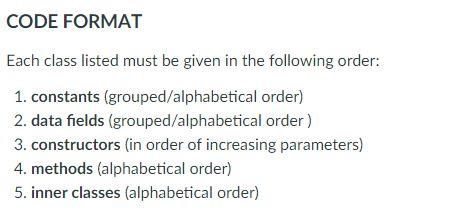
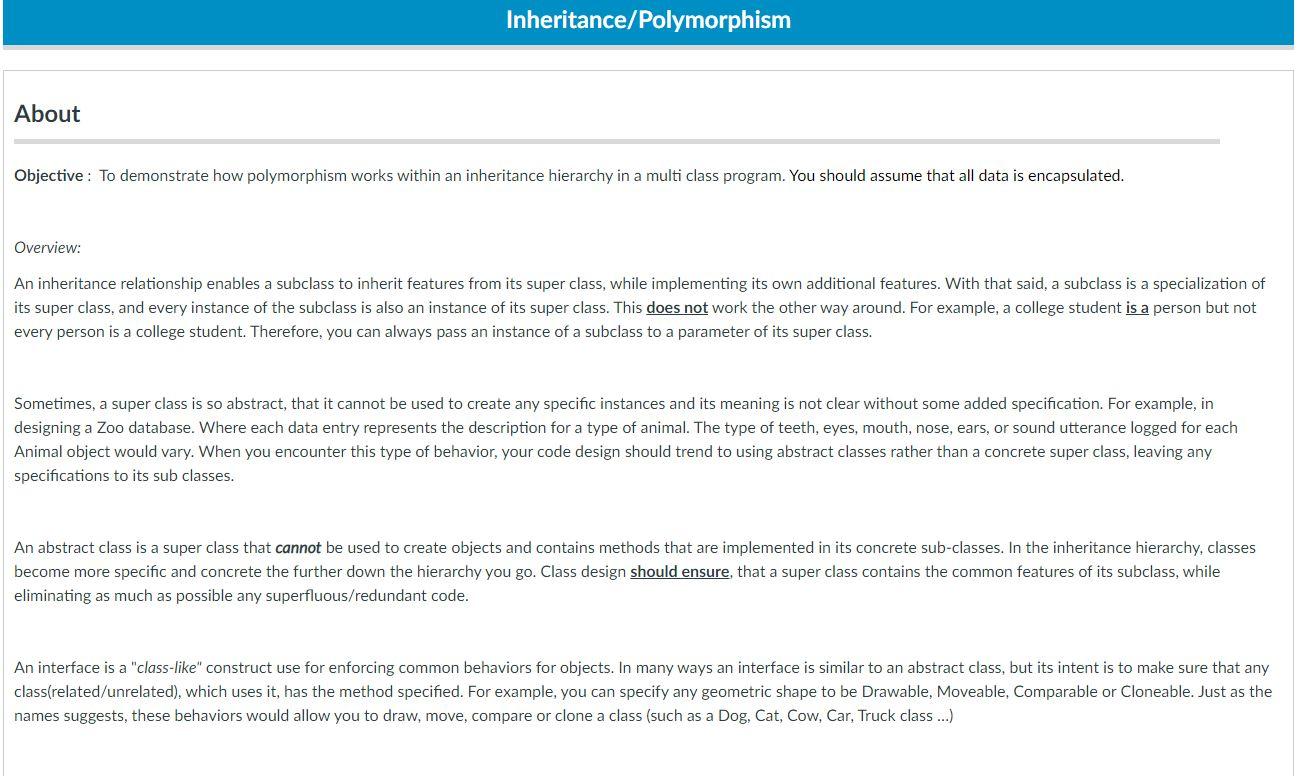
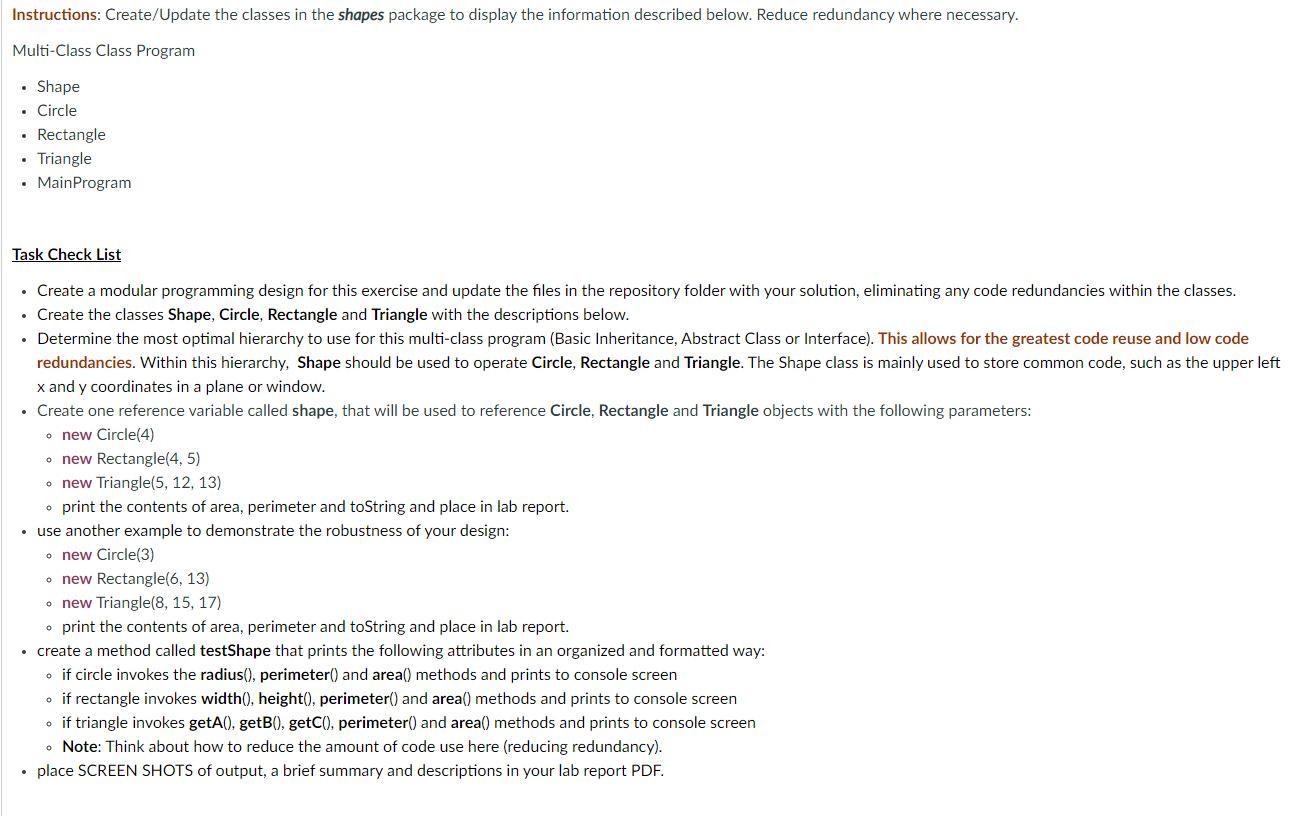
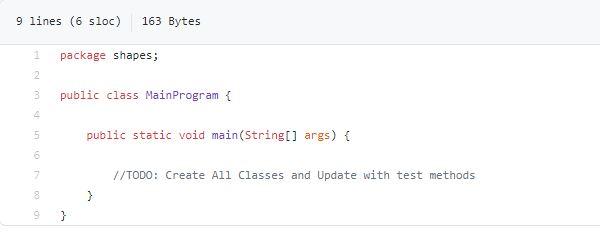
ASSESSMENT You will be assessed for your competence in programming and writing effective code. The purpose of all coding exercises in this course is the make your code more: modular programming design: you should at all times seek to achieve a modular programming design when submitting your work for grading (severe deductions apply otherwise). readable : your code should read like a story to a programmer. If I can't see the big picture of what your code is doing quickly, then its not readable. Comments should be used sparingly, identifier names and method implementations should strive to be so readable that comments are not necessary. understandable: you should always consider if your code "understandable to a 10 year old programmer?". clean: precise and to the point (no extra fuss...with in reason of course), one liners if it lends to higher level of readability and understanding. efficient: a corner stone of good programming, short to the point, and the use of time (run time) and space (memory) efficiency. CODE FORMAT Each class listed must be given in the following order: 1. constants (grouped/alphabetical order) 2. data fields (grouped/alphabetical order) 3. constructors in order of increasing parameters) 4. methods (alphabetical order) 5. inner classes (alphabetical order) Inheritance/Polymorphism About Objective: To demonstrate how polymorphism works within an inheritance hierarchy in a multi class program. You should assume that all data is encapsulated. Overview: An inheritance relationship enables a subclass to inherit features from its super class, while implementing its own additional features. With that said, a subclass is a specialization of its super class, and every instance of the subclass is also an instance of its super class. This does not work the other way around. For example, a college student is a person but not every person is a college student. Therefore, you can always pass an instance of a subclass to a parameter of its super class. Sometimes, a super class is so abstract, that it cannot be used to create any specific instances and its meaning is not clear without some added specification. For example, in designing a Zoo database. Where each data entry represents the description for a type of animal. The type of teeth, eyes, mouth, nose, ears, or sound utterance logged for each Animal object would vary. When you encounter this type of behavior, your code design should trend to using abstract classes rather than a concrete super class, leaving any specifications to its sub classes. An abstract class is a super class that cannot be used to create objects and contains methods that are implemented in its concrete sub-classes. In the inheritance hierarchy, classes become more specific and concrete the further down the hierarchy you go. Class design should ensure that a super class contains the common features of its subclass, while eliminating as much as possible any superfluous/redundant code. An interface is a "class-like" construct use for enforcing common behaviors for objects. In many ways an interface is similar to an abstract class, but its intent is to make sure that any class(related/unrelated), which uses it, has the method specified. For example, you can specify any geometric shape to be Drawable, Moveable, Comparable or Cloneable. Just as the names suggests, these behaviors would allow you to draw, move, compare or clone a class (such as a Dog, Cat, Cow, Car, Truck class ...) Instructions: Create/Update the classes in the shapes package to display the information described below. Reduce redundancy where necessary. Multi-Class Class Program Shape Circle Rectangle Triangle Main Program Task Check List Create a modular programming design for this exercise and update the files in the repository folder with your solution, eliminating any code redundancies within the classes. Create the classes Shape, Circle, Rectangle and Triangle with the descriptions below. Determine the most optimal hierarchy to use for this multi-class program (Basic Inheritance, Abstract Class or Interface). This allows for the greatest code reuse and low code redundancies. Within this hierarchy, Shape should be used to operate Circle, Rectangle and Triangle. The Shape class is mainly used to store common code, such as the upper left x and y coordinates in a plane or window. Create one reference variable called shape, that will be used to reference Circle, Rectangle and Triangle objects with the following parameters: o new Circle(4) o new Rectangle(4, 5) o new Triangle(5, 12, 13) o print the contents of area, perimeter and toString and place in lab report. use another example to demonstrate the robustness of your design: o new Circle(3) o new Rectangle(6, 13) o new Triangle(8, 15, 17) o print the contents of area, perimeter and toString and place in lab report. create a method called testShape that prints the following attributes in an organized and formatted way: . if circle invokes the radius(), perimeter() and area() methods and prints to console screen . if rectangle invokes width(), height(), perimeter() and area() methods and prints to console screen . if triangle invokes getA().getB(), getC(), perimeter() and area() methods and prints to console screen . Note: Think about how to reduce the amount of code use here (reducing redundancy). place SCREEN SHOTS of output, a brief summary and descriptions in your lab report PDF. 9 lines (6 sloc) 163 Bytes 1 package shapes; 2 public class MainProgram { 4 5 public static void main(String[] args) { 7 //TODO: Create All Classes and Update with test methods 100 }
Step by Step Solution
There are 3 Steps involved in it

Get step-by-step solutions from verified subject matter experts
 Study Help