







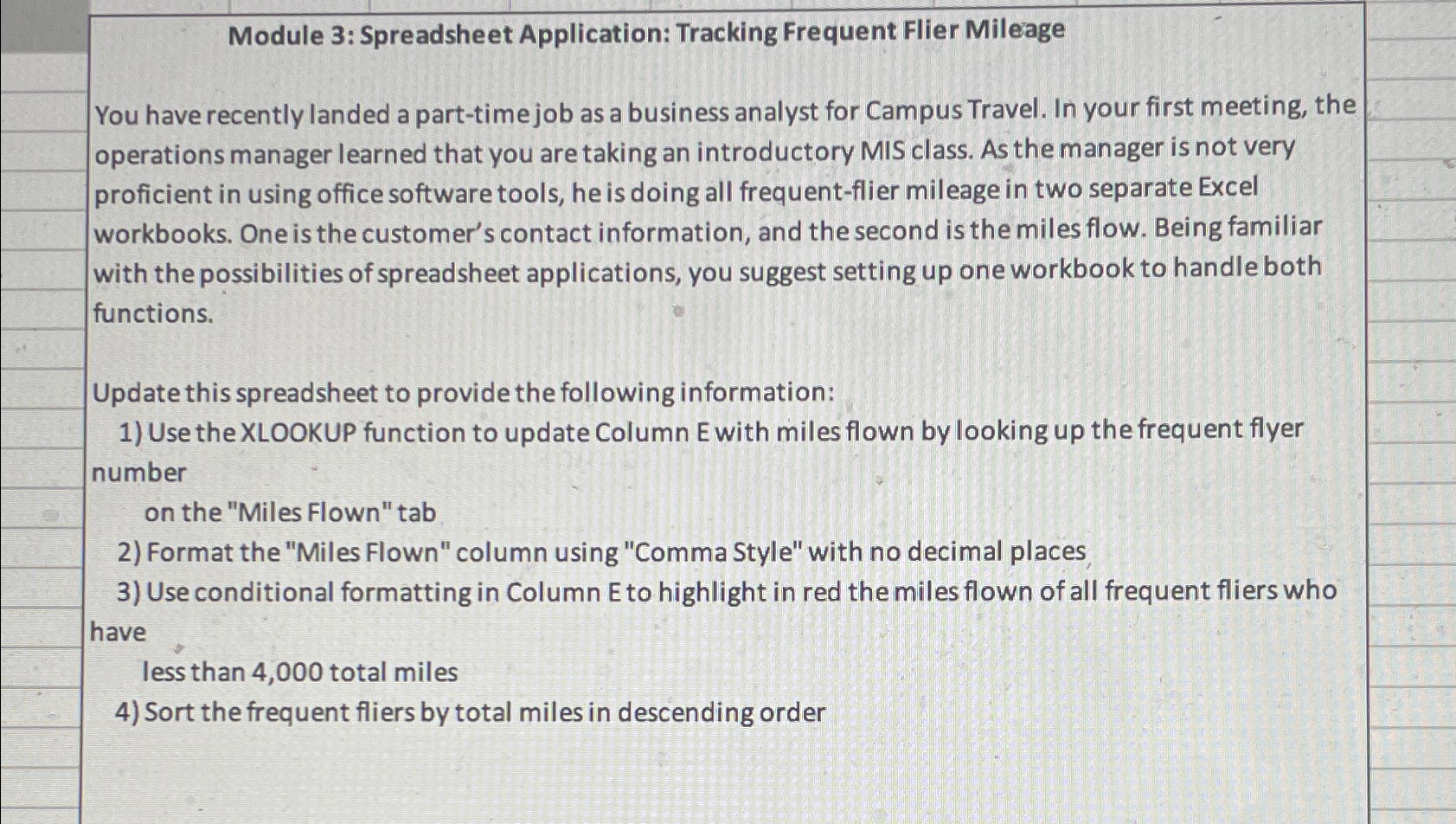
Question: Module 3 : Spreadsheet Application: Tracking Frequent Flier Mileage You have recently landed a part - time job as a business analyst for Campus Travel.
Module : Spreadsheet Application: Tracking Frequent Flier Mileage
You have recently landed a parttime job as a business analyst for Campus Travel. In your first meeting, the operations manager learned that you are taking an introductory MIS class. As the manager is not very proficient in using office software tools, he is doing all frequentflier mileage in two separate Excel workbooks. One is the customer's contact information, and the second is the miles flow. Being familiar with the possibilities of spreadsheet applications, you suggest setting up one workbook to handle both functions.
Update this spreadsheet to provide the following information:
Use the XLOOKUP function to update Column E with miles flown by looking up the frequent flyer number
on the "Miles Flown" tab
Format the "Miles Flown" column using "Comma Style" with no decimal places,
Use conditional formatting in Column E to highlight in red the miles flown of all frequent fliers who have
less than total miles
Sort the frequent fliers by total miles in descending order
Step by Step Solution
There are 3 Steps involved in it
1 Expert Approved Answer
Step: 1 Unlock

To accomplish the tasks outlined in the spreadsheet follow these steps Step 1 Use the XLOOKUP Functi... View full answer
Question Has Been Solved by an Expert!
Get step-by-step solutions from verified subject matter experts
Step: 2 Unlock
Step: 3 Unlock
 Study Help