







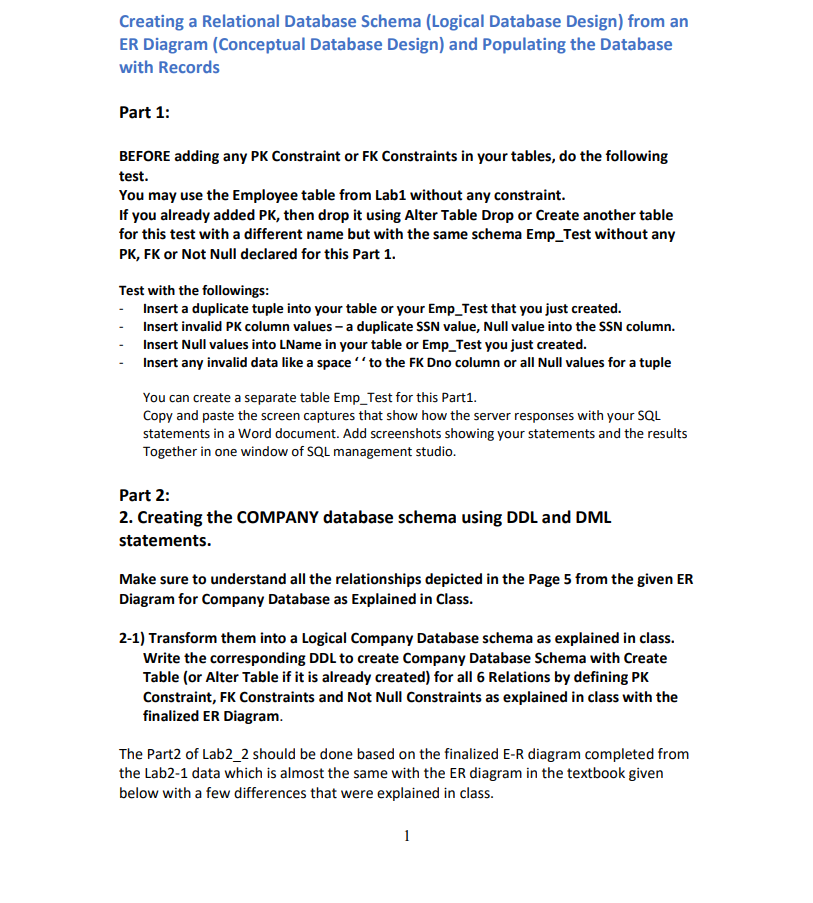
Question: Please complete the following Together in one window of SQL management studio. Part 2 : Creating the COMPANY database schema using DDL and DML statements.
Please complete the following
Together in one window of SQL management studio.
Part :
Creating the COMPANY database schema using DDL and DML
statements.
Make sure to understand all the relationships depicted in the Page from the given ER
Diagram for Company Database as Explained in Class.
Transform them into a Logical Company Database schema as explained in class.
Write the corresponding DDL to create Company Database Schema with Create
Table or Alter Table if it is already created for all Relations by defining PK
Constraint, FK Constraints and Not Null Constraints as explained in class with the
finalized ER Diagram.
The Part of Lab should be done based on the finalized ER diagram completed from
the Lab data which is almost the same with the ER diagram in the textbook given
below with a few differences that were explained in class. avoid the misinterpretation, the finalized correct transiormed database scheme from the ER diagram is given in the Figure in Page and Page in this Lab specification below.
The DDLs for Lab should be done based on the finalized correct transformed scheme that is given in the page and in the Lab Your FK Constraints for Lab should be based on all the relationships identified from the ER Diagram that are illustrated in the page and the scheme and records are given in the page in this Lab specification.
The Finalized Correct Database Scheme and the records database state to be Inserted for the Company database is given in the last page Page of this Lab and in the Lab section of the class webpage.
You have to create a database scheme precisely with the given Meta data information Table names, Column Names as in the given picture in Page
Make sure to insert all four tuples into Department tables as given.
Delete all the invalid data you inserted in the Part first before starting this main Part or you can create fresh new Tables in a new Company database with a slightly different Company database name combined with your name.
The typical SQL commands DDL to look up for this lab are as follow:
Create Database...;
Drop Database ;
Use databasename;
Delete table...;
Drop table Employee;
Create table Employee ;
ALTER TABLE EMPLOYEE ADD COLUMN...
ALTER TABLE EMPLOYEE ADD CONSTRAINT...
ALTER TABLE EMPLOYEE DROP COLUMN...;
ALTER TABLE EMPLOYEE DROP CONSTRAINT...;
ALTER TABLE EMPLOYEE ALTER COLUMN...;
Select From Employee;
Populating the COMPANY database using SQL DML statements with the given data below. Make sure to insert the exact data set as given.
The typical SQL commands DML to populate a table and show the rows inserted into the table for this task are like the following example.
INSERT INTO EMPLOYEE VALUESJohnB 'Smith', Jan
Fondren, Houston, TXM;
INSERT INTO EMPLOYEE VALUES JamesE 'Borg', Nov
Stone, Houston, TXM NULL, ;
Alter Table Employee
Add Foreign Key Superssn References Employee Ssn;
Select From Employee;
insert into DEPARTMENT values HeadquartersJun;
INSERT INTO DEPENDENT VALUES 'Alice', FDec 'Daughter';
INSERT INTO PROJECT VALUES ProductX 'Bellaire', ;
INSERT INTO WORKSON VALUES ;
ALTER TABLE employee ADD
foreign key superssn references employeessn
foreign key dno references departmentdnumber;
ALTER TABLE department ADD Constraint FKMgrSsnPKSsn
foreign key mgrssn references employeessn
After creating PK constraints, FK Constraints, Not Null constraints in your tables, Test the followings with the same invalid data you inserted in Part
To test a Primary Key Constraint and Entity Integrity Constraint,
Insert a duplicate PK value for example, same SSN into your table Employee
Insert a duplicate tuple.
Insert Null into a PK column.
To test a Not Null Constraint Insert a Null into a NonNull Column in a table
To Test a Referential Integrity Constraint FK Constraint Insert a nonexisting PK value to a corresponding FK column in a table in a relationship
Copy and paste your SQL statements in a Word document and Add screenshots showing your statements and the results TOGETHER in each Window Screenshot.
Visualize the Database Relationships.
Use "Database Diagram" in the left pane or the tab "Database Tools" on the tool bar if your management studio is older than to create a visual representation of the database tables and relationships. Add the figure to your report. Figure Symbols of ER diagrams
Figure
Referential integrity constraints displayed on the COMPANY relational database schema.
EMPLOYEE
EMPLOYEE
DEPARTMENT
DEPENDENT
DEPT LOCATIONS
PROJECT
WORKSON
Step by Step Solution
There are 3 Steps involved in it
1 Expert Approved Answer
Step: 1 Unlock

Question Has Been Solved by an Expert!
Get step-by-step solutions from verified subject matter experts
Step: 2 Unlock
Step: 3 Unlock
 Study Help