







Question: READ ALL THE MANUAL CAREFULLY! HINTS ARE GIVEN! Units, Functions and Plots Background: Matlab has built - in sine and cosine functions. It takes arguments
READ ALL THE MANUAL CAREFULLY! HINTS ARE GIVEN!
Units, Functions and Plots
Background:
Matlab has builtin sine and cosine functions. It takes arguments in radian unit.
radians degrees This is the conversion from degrees to radians
radians degrees degrees
: In this equation represents the input value of the sine function and represents the output value, sine of
xlabel and ylabel functions label the axes. Example: xlabel Radians;
title functions add a title label to your figure. Example: title LASTNAME NAME';
legend function draws a legend on the plot. Example: legendSin 'COS';
Page of
Introduction to Programming Lab Manual
Saving figures as images: In the figure window, click "File Save as and save image in jpg format.
Problem Statement:
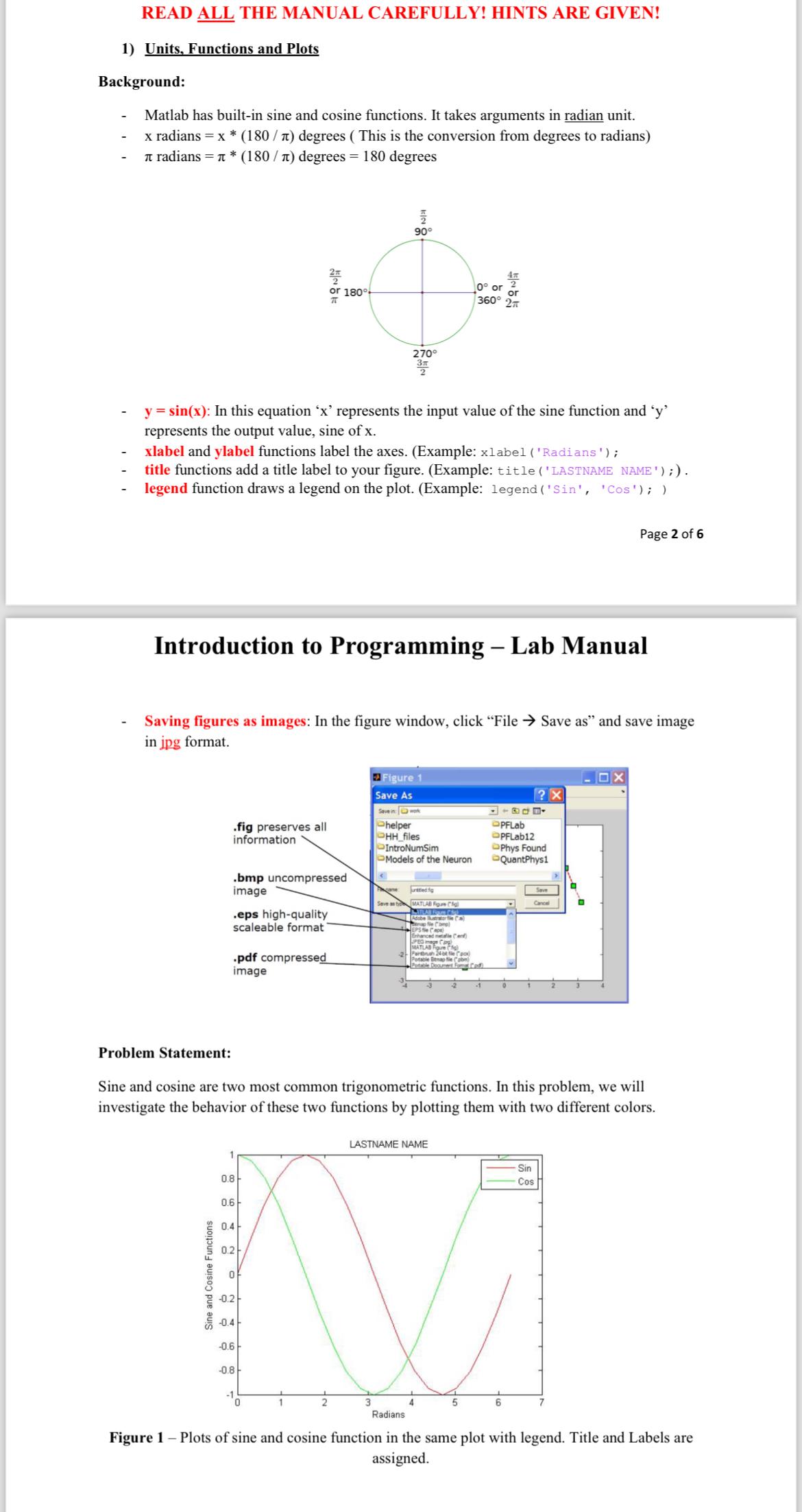
Sine and cosine are two most common trigonometric functions. In this problem, we will investigate the behavior of these two functions by plotting them with two different colors. assigned.
Step by Step Solution
There are 3 Steps involved in it
1 Expert Approved Answer
Step: 1 Unlock

Question Has Been Solved by an Expert!
Get step-by-step solutions from verified subject matter experts
Step: 2 Unlock
Step: 3 Unlock
 Study Help