







Question: Required information The Chapter 14 Form worksheet is to be used to create your own worksheet version of Example E and Exhibit 14-8 in the
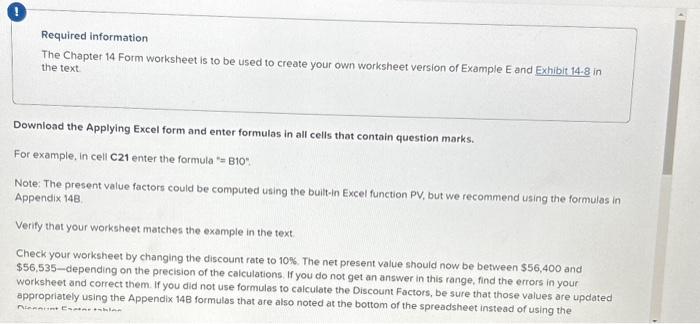
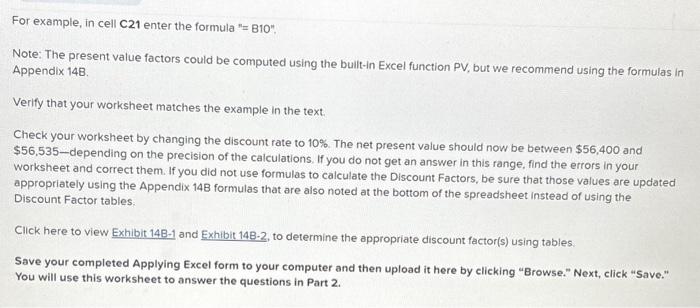
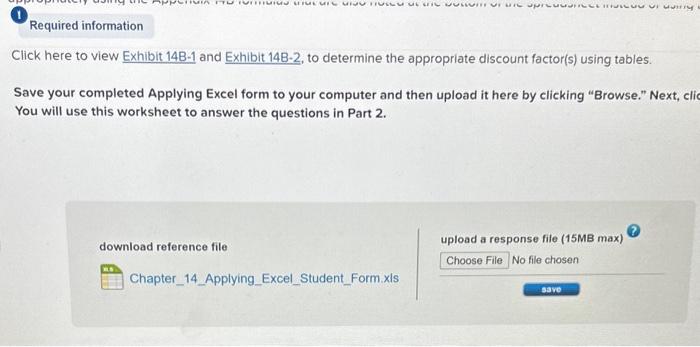
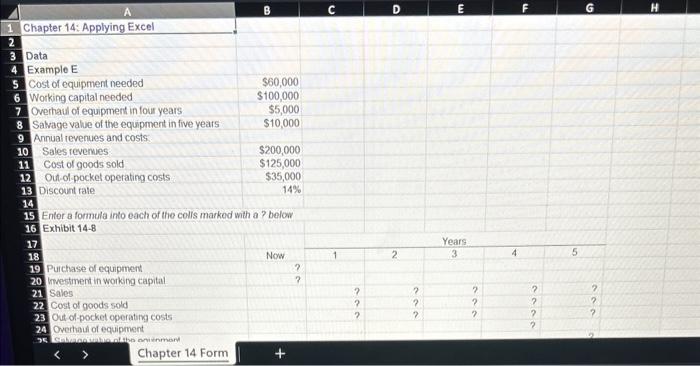
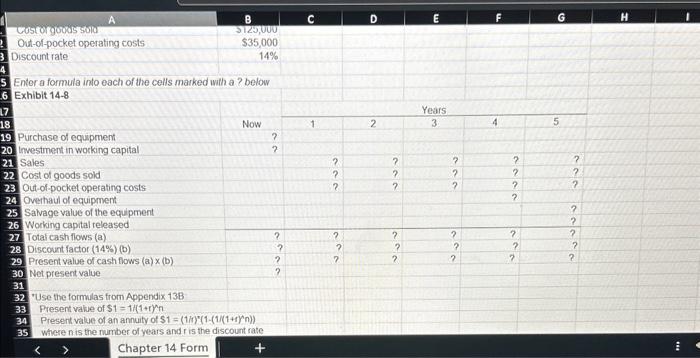
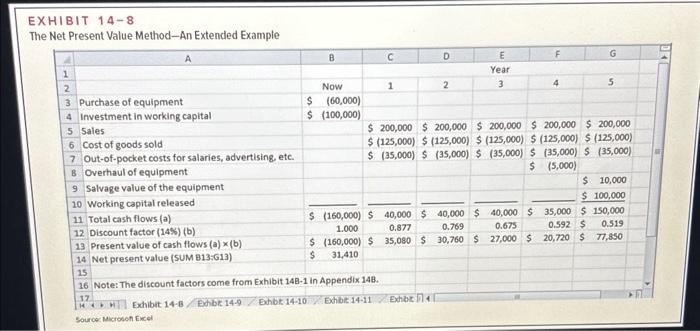
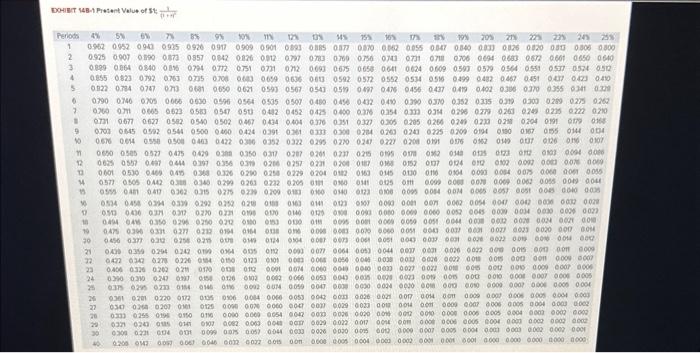
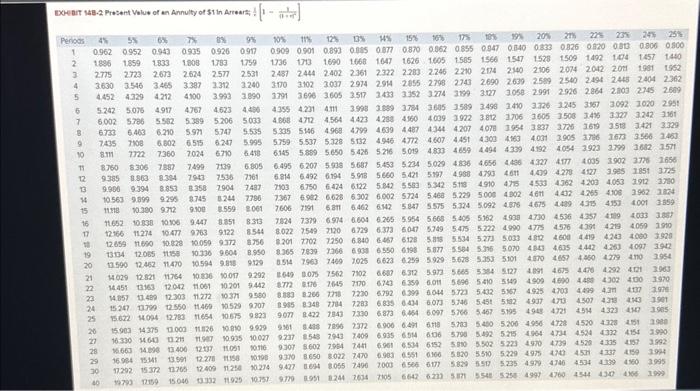
Required information The Chapter 14 Form worksheet is to be used to create your own worksheet version of Example E and Exhibit 14-8 in the text Download the Applying Excel form and enter formulas in all cells that contain question marks. For example, in cell c21 enter the formula =B10 : Note: The present value factors could be computed using the built-in Excel function PV, but we recommend using the formulas in Appendix 148 Verify that your worksheet matches the example in the text. Check your worksheet by changing the discount rate to 10%. The net present value should now be between $56,400 and \$56,535-depending on the precision of the caiculations. If you do not get an answer in this range, find the errors in your worksheet and correct them. If you did not use formulas to calculate the Discount Factors, be sure that those values are updated appropriately using the Appendix 14B formulas that are also noted at the bottom of the spreadsheet instead of using the For example, in cell c21 enter the formula "= B10", Note: The present value factors could be computed using the built-in Excel function PV, but we recommend using the formulas in Appendix 148 Verify that your worksheet matches the example in the text. Check your worksheet by changing the discount rate to 10%. The net present value should now be between $56,400 and $56,535-depending on the precision of the calculations. If you do not get an answer in this range, find the errors in your worksheet and correct them. If you did not use formulas to calculate the Discount Factors, be sure that those values are updated appropriately using the Appendix 14B formulas that are also noted at the bottom of the spreadsheet instead of using the Discount Factor tables. Click here to view Exhibit 14B1 and Exhibit 14B-2, to determine the appropriate discount factor(s) using tables. Save your completed Applying Excel form to your computer and then upload it here by clicking "Browse." Next, click "Save." You will use this worksheet to answer the questions in Part 2. Click here to view Exhibit 14B1 and Exhibit 14B-2, to determine the appropriate discount factor(s) using tables. Save your completed Applying Excel form to your computer and then upload it here by clicking "Browse." Next, cli You will use this worksheet to answer the questions in Part 2. upload a response file (15MB max) Enter a formula into each of the colls markod with a? below Exhibit 148 \begin{tabular}{|l|r|} \hline \multicolumn{1}{|c|}{ A } & \multicolumn{1}{|c|}{ B } \\ \hline Costorgootes sold & Si2,000 \\ \hline Out-of-pocket operating costs & $35,000 \\ \hline Discount rate & 14% \\ \hline \end{tabular} Enter a formula into each of the cells marked with a ? below Exhibit 14-8 32. "Use the formulas from Appendix 138 Present valie of $1=1(1+1)2n Present value of an annuity of $1=(1/)2(1(1)(1+1))nn)) Where n is the number of years and is the discount rate EXHIBIT 148 The Net Present Value Method-An Extended Example DOHInT 448-4 Pitient Vulue of \$4 4++41
Step by Step Solution
There are 3 Steps involved in it

Get step-by-step solutions from verified subject matter experts
 Study Help