



Question: to the spreadsheet. of a cell to the date format so that it displays correctly, but underneath every date is a number. Let's practice and
to the spreadsheet. of a cell to the date format so that it displays correctly, but underneath every date is a number. Let's practice and see how this works.
The data has been collected in the Microsoft Excel Online file below. Open the spreadsheet and perform the required analysis to answer the questions below.
Date Fundamentals appears in the blank below:
B: the number in and the date in should make sense.
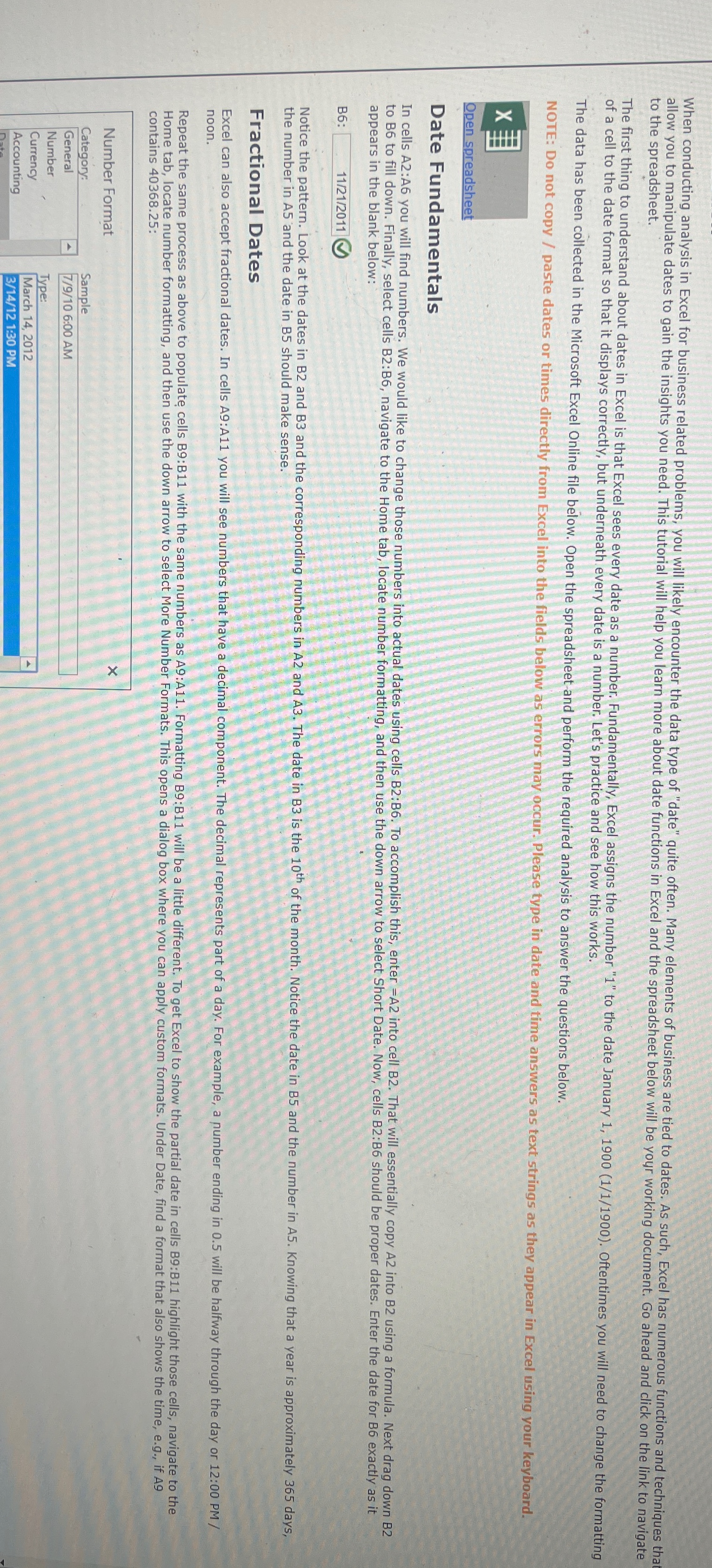
Fractional Dates noon. contains :
Step by Step Solution
There are 3 Steps involved in it
1 Expert Approved Answer
Step: 1 Unlock

Question Has Been Solved by an Expert!
Get step-by-step solutions from verified subject matter experts
Step: 2 Unlock
Step: 3 Unlock