







Question: Write a GUI Python program using tkinter to create a game suitable for a middle school STEM class. (45 minutes) 1. Start with any
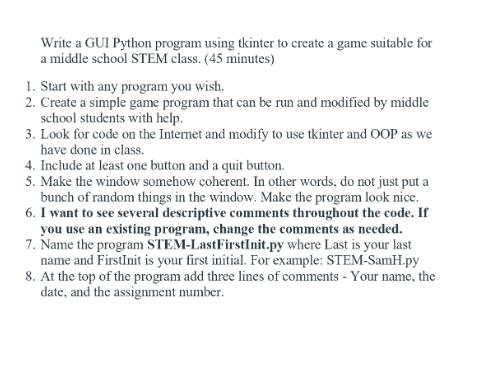
Write a GUI Python program using tkinter to create a game suitable for a middle school STEM class. (45 minutes) 1. Start with any program you wish. 2. Create a simple game program that can be run and modified by middle school students with help. 3. Look for code on the Internet and modify to use tkinter and OOP as we have done in class. 4. Include at least one button and a quit button. 5. Make the window somehow coherent. In other words, do not just put a bunch of random things in the window. Make the program look nice. 6. I want to see several descriptive comments throughout the code. If you use an existing program, change the comments as needed. 7. Name the program STEM-LastFirstInit.py where Last is your last name and FirstInit is your first initial. For example: STEM-SamH.py 8. At the top of the program add three lines of comments - Your name, the date, and the assignment number.
Step by Step Solution
3.44 Rating (147 Votes )
There are 3 Steps involved in it
Solution Below is an example of a simple GUI Python program using tkinter to create a game suitable ... View full answer

Get step-by-step solutions from verified subject matter experts
 Study Help