



Question: 1. Use the Geometric Figures Chart to review shapes that you know and to identify shapes that you hope to find on your scavenger
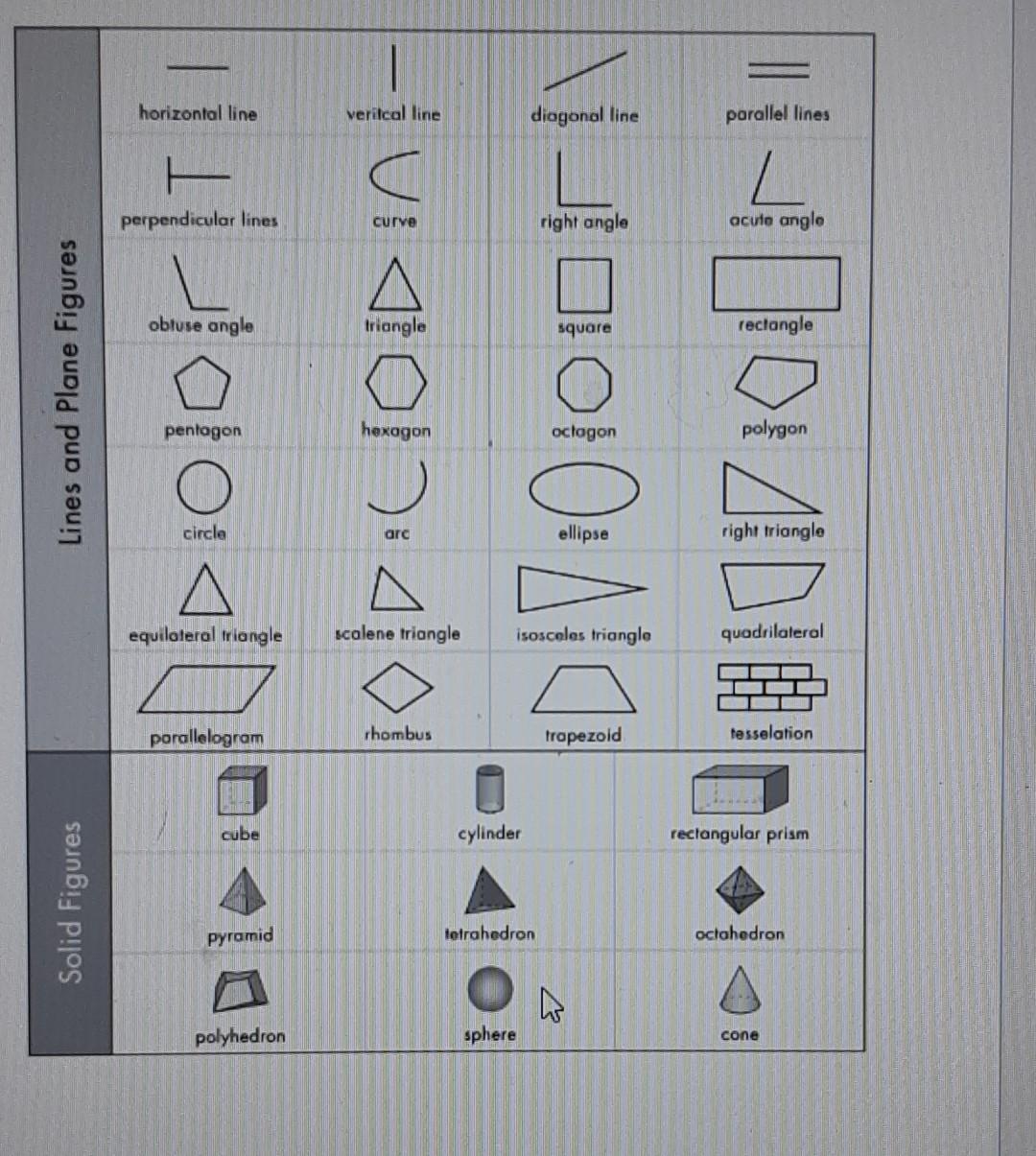
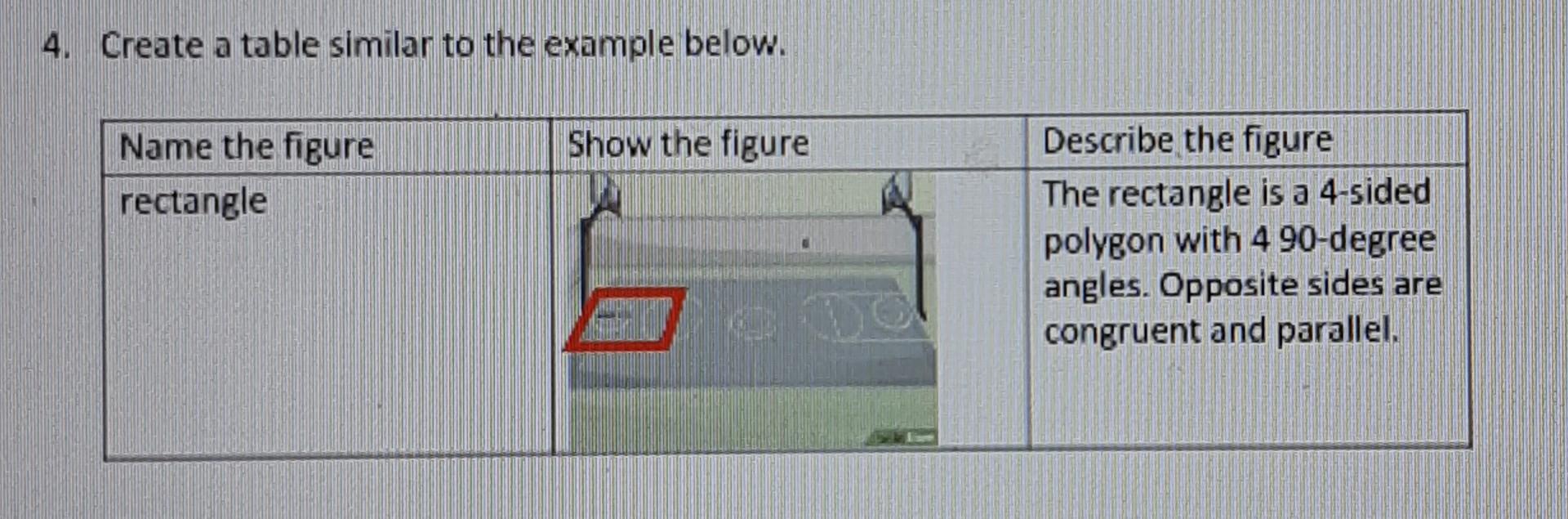
1. Use the Geometric Figures Chart to review shapes that you know and to identify shapes that you hope to find on your scavenger hunt. 2. Take a look at your surroundings. Feel free to do this from the comfort of your home using images from internet searches or take a walk with a digital camera. When you spot a geometric shape, take a photo or briefly sketch the shape-make sure the sketch includes he surroundings where the shape was spotted and indicate the shape with a darker line. Write the name of the shape and where you found it (for example, "rectangle, found in basketball court"). 3. There are 37 figures in the Geometric Figures Chart. You do not need to find images for all 37 figures. You only need to photos/sketches for seven figures-you can pick any 7 figures you like. PROMOTE 7:30:00 8:30-1 Lines and Plane Figures Solid Figures horizontal line 1 perpendicular lines 4000 A obtuse angle pentagon circle equilateral triangle parallelogram cube pyramid polyhedron veritcal line curve triangle 0401 hexagon arc scalene triangle rhombus cylinder diagonal line sphere right angle 000 tetrahedron square isosceles triangle octagon ellipse trapezoid A 2010/100~1 parallel lines acute angle rectangle polygon right triangle quadrilateral tesselation rectangular prism octahedron cone 4. Create a table similar to the example below. Name the figure rectangle Show the figure Describe the figure The rectangle is a 4-sided polygon with 4 90-degree angles. Opposite sides are congruent and parallel.
Step by Step Solution
3.50 Rating (153 Votes )
There are 3 Steps involved in it
Geometric Scavenger Hunt Results Following the steps you outlined I cant take actual pictures but I ... View full answer

Get step-by-step solutions from verified subject matter experts