







Question: 1. Use your Web browser to go to support.dlink.com/emulators/dap1522/ 2. Click DAP-1522 AP Mode. 3. The emulated login screen will appear. Click Login without entering
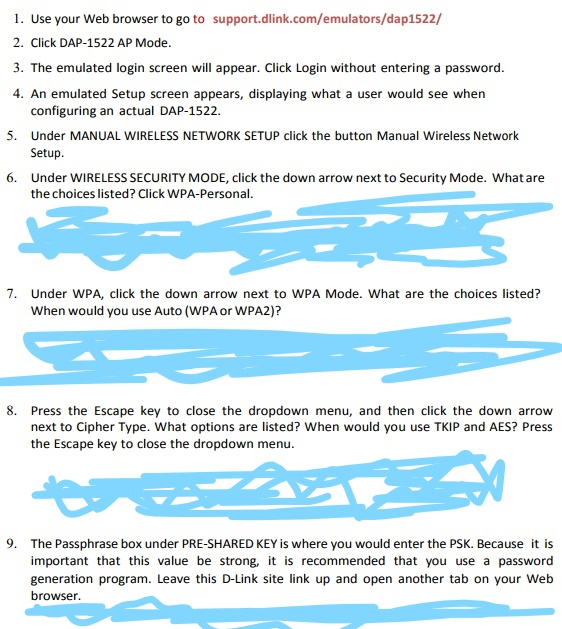
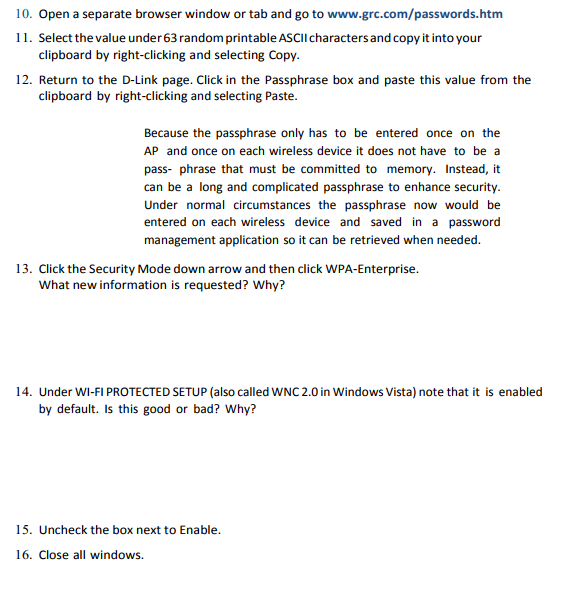
1. Use your Web browser to go to support.dlink.com/emulators/dap1522/ 2. Click DAP-1522 AP Mode. 3. The emulated login screen will appear. Click Login without entering a password. 4. An emulated Setup screen appears, displaying what a user would see when configuring an actual DAP-1522. Under MANUAL WIRELESS NETWORK SETUP click the button Manual Wireless Network Setup Under WIRELESS SECURITY MODE, click the down arrow next to Security Mode. What are the choices listed? Click WPA-Personal. 5. 6. 7. Under WPA, click the down arrow next to WPA Mode. What are the choices listed? When would you use Auto (WPA or WPA2)? 8. Press the Escape key to close the dropdown menu, and then click the down arrow next to Cipher Type. What options are listed? When would you use TKIP and AES? Press the Escape key to close the dropdown menu. 9. The Passphrase box under PRE-SHARED KEY is where you would enter the PSK. Because it is important that this value be strong, it is recommended that you use a password generation program. Leave this D-Link site link up and open another tab on your Web browser. 1. Use your Web browser to go to support.dlink.com/emulators/dap1522/ 2. Click DAP-1522 AP Mode. 3. The emulated login screen will appear. Click Login without entering a password. 4. An emulated Setup screen appears, displaying what a user would see when configuring an actual DAP-1522. Under MANUAL WIRELESS NETWORK SETUP click the button Manual Wireless Network Setup Under WIRELESS SECURITY MODE, click the down arrow next to Security Mode. What are the choices listed? Click WPA-Personal. 5. 6. 7. Under WPA, click the down arrow next to WPA Mode. What are the choices listed? When would you use Auto (WPA or WPA2)? 8. Press the Escape key to close the dropdown menu, and then click the down arrow next to Cipher Type. What options are listed? When would you use TKIP and AES? Press the Escape key to close the dropdown menu. 9. The Passphrase box under PRE-SHARED KEY is where you would enter the PSK. Because it is important that this value be strong, it is recommended that you use a password generation program. Leave this D-Link site link up and open another tab on your Web browser
Step by Step Solution
There are 3 Steps involved in it

Get step-by-step solutions from verified subject matter experts
 Study Help