







Question: 3.12 * zyLab: Random Temperatures This program will use the Random class to generate random temperatures (integers) between some minimum (exclusive) and some maximum (exclusive)
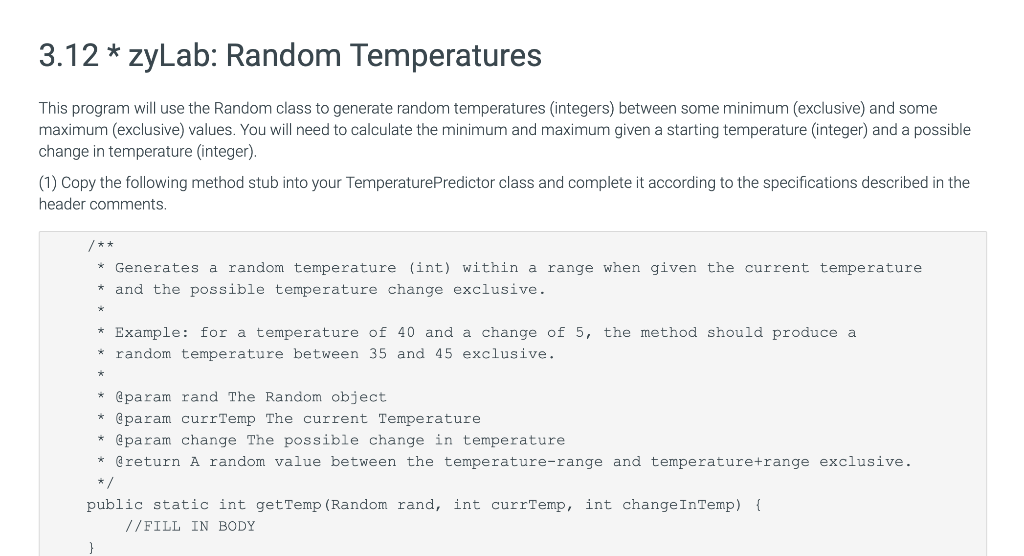
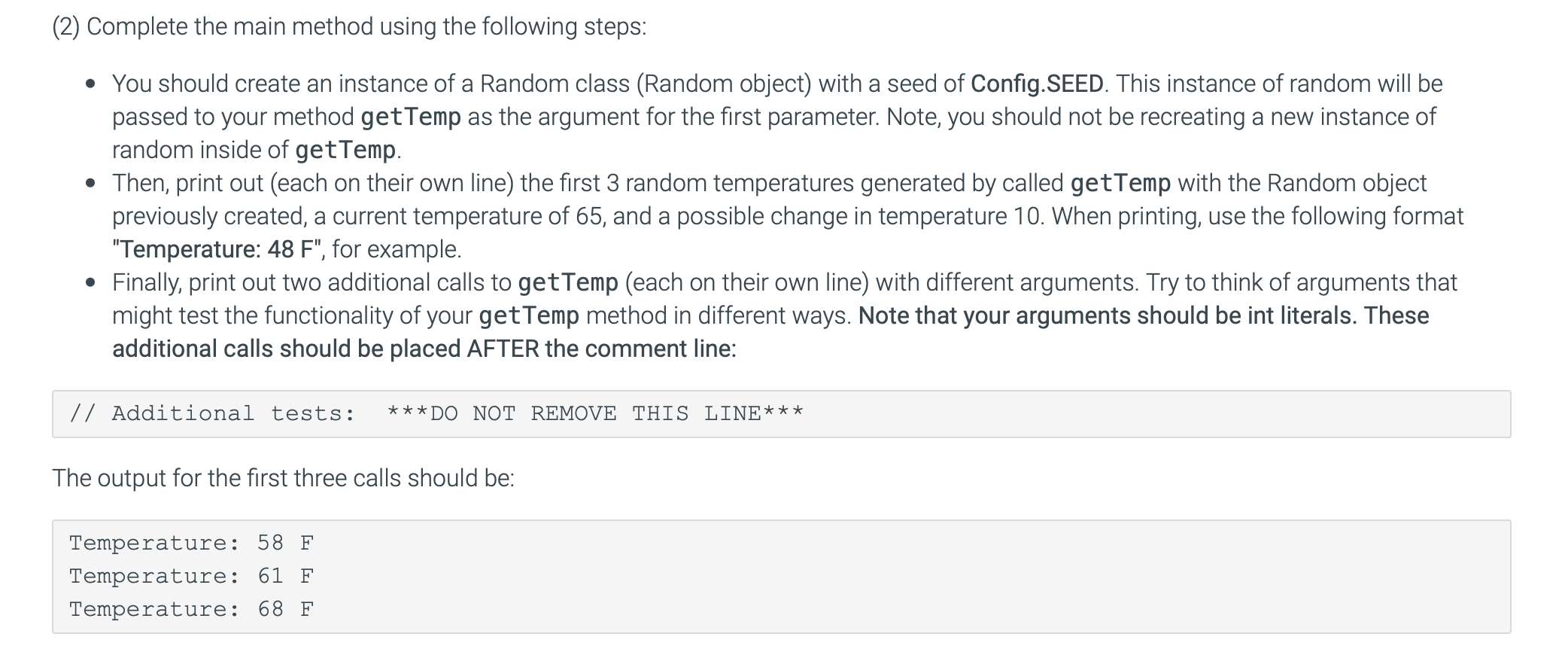
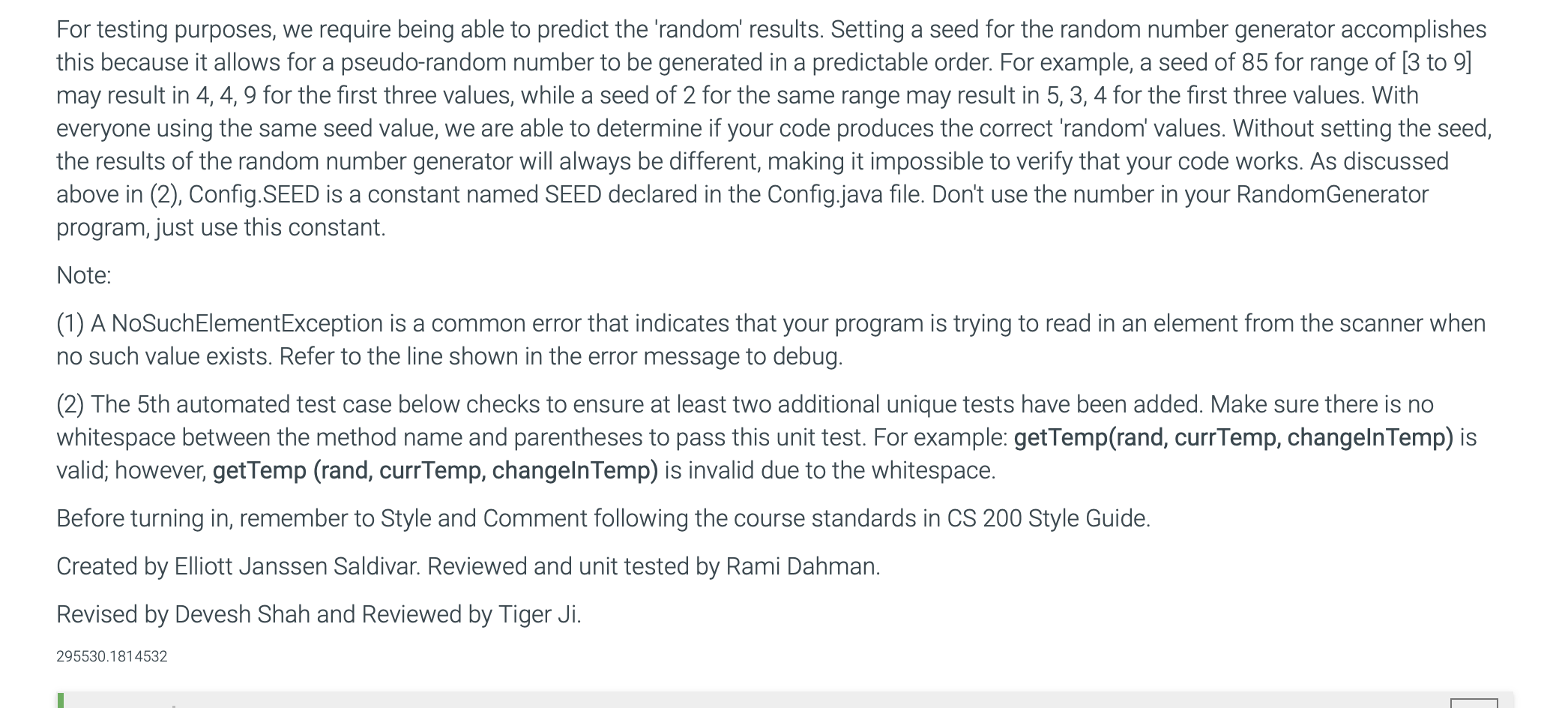
3.12 * zyLab: Random Temperatures This program will use the Random class to generate random temperatures (integers) between some minimum (exclusive) and some maximum (exclusive) values. You will need to calculate the minimum and maximum given a starting temperature (integer) and a possible change in temperature (integer). (1) Copy the following method stub into your Temperature Predictor class and complete it according to the specifications described in the header comments. /** * Generates a random temperature (int) within a range when given the current temperature and the possible temperature change exclusive. * Example: for a temperature of 40 and a change of 5, the method should produce a * random temperature between 35 and 45 exclusive. @param rand The Random object * @param currTemp The current Temperature * @param change the possible change in temperature * @return A random value between the temperature-range and temperature+range exclusive. public static int get Temp (Random rand, int currTemp, int change InTemp) { //FILL IN BODY (2) Complete the main method using the following steps: You should create an instance of a Random class (Random object) with a seed of Config.SEED. This instance of random will be passed to your method getTemp as the argument for the first parameter. Note, you should not be recreating a new instance of random inside of getTemp. Then, print out (each on their own line) the first 3 random temperatures generated by called getTemp with the Random object previously created, a current temperature of 65, and a possible change in temperature 10. When printing, use the following format "Temperature: 48 F", for example. Finally, print out two additional calls to getTemp (each on their own line) with different arguments. Try to think of arguments that might test the functionality of your getTemp method in different ways. Note that your arguments should be int literals. These additional calls should be placed AFTER the comment line: // Additional tests: ***DO NOT REMOVE THIS LINE*** The output for the first three calls should be: Temperature: 58 F Temperature: 61 F Temperature: 68 F For testing purposes, we require being able to predict the 'random' results. Setting a seed for the random number generator accomplishes this because it allows for a pseudo-random number to be generated in a predictable order. For example, a seed of 85 for range of [3 to 9] may result in 4, 4, 9 for the first three values, while a seed of 2 for the same range may result in 5, 3, 4 for the first three values. With everyone using the same seed value, we are able to determine if your code produces the correct 'random' values. Without setting the seed, the results of the random number generator will always be different, making it impossible to verify that your code works. As discussed above in (2), Config.SEED is a constant named SEED declared in the Config.java file. Don't use the number in your Random Generator program, just use this constant. Note: (1) A NoSuchElementException is a common error that indicates that your program is trying to read in an element from the scanner when no such value exists. Refer to the line shown in the error message to debug. (2) The 5th automated test case below checks to ensure at least two additional unique tests have been added. Make sure there is no whitespace between the method name and parentheses to pass this unit test. For example: getTemp(rand, currTemp, changeln Temp) is valid; however, getTemp (rand, currTemp, changeln Temp) is invalid due to the whitespace. Before turning in, remember to Style and Comment following the course standards in CS 200 Style Guide. Created by Elliott Janssen Saldivar. Reviewed and unit tested by Rami Dahman. Revised by Devesh Shah and Reviewed by Tiger Ji. 295530.1814532
Step by Step Solution
There are 3 Steps involved in it

Get step-by-step solutions from verified subject matter experts
 Study Help