







Question: Ask your instructor whether to include any other courses you are currently taking. Include a completed and well-structured Documentation worksheet. T?' Insert the File Name
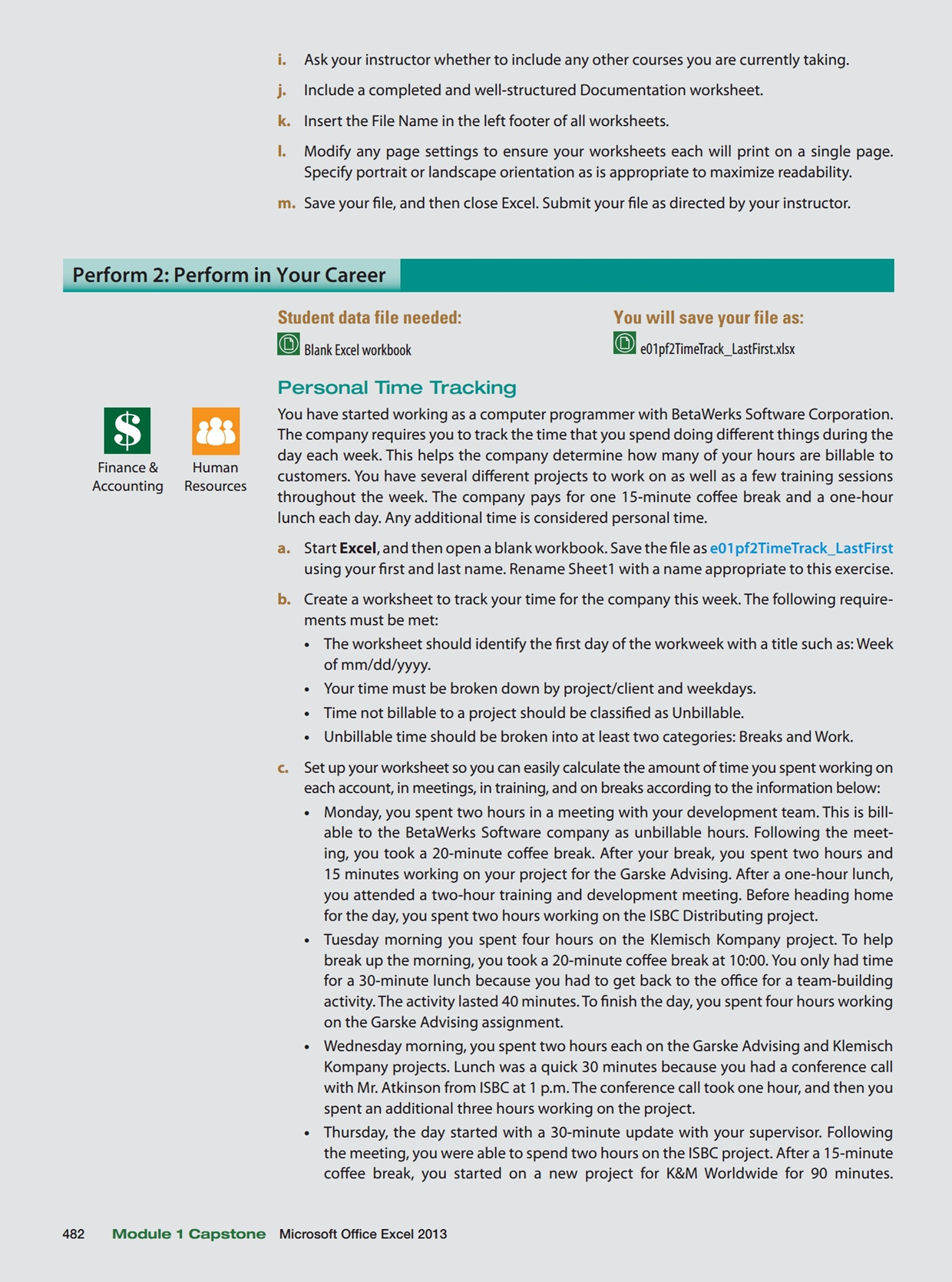
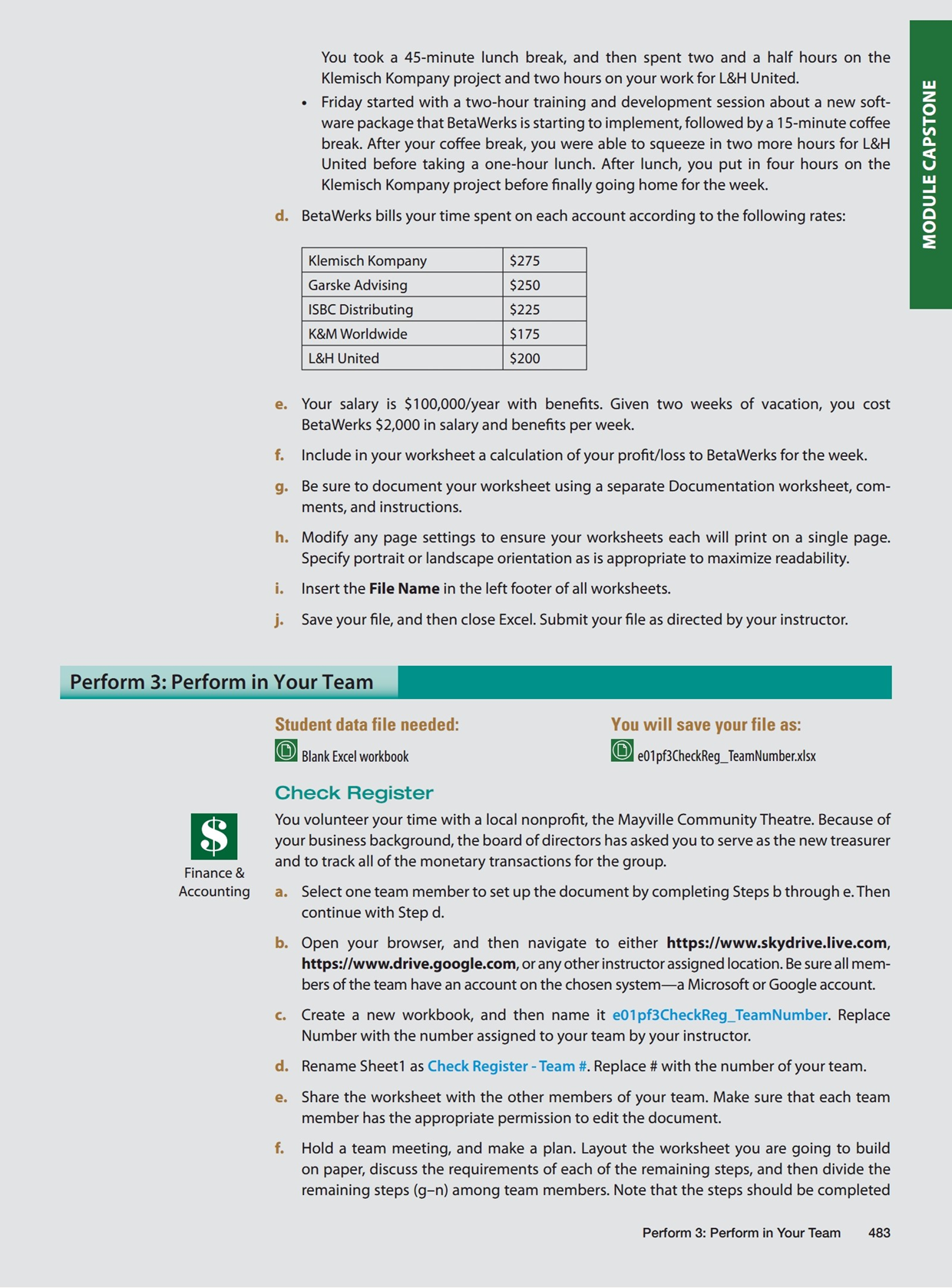
Ask your instructor whether to include any other courses you are currently taking. Include a completed and well-structured Documentation worksheet. T?' Insert the File Name in the left footer of all worksheets. I. Modify any page settings to ensure your worksheets each will print on a single page. Specify portrait or landscape orientation as is appropriate to maximize readability. m. Save yourle, and then close Excel. Submit your le as directed by your instructor. Student data file needed: You will save your file as: u' Blank Excel workbook ~ 1' elllpfllirnefraclLlas-lrstxlsx Personal Time Tracking . You have started working as a computer programmer with BetaWerks Software Corporation. E: The company requires you to trackthe time that you spend doing different things during the I day each week. This helps the company determine how many of your hours are billable to customers. You have several different projects to work on as well as a few training sessions throughout the week. The company pays for one 15-minute coffee break and a one-hour lunch each day. Any additional time is considered personal time. Finance 8: Human Accounting Resources a. Start Excel. and then open a blank workbook. Save thele as am pf2TimeTrack_LastFirst using yourrst and last name. Rename Sheet'l with a name appropriate to this exercise. b. Create a worksheet to track your time for the company this week. The following require- ments must be met: - The worksheet should identify the rst day of the workweek with a title such as: Week of mmlddlyyyy. . Your time must be broken down by project/client and weekdays. - Time not billable to a project should be classied as Unbillable. - Unbillable time should be broken into at least two categories: Breaks and Work. c. Set up yourworksheet so you can easily calculate the amount of time you spent working on each account, in meetings, in training, and on breaks according to the information below: . Monday, you spent two hours in a meeting with your development team.This is bill- able to the BetaWerks Software company as unbillable hours. Following the meet- ing, you took a 20minute coffee break. After your break. you spent two hours and 15 minutes working on your project for the Garske Advising. After a one-hour lunch, you attended a two-hour training and development meeting. Before heading home for the day, you spent two hours working on the ISBC Distributing project. . Tuesday morning you spent four hours on the Klemisch Kompany project. To help break up the morning. you took a 20~minute coffee break at 10:00. You only had time for a 30-minute lunch because you had to get back to the ofce for a team-building activity. The activity lasted 40 minutes. To nish the day, you spent four hours working on the Garske Advising assignment. . Wednesday morning. you spent two hours each on the Garske Advising and Klemisch Kompany projects. Lunch was a quick 30 minutes because you had a conference call with Mr. Atkinson from BBC at 1 p.m.The conference call took one hour, and then you spent an additional three hours working on the project. . Thursday, the day started with a 30-minute update with your supervisor. Following the meeting, you were able to spend two hours on the ISBC project. After a 15-minute coffee break, you started on a new project for K&M Worldwide for 90 minutes. 482 Module 1 Capstone Microsoft Ofce Excel 2013 You took a 45-minute lunch break. and then spent two and a half hours on the Klemisch Kompany project and two hours on your work for L&H United. . Friday started with a two-hour training and development session about a new soft- ware package that BetaWerks is starting to implement, followed by a 15-minute coffee break. After your coffee break, you were able to squeeze in two more hours for L&H United before taking a one-hour lunch. After lunch. you put in four hours on the Klemisch Kompany project before nally going home for the week. d. BetaWerks bills your time spent on each account according to the following rates: L&H United lull Z O I- U'I O. (I U III _I D O O E e. Your salary is $100,000/year with benets. Given two weeks of vacation, you cost BetaWerks $2,000 in salary and benets per week. f. Include in your worksheet a calculation of your prot/loss to BetaWerks for the week. 9. Be sure to document your worksheet using a separate Documentation worksheet, com- ments, and instructions. h. Modify any page settings to ensure your worksheets each will print on a single page. Specify portrait or landscape orientation as is appropriate to maximize readability. I. insert the File Name in the left footer of all worksheets. j. Save your le, and then close Excel. Submit your le as directed by your instructor. Student data file needed: Blank Excel workbook Check Register You volunteer your time with a local nonprot, the Mayville Community Theatre. Because of your business background, the board of directors has asked you to serve as the new treasurer _ and to track all of the monetary transactions for the group. Finance 8: Accounting a. Select one team member to set up the document by completing Steps b through e. Then continue with Step d. In. Open your browser, and then navigate to either https:www.skydrive.Iive.com, httpslwwwdrivegooglexom, or any other instructor assigned location. Be sure all mem- bers of the team have an account on the chosen systema Microsoft or Google account. c. Create a new workbook, and then name it e01pf3CheckReg_TeamNumber. Replace Number with the number assigned to your team by your instructor. d. Rename Sheetl as Check Register - Team ii. Replace it with the number of your team. e. Share the worksheet with the other members of your team. Make sure that each team member has the appropriate permission to edit the document. f. Hold a team meeting, and make a plan. Layout the worksheet you are going to build on paper, discuss the requirements of each of the remaining steps, and then divide the remaining steps (gn) among team members. Note that the steps should be completed Perform 3: Perfom1 in Your Team 483
Step by Step Solution
There are 3 Steps involved in it

Get step-by-step solutions from verified subject matter experts
 Study Help