







Question: & Computing Sciences Assignment #6 - Tower Attack Design a tower using Adobe Illustrator software and submit the ai file to be laser cut/engraved.
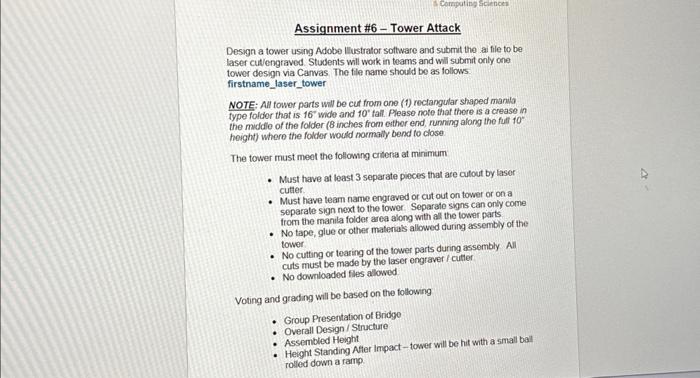
& Computing Sciences Assignment #6 - Tower Attack Design a tower using Adobe Illustrator software and submit the ai file to be laser cut/engraved. Students will work in teams and will submit only one tower design via Canvas. The file name should be as follows firstname_laser_tower NOTE: All tower parts will be cut from one (1) rectangular shaped manila type folder that is 16" wide and 10' tall. Please note that there is a crease in the middle of the folder (8 inches from either end, running along the full 10 height) where the folder would normally bend to close The tower must meet the following criteria at minimum Must have at least 3 separate pieces that are cutout by laser cutter. . Must have team name engraved or cut out on tower or on a separate sign next to the tower. Separate signs can only come from the manila folder area along with all the tower parts No tape, glue or other materials allowed during assembly of the tower No cutting or tearing of the tower parts during assembly All cuts must be made by the laser engraver/cutter No downloaded files allowed. Voting and grading will be based on the following . Group Presentation of Bridge Overall Design/Structure Assembled Height Height Standing After Impact-tower will be hit with a small ball rolled down a ramp
Step by Step Solution
3.33 Rating (153 Votes )
There are 3 Steps involved in it
Here are some steps to design a tower using Adobe Illustrator software 1 Plan Your Design Decide on the shape size and features of your tower Consider ... View full answer

Get step-by-step solutions from verified subject matter experts
 Study Help