







Question: During this week, students are expected to conduct a peer review of at least two other students' Perimeter Design Project submissions. Critiques should include comments,

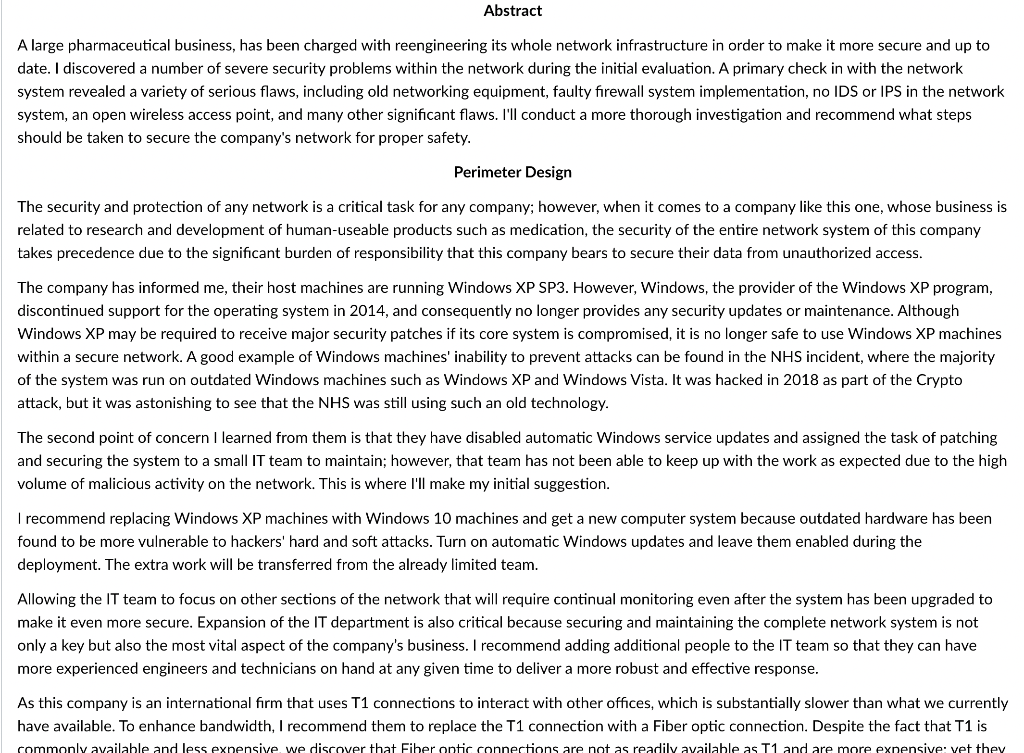
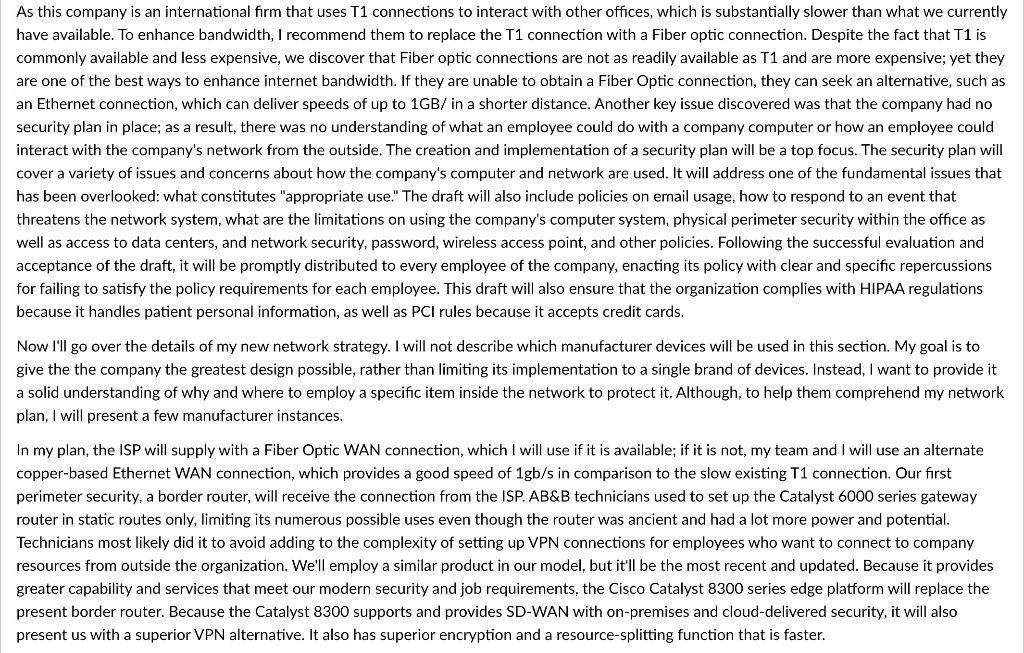
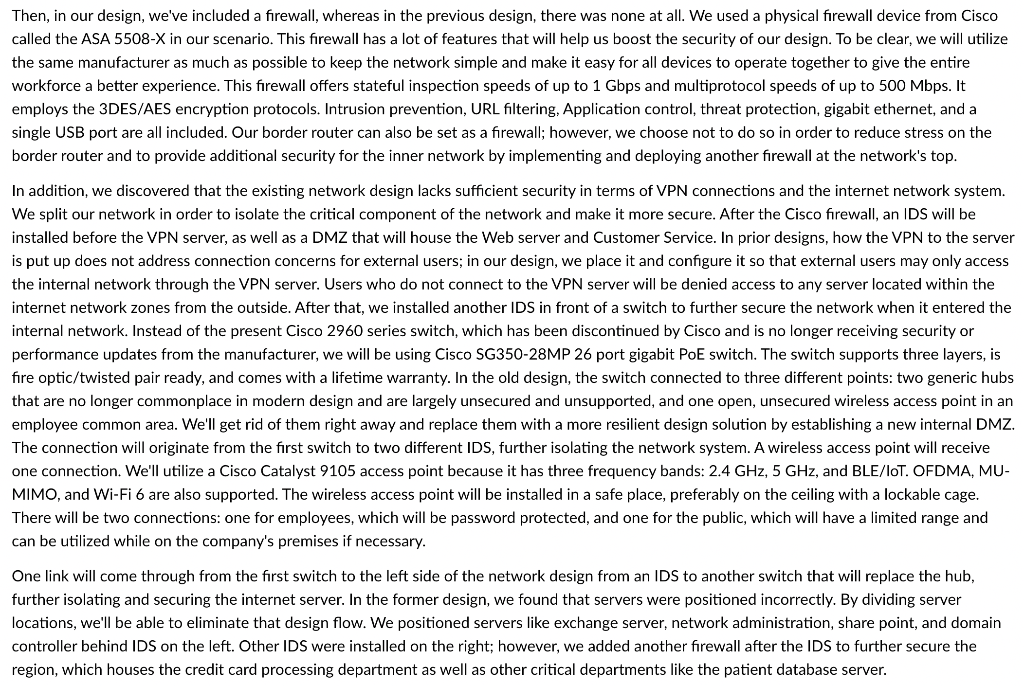

During this week, students are expected to conduct a peer review of at least two other students' Perimeter Design Project submissions. Critiques should include comments, criticisms with supporting arguments, and thoughtful responses to proposal ideas. Peer reviews of at least two other students' projects should be at least 3 paragraphs total. Critiques are due by the end of the week. If you turn in your critiques late, a 5 point deduction will be made each day past the due date. Abstract A large pharmaceutical business, has been charged with reengineering its whole network infrastructure in order to make it more secure and up to date. I discovered a number of severe security problems within the network during the initial evaluation. A primary check in with the network system revealed a variety of serious flaws, including old networking equipment, faulty firewall system implementation, no IDS or IPS in the network system, an open wireless access point, and many other significant flaws. I'll conduct a more thorough investigation and recommend what steps should be taken to secure the company's network for proper safety. Perimeter Design The security and protection of any network is a critical task for any company; however, when it comes to a company like this one, whose business is related to research and development of human-useable products such as medication, the security of the entire network system of this company takes precedence due to the significant burden of responsibility that this company bears to secure their data from unauthorized access. The company has informed me, their host machines are running Windows XP SP3. However, Windows, the provider of the Windows XP program, discontinued support for the operating system in 2014, and consequently no longer provides any security updates or maintenance. Although Windows XP may be required to receive major security patches if its core system is compromised, it is no longer safe to use Windows XP machines within a secure network. A good example of Windows machines' inability to prevent attacks can be found in the NHS incident, where the majority of the system was run on outdated Windows machines such as Windows XP and Windows Vista. It was hacked in 2018 as part of the Crypto attack, but it was astonishing to see that the NHS was still using such an old technology. The second point of concern I learned from them is that they have disabled automatic Windows service updates and assigned the task of patching and securing the system to a small IT team to maintain; however, that team has not been able to keep up with the work as expected due to the high volume of malicious activity on the network. This is where I'll make my initial suggestion. I recommend replacing Windows XP machines with Windows 10 machines and get a new computer system because outdated hardware has been found to be more vulnerable to hackers' hard and soft attacks. Turn on automatic Windows updates and leave them enabled during the deployment. The extra work will be transferred from the already limited team. Allowing the IT team to focus on other sections of the network that will require continual monitoring even after the system has been upgraded to make it even more secure. Expansion of the IT department is also critical because securing and maintaining the complete network system is not only a key but also the most vital aspect of the company's business. I recommend adding additional people to the IT team so that they can have more experienced engineers and technicians on hand at any given time to deliver a more robust and effective response. As this company is an international firm that uses T1 connections to interact with other offices, which is substantially slower than what we currently have available. To enhance bandwidth, I recommend them to replace the T1 connection with a Fiber optic connection. Despite the fact that T1 is commonly available and less expensive we discover that Fiber optic connections are not as readily available as T1 and are more expensive vet they As this company is an international firm that uses T1 connections to interact with other offices, which is substantially slower than what we currently have available. To enhance bandwidth, I recommend them to replace the T1 connection with a Fiber optic connection. Despite the fact that T1 is commonly available and less expensive, we discover that Fiber optic connections are not as readily available as T1 and are more expensive; yet they are one of the best ways to enhance internet bandwidth. If they are unable to obtain a Fiber Optic connection, they can seek an alternative, such as an Ethernet connection, which can deliver speeds of up to 1GB/ in a shorter distance. Another key issue discovered was that the company had no security plan in place; as a result, there was no understanding of what an employee could do with a company computer or how an employee could interact with the company's network from the outside. The creation and implementation of a security plan will be a top focus. The security plan will cover a variety of issues and concerns about how the company's computer and network are used. It will address one of the fundamental issues that has been overlooked: what constitutes "appropriate use." The draft will also include policies on email usage, how to respond to an event that threatens the network system, what are the limitations on using the company's computer system, physical perimeter security within the office as well as access to data centers, and network security, password, wireless access point, and other policies. Following the successful evaluation and acceptance of the draft, it will be promptly distributed to every employee of the company, enacting its policy with clear and specific repercussions for failing to satisfy the policy requirements for each employee. This draft will also ensure that the organization complies with HIPAA regulations because it handles patient personal information, as well as PCI rules because it accepts credit cards. Now I'll go over the details of my new network strategy. I will not describe which manufacturer devices will be used in this section. My goal is to give the the company the greatest design possible, rather than limiting its implementation to a single brand of devices. Instead, I want to provide it a solid understanding of why and where to employ a specific item inside the network to protect it. Although, to help them comprehend my network plan, I will present a few manufacturer instances. In my plan, the ISP will supply with a Fiber Optic WAN connection, which I will use if it is available; if it is not, my team and I will use an alternate copper-based Ethernet WAN connection, which provides a good speed of 1gb/s in comparison to the slow existing T1 connection. Our first perimeter security, a border router, will receive the connection from the ISP. AB&B technicians used to set up the Catalyst 6000 series gateway router in static routes only, limiting its numerous possible uses even though the router was ancient and had a lot more power and potential. Technicians most likely did it to avoid adding to the complexity of setting up VPN connections for employees who want to connect to company resources from outside the organization. We'll employ a similar product in our model, but it'll be the most recent and updated. Because it provides greater capability and services that meet our modern security and job requirements, the Cisco Catalyst 8300 series edge platform will replace the present border router. Because the Catalyst 8300 supports and provides SD-WAN with on-premises and cloud-delivered security, it will also present us with a superior VPN alternative. It also has superior encryption and a resource-splitting function that is faster. Then, in our design, we've included a firewall, whereas in the previous design, there was none at all. We used a physical firewall device from Cisco called the ASA 5508-X in our scenario. This firewall has a lot of features that will help us boost the security of our design. To be clear, we will utilize the same manufacturer as much as possible to keep the network simple and make it easy for all devices to operate together to give the entire workforce a better experience. This firewall offers stateful inspection speeds of up to 1 Gbps and multiprotocol speeds of up to 500 Mbps. It employs the 3DES/AES encryption protocols. Intrusion prevention, URL filtering, Application control, threat protection, gigabit ethernet, and a single USB port are all included. Our border router can also be set as a firewall; however, we choose not to do so in order to reduce stress on the border router and to provide additional security for the inner network by implementing and deploying another firewall at the network's top. In addition, we discovered that the existing network design lacks sufficient security in terms of VPN connections and the internet network system. We split our network in order to isolate the critical component of the network and make more secure. After the Cisco firewall, an IDS will be installed before the VPN server, as well as a DMZ that will house the Web server and Customer Service. In prior designs, how the VPN to the server is put up does not address connection concerns for external users; in our design, we place it and configure it so that external users may only access the internal network through the VPN server. Users who do not connect to the VPN server will be denied access to any server located within the internet network zones from the outside. After that, we installed another IDS in front of a switch to further secure the network when it entered the internal network. Instead of the present Cisco 2960 series switch, which has been discontinued by Cisco and is no longer receiving security or performance updates from the manufacturer, we will be using Cisco SG350-28MP 26 port gigabit PoE switch. The switch supports three layers, is fire optic/twisted pair ready, and comes with a lifetime warranty. In the old design, the switch connected to three different points: two generic hubs that are no longer commonplace in modern design and are largely unsecured and unsupported, and one open, unsecured wireless access point in an employee common area. We'll get rid of them right away and replace them with a more resilient design solution by establishing a new internal DMZ. The connection will originate from the first switch to two different IDS, further isolating the network system. A wireless access point will receive one connection. We'll utilize a Cisco Catalyst 9105 access point because it has three frequency bands: 2.4 GHz, 5 GHz, and BLE/LOT. OFDMA, MU- MIMO, and Wi-Fi 6 are also supported. The wireless access point will be installed in a safe place, preferably on the ceiling with a lockable cage. There will be two connections: one for employees, which will be password protected, and one for the public, which will have a limited range and can be utilized while on the company's premises if necessary. One link will come through from the first switch to the left side of the network design from an IDS to another switch that will replace the hub, further isolating and securing the internet server. In the former design, we found that servers were positioned incorrectly. By dividing server locations, we'll be able to eliminate that design flow. We positioned servers like exchange server, network administration, share point, and domain controller behind IDS on the left. Other IDS were installed on the right; however, we added another firewall after the IDS to further secure the region, which houses the credit card processing department as well as other critical departments like the patient database server. Furthermore, Windows 2000 will be phased out in favor of Windows 2019. Windows XP will be phased out in favor of Windows 10. Most of the hardware will be changed as well, as it is deteriorating and, due to its age, will be unable to handle such upgrades, exposing the system to more risks. Individual machines must have anti-virus software installed and firewall settings enabled. All personnel will also receive quarterly security training to better appreciate the importance of the network's safety and security. During this week, students are expected to conduct a peer review of at least two other students' Perimeter Design Project submissions. Critiques should include comments, criticisms with supporting arguments, and thoughtful responses to proposal ideas. Peer reviews of at least two other students' projects should be at least 3 paragraphs total. Critiques are due by the end of the week. If you turn in your critiques late, a 5 point deduction will be made each day past the due date. Abstract A large pharmaceutical business, has been charged with reengineering its whole network infrastructure in order to make it more secure and up to date. I discovered a number of severe security problems within the network during the initial evaluation. A primary check in with the network system revealed a variety of serious flaws, including old networking equipment, faulty firewall system implementation, no IDS or IPS in the network system, an open wireless access point, and many other significant flaws. I'll conduct a more thorough investigation and recommend what steps should be taken to secure the company's network for proper safety. Perimeter Design The security and protection of any network is a critical task for any company; however, when it comes to a company like this one, whose business is related to research and development of human-useable products such as medication, the security of the entire network system of this company takes precedence due to the significant burden of responsibility that this company bears to secure their data from unauthorized access. The company has informed me, their host machines are running Windows XP SP3. However, Windows, the provider of the Windows XP program, discontinued support for the operating system in 2014, and consequently no longer provides any security updates or maintenance. Although Windows XP may be required to receive major security patches if its core system is compromised, it is no longer safe to use Windows XP machines within a secure network. A good example of Windows machines' inability to prevent attacks can be found in the NHS incident, where the majority of the system was run on outdated Windows machines such as Windows XP and Windows Vista. It was hacked in 2018 as part of the Crypto attack, but it was astonishing to see that the NHS was still using such an old technology. The second point of concern I learned from them is that they have disabled automatic Windows service updates and assigned the task of patching and securing the system to a small IT team to maintain; however, that team has not been able to keep up with the work as expected due to the high volume of malicious activity on the network. This is where I'll make my initial suggestion. I recommend replacing Windows XP machines with Windows 10 machines and get a new computer system because outdated hardware has been found to be more vulnerable to hackers' hard and soft attacks. Turn on automatic Windows updates and leave them enabled during the deployment. The extra work will be transferred from the already limited team. Allowing the IT team to focus on other sections of the network that will require continual monitoring even after the system has been upgraded to make it even more secure. Expansion of the IT department is also critical because securing and maintaining the complete network system is not only a key but also the most vital aspect of the company's business. I recommend adding additional people to the IT team so that they can have more experienced engineers and technicians on hand at any given time to deliver a more robust and effective response. As this company is an international firm that uses T1 connections to interact with other offices, which is substantially slower than what we currently have available. To enhance bandwidth, I recommend them to replace the T1 connection with a Fiber optic connection. Despite the fact that T1 is commonly available and less expensive we discover that Fiber optic connections are not as readily available as T1 and are more expensive vet they As this company is an international firm that uses T1 connections to interact with other offices, which is substantially slower than what we currently have available. To enhance bandwidth, I recommend them to replace the T1 connection with a Fiber optic connection. Despite the fact that T1 is commonly available and less expensive, we discover that Fiber optic connections are not as readily available as T1 and are more expensive; yet they are one of the best ways to enhance internet bandwidth. If they are unable to obtain a Fiber Optic connection, they can seek an alternative, such as an Ethernet connection, which can deliver speeds of up to 1GB/ in a shorter distance. Another key issue discovered was that the company had no security plan in place; as a result, there was no understanding of what an employee could do with a company computer or how an employee could interact with the company's network from the outside. The creation and implementation of a security plan will be a top focus. The security plan will cover a variety of issues and concerns about how the company's computer and network are used. It will address one of the fundamental issues that has been overlooked: what constitutes "appropriate use." The draft will also include policies on email usage, how to respond to an event that threatens the network system, what are the limitations on using the company's computer system, physical perimeter security within the office as well as access to data centers, and network security, password, wireless access point, and other policies. Following the successful evaluation and acceptance of the draft, it will be promptly distributed to every employee of the company, enacting its policy with clear and specific repercussions for failing to satisfy the policy requirements for each employee. This draft will also ensure that the organization complies with HIPAA regulations because it handles patient personal information, as well as PCI rules because it accepts credit cards. Now I'll go over the details of my new network strategy. I will not describe which manufacturer devices will be used in this section. My goal is to give the the company the greatest design possible, rather than limiting its implementation to a single brand of devices. Instead, I want to provide it a solid understanding of why and where to employ a specific item inside the network to protect it. Although, to help them comprehend my network plan, I will present a few manufacturer instances. In my plan, the ISP will supply with a Fiber Optic WAN connection, which I will use if it is available; if it is not, my team and I will use an alternate copper-based Ethernet WAN connection, which provides a good speed of 1gb/s in comparison to the slow existing T1 connection. Our first perimeter security, a border router, will receive the connection from the ISP. AB&B technicians used to set up the Catalyst 6000 series gateway router in static routes only, limiting its numerous possible uses even though the router was ancient and had a lot more power and potential. Technicians most likely did it to avoid adding to the complexity of setting up VPN connections for employees who want to connect to company resources from outside the organization. We'll employ a similar product in our model, but it'll be the most recent and updated. Because it provides greater capability and services that meet our modern security and job requirements, the Cisco Catalyst 8300 series edge platform will replace the present border router. Because the Catalyst 8300 supports and provides SD-WAN with on-premises and cloud-delivered security, it will also present us with a superior VPN alternative. It also has superior encryption and a resource-splitting function that is faster. Then, in our design, we've included a firewall, whereas in the previous design, there was none at all. We used a physical firewall device from Cisco called the ASA 5508-X in our scenario. This firewall has a lot of features that will help us boost the security of our design. To be clear, we will utilize the same manufacturer as much as possible to keep the network simple and make it easy for all devices to operate together to give the entire workforce a better experience. This firewall offers stateful inspection speeds of up to 1 Gbps and multiprotocol speeds of up to 500 Mbps. It employs the 3DES/AES encryption protocols. Intrusion prevention, URL filtering, Application control, threat protection, gigabit ethernet, and a single USB port are all included. Our border router can also be set as a firewall; however, we choose not to do so in order to reduce stress on the border router and to provide additional security for the inner network by implementing and deploying another firewall at the network's top. In addition, we discovered that the existing network design lacks sufficient security in terms of VPN connections and the internet network system. We split our network in order to isolate the critical component of the network and make more secure. After the Cisco firewall, an IDS will be installed before the VPN server, as well as a DMZ that will house the Web server and Customer Service. In prior designs, how the VPN to the server is put up does not address connection concerns for external users; in our design, we place it and configure it so that external users may only access the internal network through the VPN server. Users who do not connect to the VPN server will be denied access to any server located within the internet network zones from the outside. After that, we installed another IDS in front of a switch to further secure the network when it entered the internal network. Instead of the present Cisco 2960 series switch, which has been discontinued by Cisco and is no longer receiving security or performance updates from the manufacturer, we will be using Cisco SG350-28MP 26 port gigabit PoE switch. The switch supports three layers, is fire optic/twisted pair ready, and comes with a lifetime warranty. In the old design, the switch connected to three different points: two generic hubs that are no longer commonplace in modern design and are largely unsecured and unsupported, and one open, unsecured wireless access point in an employee common area. We'll get rid of them right away and replace them with a more resilient design solution by establishing a new internal DMZ. The connection will originate from the first switch to two different IDS, further isolating the network system. A wireless access point will receive one connection. We'll utilize a Cisco Catalyst 9105 access point because it has three frequency bands: 2.4 GHz, 5 GHz, and BLE/LOT. OFDMA, MU- MIMO, and Wi-Fi 6 are also supported. The wireless access point will be installed in a safe place, preferably on the ceiling with a lockable cage. There will be two connections: one for employees, which will be password protected, and one for the public, which will have a limited range and can be utilized while on the company's premises if necessary. One link will come through from the first switch to the left side of the network design from an IDS to another switch that will replace the hub, further isolating and securing the internet server. In the former design, we found that servers were positioned incorrectly. By dividing server locations, we'll be able to eliminate that design flow. We positioned servers like exchange server, network administration, share point, and domain controller behind IDS on the left. Other IDS were installed on the right; however, we added another firewall after the IDS to further secure the region, which houses the credit card processing department as well as other critical departments like the patient database server. Furthermore, Windows 2000 will be phased out in favor of Windows 2019. Windows XP will be phased out in favor of Windows 10. Most of the hardware will be changed as well, as it is deteriorating and, due to its age, will be unable to handle such upgrades, exposing the system to more risks. Individual machines must have anti-virus software installed and firewall settings enabled. All personnel will also receive quarterly security training to better appreciate the importance of the network's safety and security
Step by Step Solution
There are 3 Steps involved in it

Get step-by-step solutions from verified subject matter experts
 Study Help