







Question: HOT-STANDBY ROUTING PROTOCOL (HRSP) In this assignment, you will configure Hot-Standby Routing protocol (HSRP) to provide layer 3 redundancy in an OSPF network. PC-PT
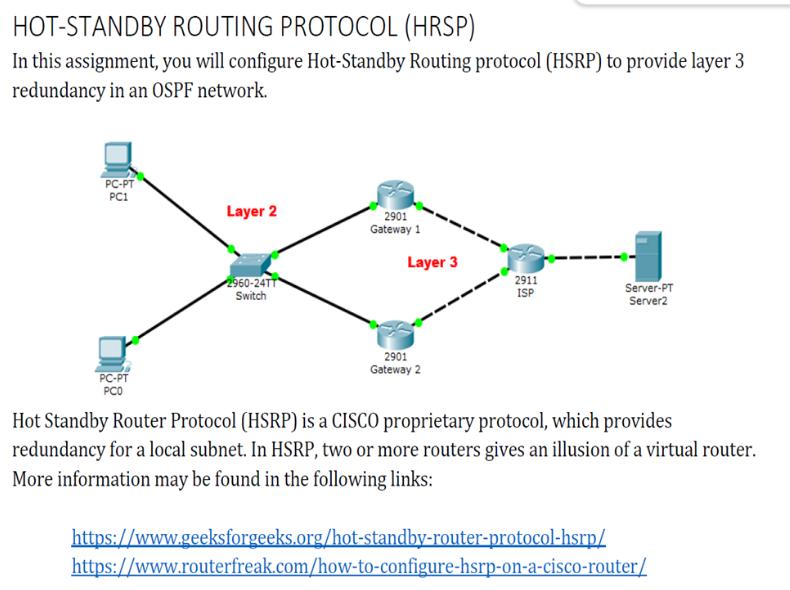
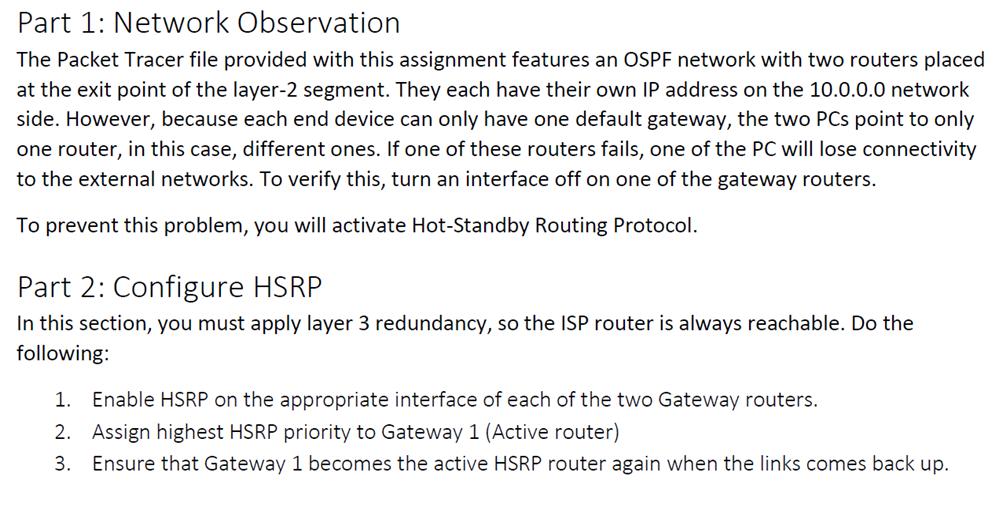
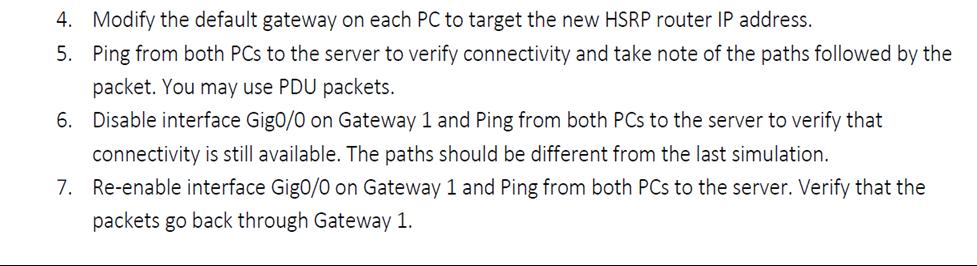
HOT-STANDBY ROUTING PROTOCOL (HRSP) In this assignment, you will configure Hot-Standby Routing protocol (HSRP) to provide layer 3 redundancy in an OSPF network. PC-PT PC1 PC-PT PCO Layer 2 2960-24TT Switch 2901 Gateway 1 Layer 3 2901 Gateway 2 2911 ISP Server-PT Server2 Hot Standby Router Protocol (HSRP) is a CISCO proprietary protocol, which provides redundancy for a local subnet. In HSRP, two or more routers gives an illusion of a virtual router. More information may be found in the following links: https://www.geeksforgeeks.org/hot-standby-router-protocol-hsrp/ https://www.routerfreak.com/how-to-configure-hsrp-on-a-cisco-router/ Part 1: Network Observation The Packet Tracer file provided with this assignment features an OSPF network with two routers placed at the exit point of the layer-2 segment. They each have their own IP address on the 10.0.0.0 network side. However, because each end device can only have one default gateway, the two PCs point to only one router, in this case, different ones. If one of these routers fails, one of the PC will lose connectivity to the external networks. To verify this, turn an interface off on one of the gateway routers. To prevent this problem, you will activate Hot-Standby Routing Protocol. Part 2: Configure HSRP In this section, you must apply layer 3 redundancy, so the ISP router is always reachable. Do the following: 1. Enable HSRP on the appropriate interface of each of the two Gateway routers. 2. Assign highest HSRP priority to Gateway 1 (Active router) 3. Ensure that Gateway 1 becomes the active HSRP router again when the links comes back up. 4. Modify the default gateway on each PC to target the new HSRP router IP address. 5. Ping from both PCs to the server to verify connectivity and take note of the paths followed by the packet. You may use PDU packets. 6. Disable interface Gig0/0 on Gateway 1 and Ping from both PCs to the server to verify that connectivity is still available. The paths should be different from the last simulation. 7. Re-enable interface Gig0/0 on Gateway 1 and Ping from both PCs to the server. Verify that the packets go back through Gateway 1.
Step by Step Solution
3.52 Rating (152 Votes )
There are 3 Steps involved in it
It looks like you have a networking assignment that involves configuring Hot Standby Router Protocol HSRP to provide redundancy in an OSPF Open Shortest Path First network HSRP is a Cisco proprietary ... View full answer

Get step-by-step solutions from verified subject matter experts
 Study Help