







Question: I know that you can't upload an entire program i was just looking for the code for the instructions below as I already have the
I know that you can't upload an entire program i was just looking for the code for the instructions below as I already have the form designed. Thanks I should have added this information in the beginnning but I see how other questions of this type have been answered.
Thanks 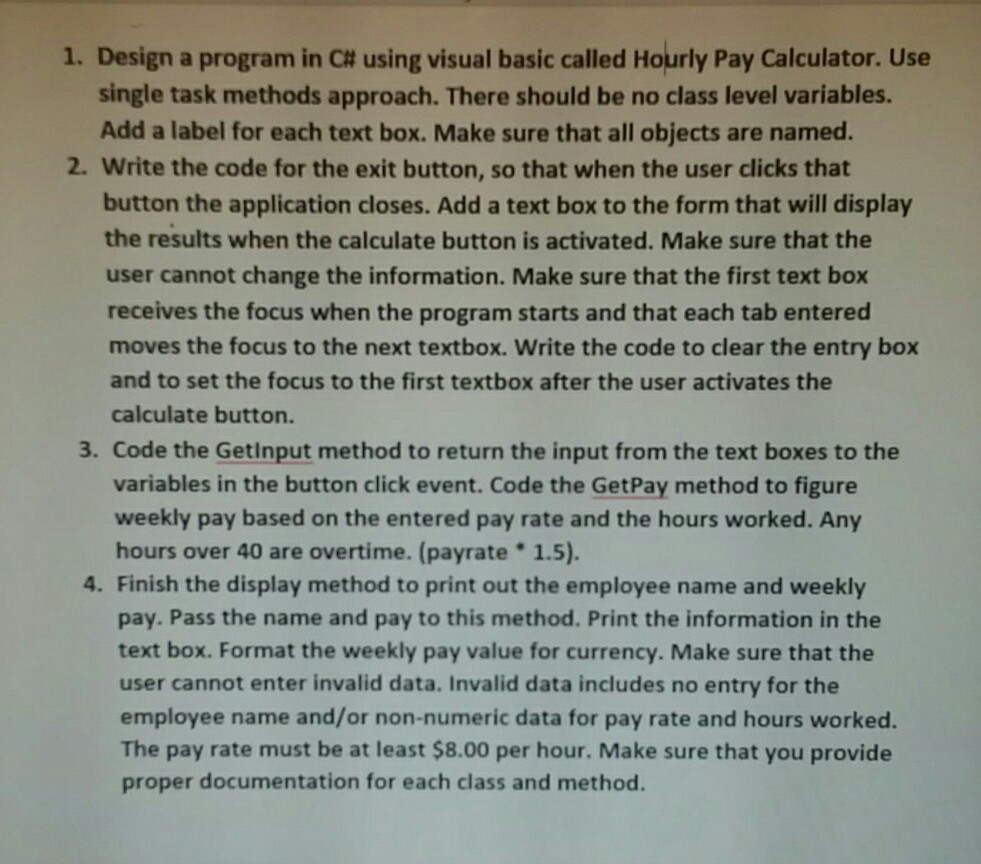
I. Design a program in C# using visual basic called Hourly Pay Calculator. Use single task methods approach. There should be no class level variables. Add a label for each text box. Make sure that all objects are named. 2. Write the code for the exit button, so that when the user clicks that button the application closes. Add a text box to the form that will display the results when the calculate button is activated. Make sure that the user cannot change the information. Make sure that the first text box receives the focus when the program starts and that each tab entered moves the focus to the next textbox. Write the code to clear the entry box and to set the focus to the first textbox after the user activates the calculate button. 3. Code the Getinput method to return the input from the text boxes to the variables in the button click event. Code the GetPay method to figure weekly pay based on the entered pay rate and the hours worked. Any hours over 40 are overtime. (payrate 1.5) 4. Finish the display method to print out the employee name and weekly pay. Pass the name and pay to this method. Print the information in the text box. Format the weekly pay value for currency. Make sure that the user cannot enter invalid data. Invalid data includes no entry for the employee name and/or non-numeric data for pay rate and hours worked. The pay rate must be at least $8.00 per hour. Make sure that you provide proper documentation for each class and method. I. Design a program in C# using visual basic called Hourly Pay Calculator. Use single task methods approach. There should be no class level variables. Add a label for each text box. Make sure that all objects are named. 2. Write the code for the exit button, so that when the user clicks that button the application closes. Add a text box to the form that will display the results when the calculate button is activated. Make sure that the user cannot change the information. Make sure that the first text box receives the focus when the program starts and that each tab entered moves the focus to the next textbox. Write the code to clear the entry box and to set the focus to the first textbox after the user activates the calculate button. 3. Code the Getinput method to return the input from the text boxes to the variables in the button click event. Code the GetPay method to figure weekly pay based on the entered pay rate and the hours worked. Any hours over 40 are overtime. (payrate 1.5) 4. Finish the display method to print out the employee name and weekly pay. Pass the name and pay to this method. Print the information in the text box. Format the weekly pay value for currency. Make sure that the user cannot enter invalid data. Invalid data includes no entry for the employee name and/or non-numeric data for pay rate and hours worked. The pay rate must be at least $8.00 per hour. Make sure that you provide proper documentation for each class and method
Step by Step Solution
There are 3 Steps involved in it

Get step-by-step solutions from verified subject matter experts
 Study Help