



Question: Please consult the official documentation of the iTunes Search API: Overview to learn more about the Tunes Search API. Carefully follow the instructions and ensure
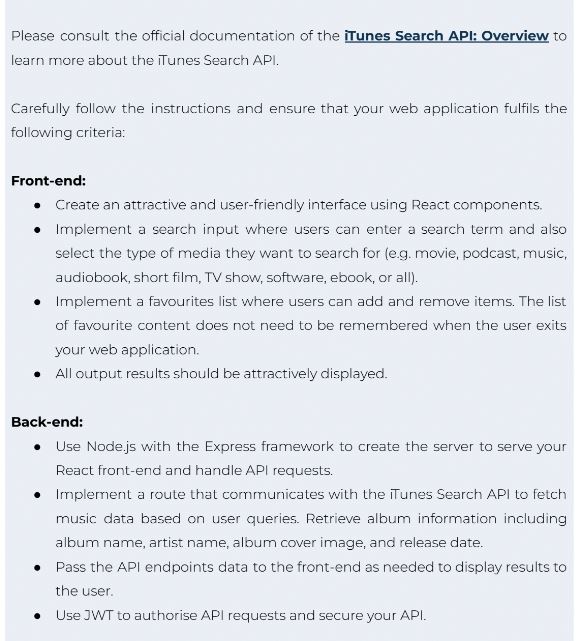
Please consult the official documentation of the iTunes Search API: Overview to learn more about the Tunes Search API.
Carefully follow the instructions and ensure that your web application fulfils the following criteria:
Frontend:
Create an attractive and userfriendly interface using React components.
Implement a search input where users can enter a search term and also select the type of media they want to search for eg movie, podcast, music, audiobook, short film, TV show, software, ebook, or all
Implement a favourites list where users can add and remove items. The list of favourite content does not need to be remembered when the user exits your web application.
All output results should be attractively displayed.
Backend:
Use Node.js with the Express framework to create the server to serve your React frontend and handle API requests.
Implement a route that communicates with the Tunes Search API to fetch music data based on user queries. Retrieve album information including album name, artist name, album cover image, and release date.
Pass the API endpoints data to the frontend as needed to display results to the user.
Use JWT to authorise API requests and secure your API.
Step by Step Solution
There are 3 Steps involved in it
1 Expert Approved Answer
Step: 1 Unlock

Question Has Been Solved by an Expert!
Get step-by-step solutions from verified subject matter experts
Step: 2 Unlock
Step: 3 Unlock