







Question: please help thank you! main class-> color class-> Part 2 idd a LineWidthOp class, and integrate into simulation Add a new capability to change line
please help thank you!
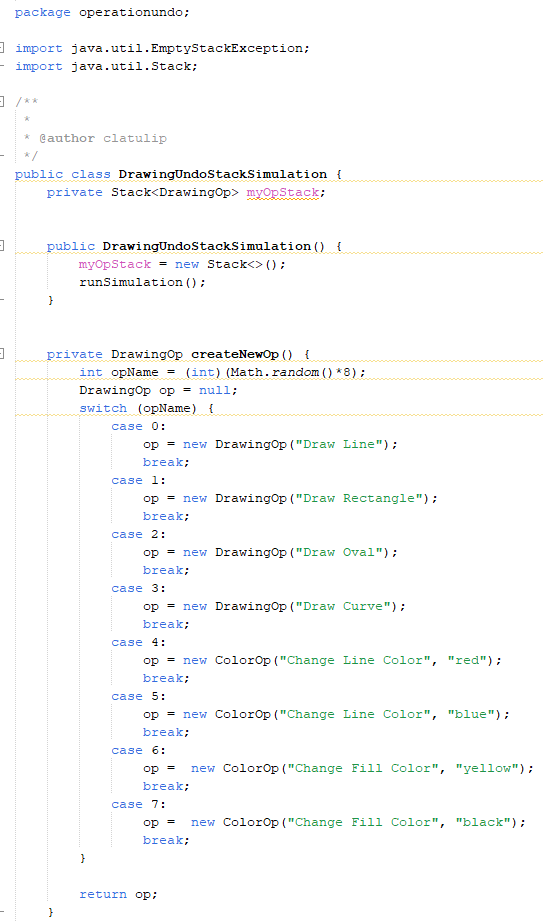
main class->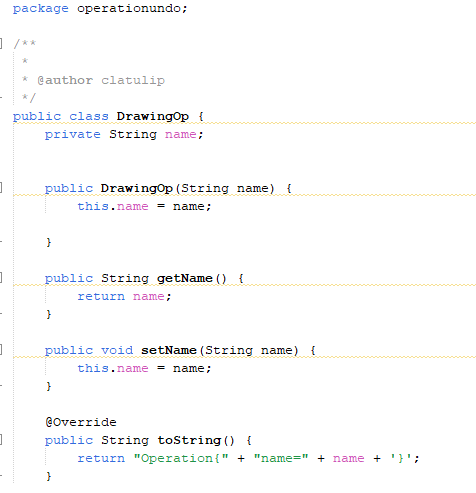
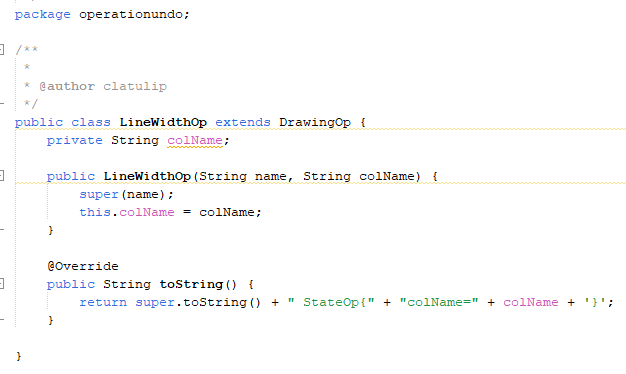
color class->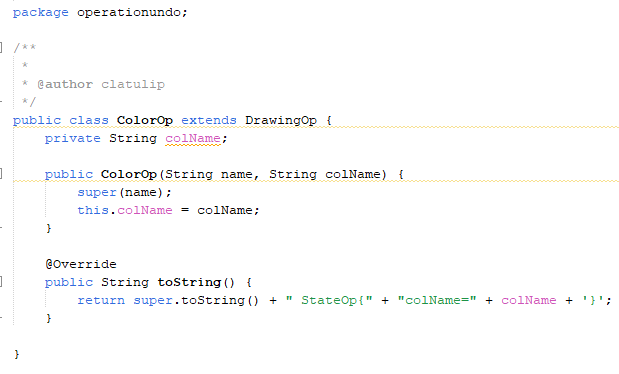
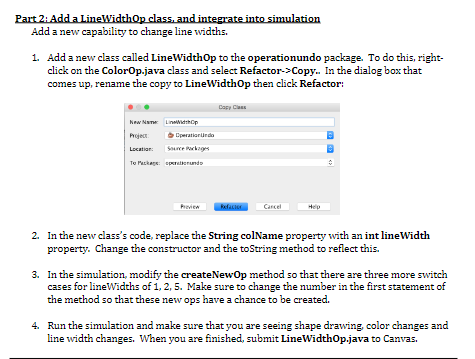
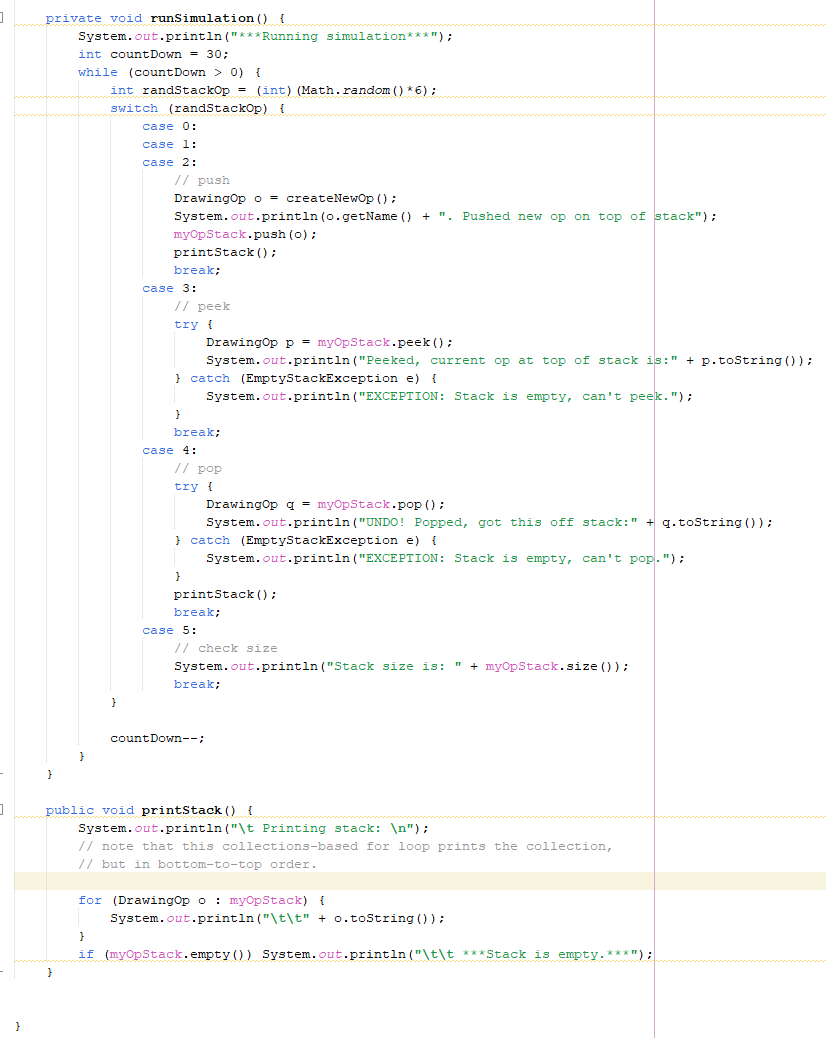
Part 2 idd a LineWidthOp class, and integrate into simulation Add a new capability to change line widths. 1. Add a new class called LineWidth Op to the operationundo package. To do this, rightclick on the ColorOp.java class and select Refactor->Copy. In the dialog box that comes up, rename the copy to LineWidthOp then click Refactor: 2. In the new class's code, replace the String colName property with an int lineWidth property. Change the constructor and the toString method to reflect this. 3. In the simulation, modify the createNewOp method so that there are three more switch cases for lineWidths of 1,2,5. Make sure to change the number in the first statement of the method so that these new ops have a chance to be created. 4. Run the simulation and make sure that you are seeing shape drawing, color changes and line width changes. When you are finished, submit LineWidthOp.java to Canvas. package operationundo
Step by Step Solution
There are 3 Steps involved in it

Get step-by-step solutions from verified subject matter experts
 Study Help