







Question: Purpose: The lab this week focuses on implementing Buttons and handlers by converting the image gallery from the previous lab into an image slider. Task:
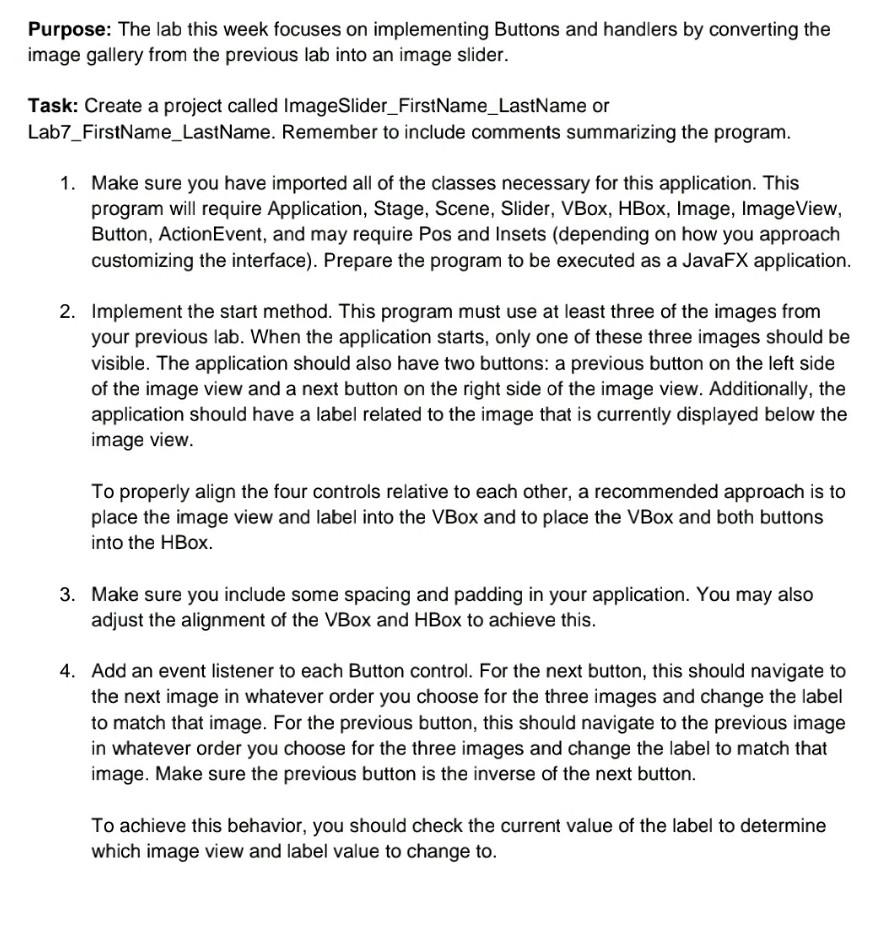
Purpose: The lab this week focuses on implementing Buttons and handlers by converting the image gallery from the previous lab into an image slider. Task: Create a project called Image Slider_FirstName_LastName or Lab7_FirstName_LastName. Remember to include comments summarizing the program. 1. Make sure you have imported all of the classes necessary for this application. This program will require Application, Stage, Scene, Slider, VBox, HBox, Image, Image View, Button, ActionEvent, and may require Pos and Insets (depending on how you approach customizing the interface). Prepare the program to be executed as a JavaFX application. 2. Implement the start method. This program must use at least three of the images from your previous lab. When the application starts, only one of these three images should be visible. The application should also have two buttons: a previous button on the left side of the image view and a next button on the right side of the image view. Additionally, the application should have a label related to the image that is currently displayed below the image view. To properly align the four controls relative to each other, a recommended approach is to place the image view and label into the VBox and to place the VBox and both buttons into the HBox. 3. Make sure you include some spacing and padding in your application. You may also adjust the alignment of the VBox and HBox to achieve this. 4. Add an event listener to each Button control. For the next button, this should navigate to the next image in whatever order you choose for the three images and change the label to match that image. For the previous button, this should navigate to the previous image in whatever order you choose for the three images and change the label to match that image. Make sure the previous button is the inverse of the next button. To achieve this behavior, you should check the current value of the label to determine which image view and label value to change to
Step by Step Solution
There are 3 Steps involved in it

Get step-by-step solutions from verified subject matter experts
 Study Help