



Question: To implement the AM transmitter signal, do the following steps: a . First you need to create your MATLAB function block to generate the envelope
To implement the AM transmitter signal, do the following steps:
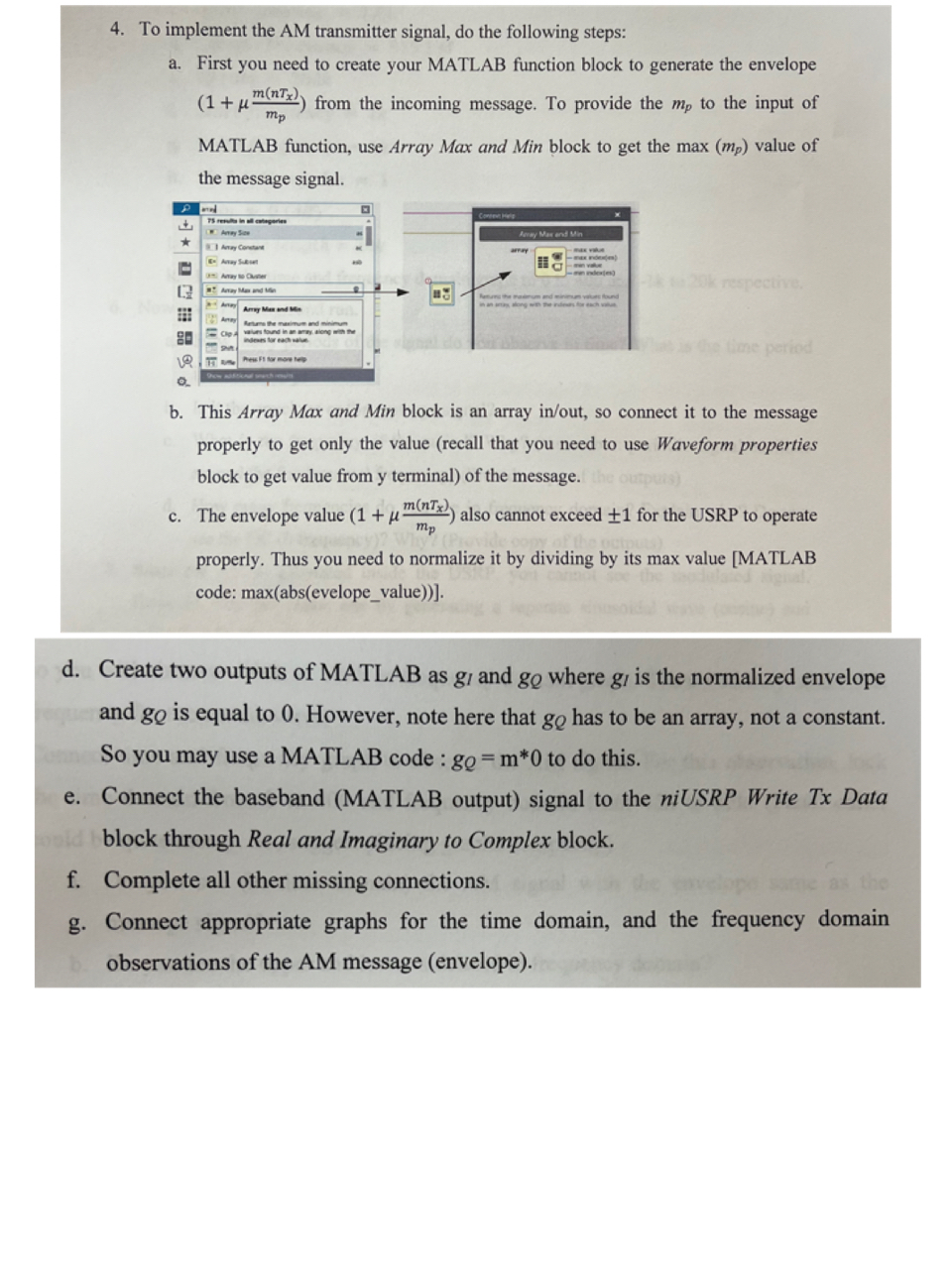
a First you need to create your MATLAB function block to generate the envelope from the incoming message. To provide the to the input of MATLAB function, use Array Max and Min block to get the max value of the message signal.
b This Array Max and Min block is an array inout so connect it to the message properly to get only the value recall that you need to use Waveform properties block to get value from y terminal of the message.
c The envelope value also cannot exceed for the USRP to operate properly. Thus you need to normalize it by dividing by its max value MATLAB code: absevelopevalue
d Create two outputs of MATLAB as and where is the normalized envelope and is equal to However, note here that has to be an array, not a constant. So you may use a MATLAB code : to do this.
e Connect the baseband MATLAB output signal to the niUSRP Write Tx Data block through Real and Imaginary to Complex block.
f Complete all other missing connections.
g Connect appropriate graphs for the time domain, and the frequency domain observations of the AM message envelope
Step by Step Solution
There are 3 Steps involved in it
1 Expert Approved Answer
Step: 1 Unlock

Question Has Been Solved by an Expert!
Get step-by-step solutions from verified subject matter experts
Step: 2 Unlock
Step: 3 Unlock