







Question: What Ubuntu commands can be used to execute steps 2-9? I will leave a thumbs up for helpful responses! 2. Execute the correct command to
 What Ubuntu commands can be used to execute steps 2-9? I will leave a thumbs up for helpful responses!
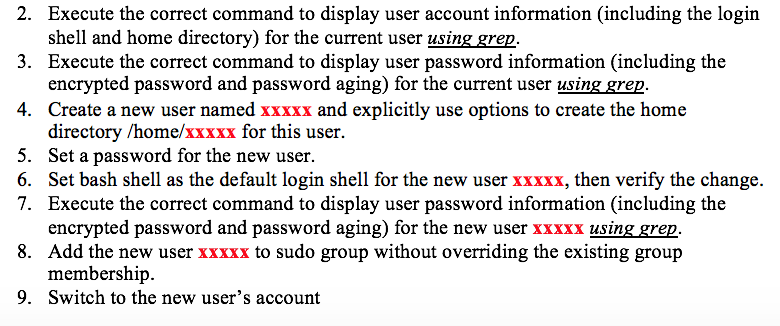
2. Execute the correct command to display user account information (including the login shell and home directory) for the current user using grep. 3. Execute the correct command to display user password information (including the encrypted password and password aging) for the current user using grep. 4. Create a new user named xxxxx and explicitly use options to create the home directory /home/xxxxx for this user. 5. Set a password for the new user. 6. Set bash shell as the default login shell for the new user xxxxx, then verify the change. 7. Execute the correct command to display user password information (including the encrypted password and password aging) for the new user xxxxx using grep. 8. Add the new user xxxxx to sudo group without overriding the existing group membership 9. Switch to the new user's account
Step by Step Solution
There are 3 Steps involved in it

Get step-by-step solutions from verified subject matter experts
 Study Help