







Question: 1. Create a Graph Win frame with title Rectangle Area, Perimeter and Diagonal and size 320 by 240 pixels. 2. Set the coordinates of
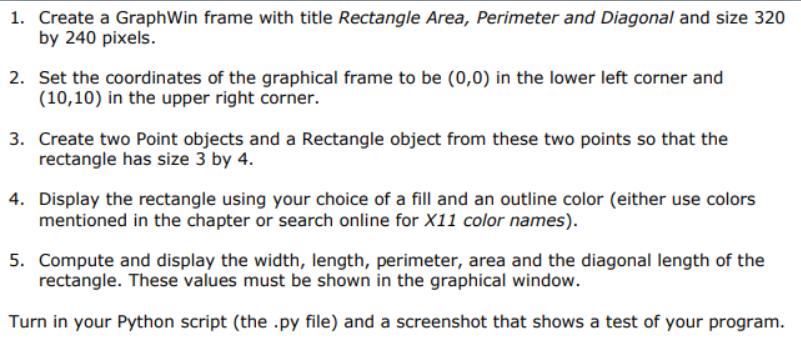
1. Create a Graph Win frame with title Rectangle Area, Perimeter and Diagonal and size 320 by 240 pixels. 2. Set the coordinates of the graphical frame to be (0,0) in the lower left corner and (10,10) in the upper right corner. 3. Create two Point objects and a Rectangle object from these two points so that the rectangle has size 3 by 4. 4. Display the rectangle using your choice of a fill and an outline color (either use colors mentioned in the chapter or search online for X11 color names). 5. Compute and display the width, length, perimeter, area and the diagonal length of the rectangle. These values must be shown in the graphical window. Turn in your Python script (the .py file) and a screenshot that shows a test of your program.
Step by Step Solution
3.47 Rating (154 Votes )
There are 3 Steps involved in it
Heres a Python script that implements the steps you mentioned using the graphics module in Python py... View full answer

Get step-by-step solutions from verified subject matter experts
 Study Help