







Question: ? 1 Listed score may not reflect your final grade. NOTICE The image below is NOT the file you submitted. This is a representation of
Listed score may not reflect your final grade.
NOTICE The image below is NOT the file you submitted. This is a representation of the solution file.
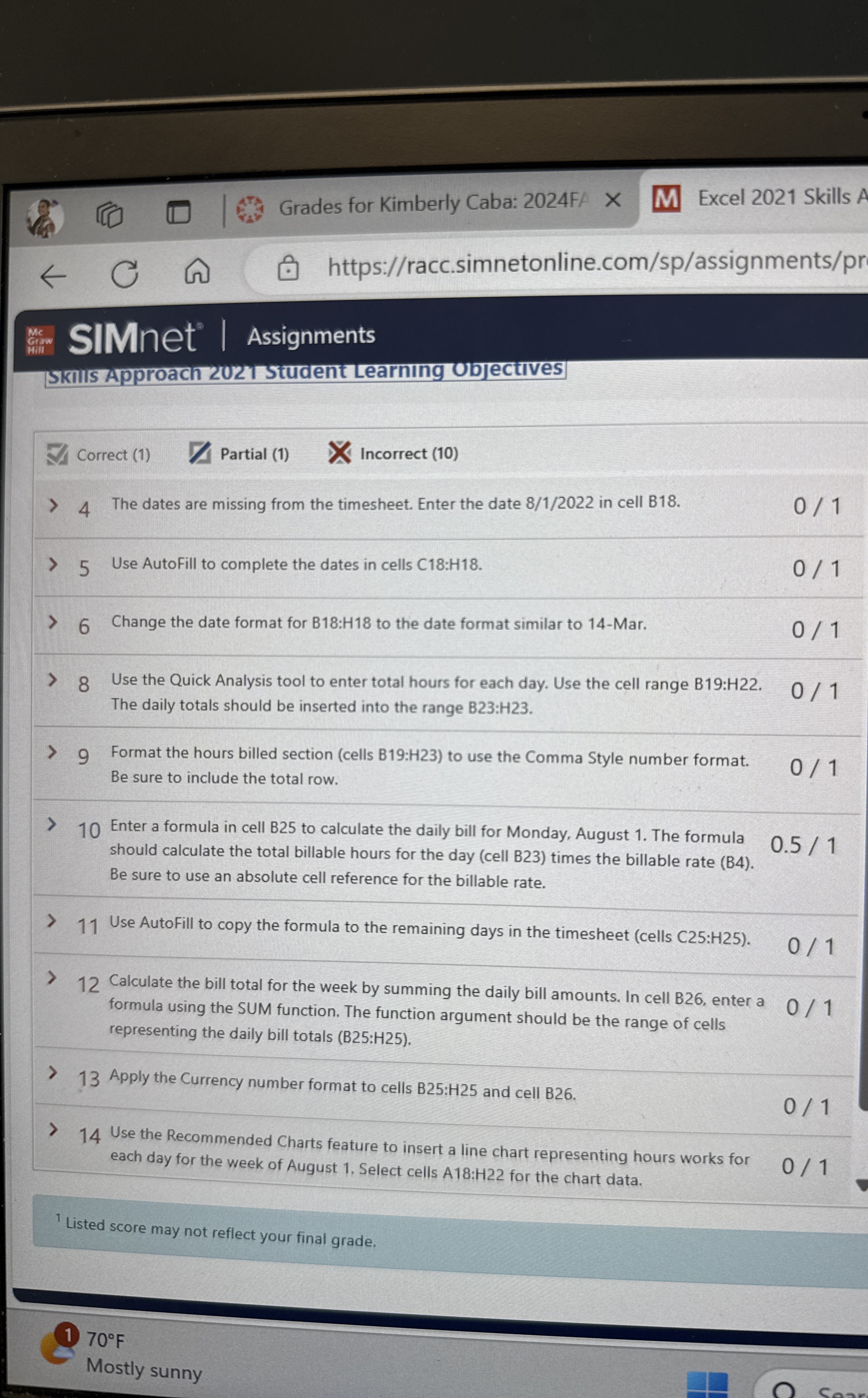
The dates are missing from the timesheet. Enter the date in cell B
Use AutoFill to complete the dates in cells :
Change the date format for : to the date format similar to Mar.
Use the Quick Analysis tool to enter total hours for each day. Use the cell range B:H
The daily totals should be inserted into the range :
Format the hours billed section cells B:H to use the Comma Style number format.
Be sure to include the total row.
Enter a formula in cell B to calculate the daily bill for Monday, August The formula
should calculate the total billable hours for the day cell B times the billable rate B
Be sure to use an absolute cell reference for the billable rate.
Use AutoFill to copy the formula to the remaining days in the timesheet cells :
Calculate the bill total for the week by summing the daily bill amounts. In cell B enter a
formula using the SUM function. The function argument should be the range of cells
representing the daily bill totals :
Apply the Currency number format to cells B:H and cell B
Use the Recommended Charts feature to insert a line chart representing hours works for
each day for the week of August Select cells A:H for the chart data.
Listed score may not reflect your final grade.
Mostly sunny
Step by Step Solution
There are 3 Steps involved in it
1 Expert Approved Answer
Step: 1 Unlock

Question Has Been Solved by an Expert!
Get step-by-step solutions from verified subject matter experts
Step: 2 Unlock
Step: 3 Unlock
 Study Help