







Question: Make a APEX SQL query in the SQL Commands window that JOINS the CUSTOMER table to the ORDERS table. The result set will be

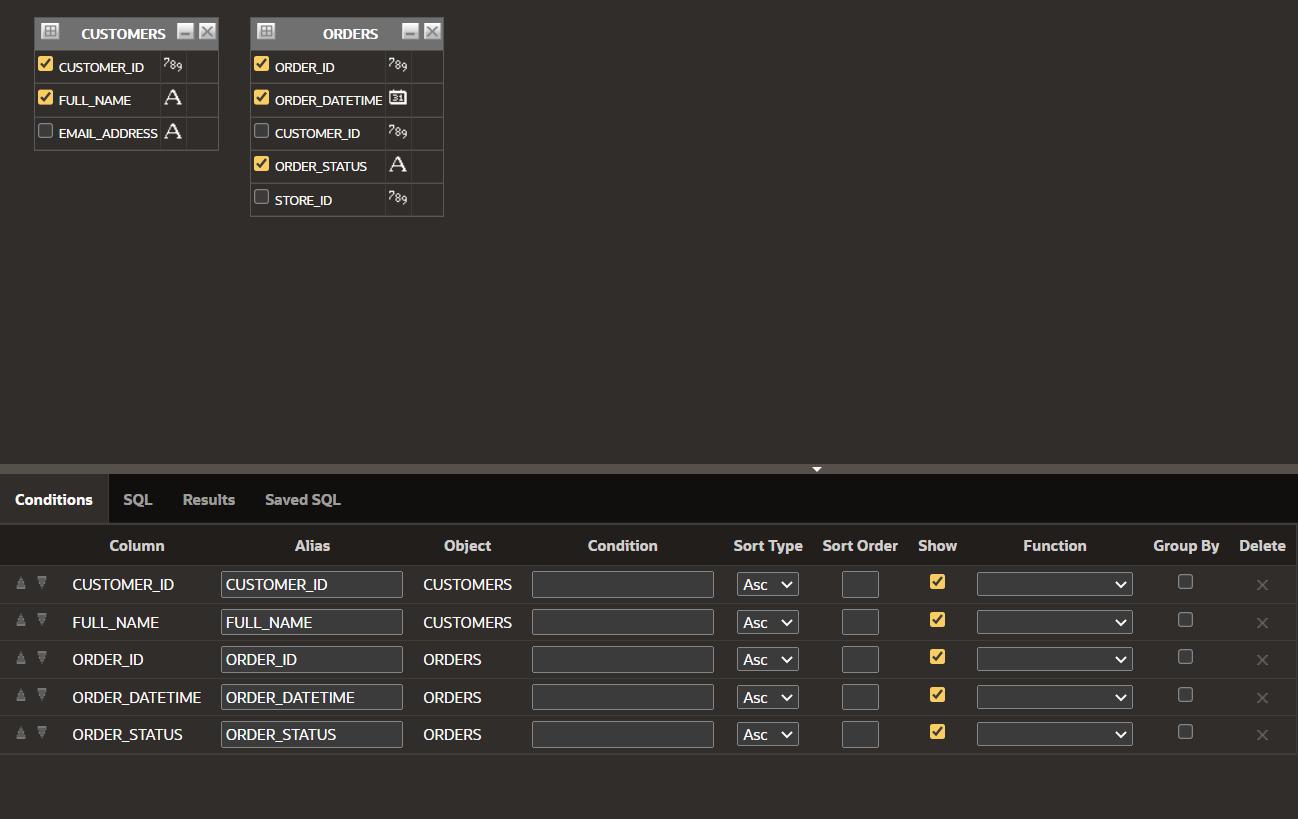
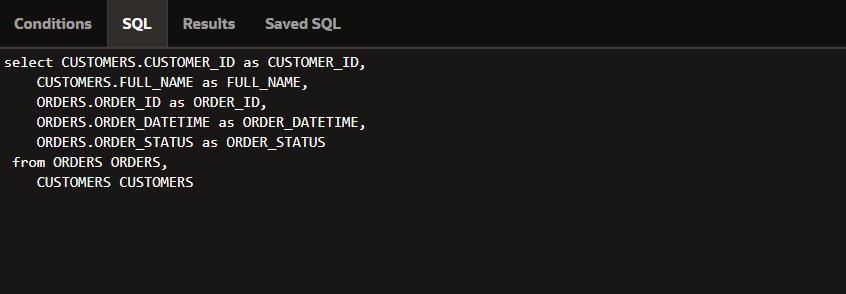
Make a APEX SQL query in the SQL Commands window that JOINS the CUSTOMER table to the ORDERS table. The result set will be made up of these columns: CUSTOMER_ID, FULL_NAME, ORDER_ID, ORDER_DATETIME and ORDER_STATUS. Only display the rows where ORDER_STATUS is 'COMPLETE". Use the to_char function to show the ORDER_DATETIME in the 'MM/DD/YYYY' format. EB CUSTOMERS X A Conditions SQL Results T AV CUSTOMER_ID 789 FULL_NAME A EMAIL ADDRESS A AV Column CUSTOMER_ID FULL NAME ORDER ID ORDER_DATETIME ORDER_STATUS EB 789 ORDER_ID ORDER_DATETIME 20 CUSTOMER_ID 789 ORDER_STATUS A 789 33 ORDERS -X STORE_ID Saved SQL Alias CUSTOMER_ID FULL_NAME ORDER ID ORDER_DATETIME ORDER_STATUS Object CUSTOMERS CUSTOMERS ORDERS ORDERS ORDERS Condition Sort Type Sort Order Show Asc Asc v Asc V Asc Asc Function > > Group By Delete 00000 X X X X X Conditions SQL Results Saved SQL select CUSTOMERS.CUSTOMER_ID as CUSTOMER_ID, CUSTOMERS.FULL_NAME as FULL_NAME, ORDERS.ORDER_ID as ORDER_ID, as ORDER_DATETIME, ORDERS.ORDER_DATETIME ORDERS.ORDER_STATUS as ORDER_STATUS from ORDERS ORDERS, CUSTOMERS CUSTOMERS
Step by Step Solution
3.51 Rating (151 Votes )
There are 3 Steps involved in it
You can create an Apex SQL query that joins the CUSTOMER table ... View full answer

Get step-by-step solutions from verified subject matter experts
 Study Help