







Question: My VirtualBox VM is Fedora 37 and I need instructions on how to disable SELinux and go through the rest of these steps. Thank you!
My VirtualBox VM is Fedora 37 and I need instructions on how to disable SELinux and go through the rest of these steps. Thank you!
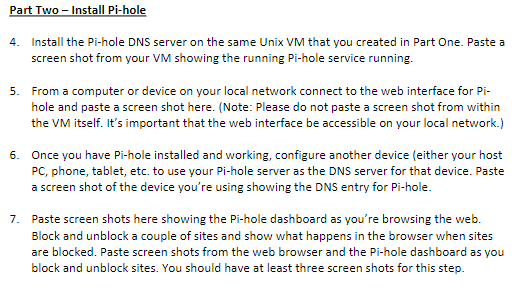
4. Install the Pi-hole DNS server on the same Unix VM that you created in Part One. Paste a screen shot from your VM showing the running Pi-hole service running. 5. From a computer or device on your local network connect to the web interface for Pihole and paste a screen shot here. (Note: Please do not paste a screen shot from within the VM itself. It's important that the web interface be accessible on your local network.) 6. Once you have Pi-hole installed and working, configure another device (either your host PC, phone, tablet, etc. to use your Pi-hole server as the DNS server for that device. Paste a screen shot of the device you're using showing the DNS entry for Pi-hole. 7. Paste screen shots here showing the Pi-hole dashboard as you're browsing the web. Block and unblock a couple of sites and show what happens in the browser when sites are blocked. Paste screen shots from the web browser and the Pi-hole dashboard as you block and unblock sites. You should have at least three screen shots for this step
Step by Step Solution
There are 3 Steps involved in it

Get step-by-step solutions from verified subject matter experts
 Study Help