







Question: Procedure for Copying Output FROM Console Window INTO a Notepad Document: 1. Place cursor on Console Window 2. Right-click to display menu. 3. Select Select
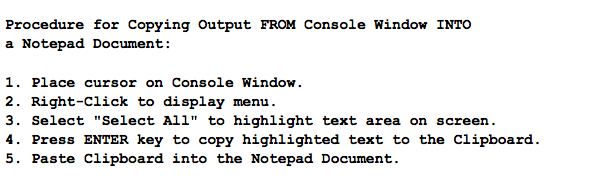
Procedure for Copying Output FROM Console Window INTO a Notepad Document: 1. Place cursor on Console Window 2. Right-click to display menu. 3. Select "Select All" to highlight text area on screen 4. Press ENTER key to copy highlighted text to the Clipboard. 5. Paste Clipboard into the Notepad Document
Step by Step Solution
There are 3 Steps involved in it
1 Expert Approved Answer
Step: 1 Unlock

Question Has Been Solved by an Expert!
Get step-by-step solutions from verified subject matter experts
Step: 2 Unlock
Step: 3 Unlock
 Study Help