





Question: Step 1: Create two custom components in your react application. These can be class or function components. Name these Component1 and Component2, respectively Step 2:
Step 1: Create two custom components in your

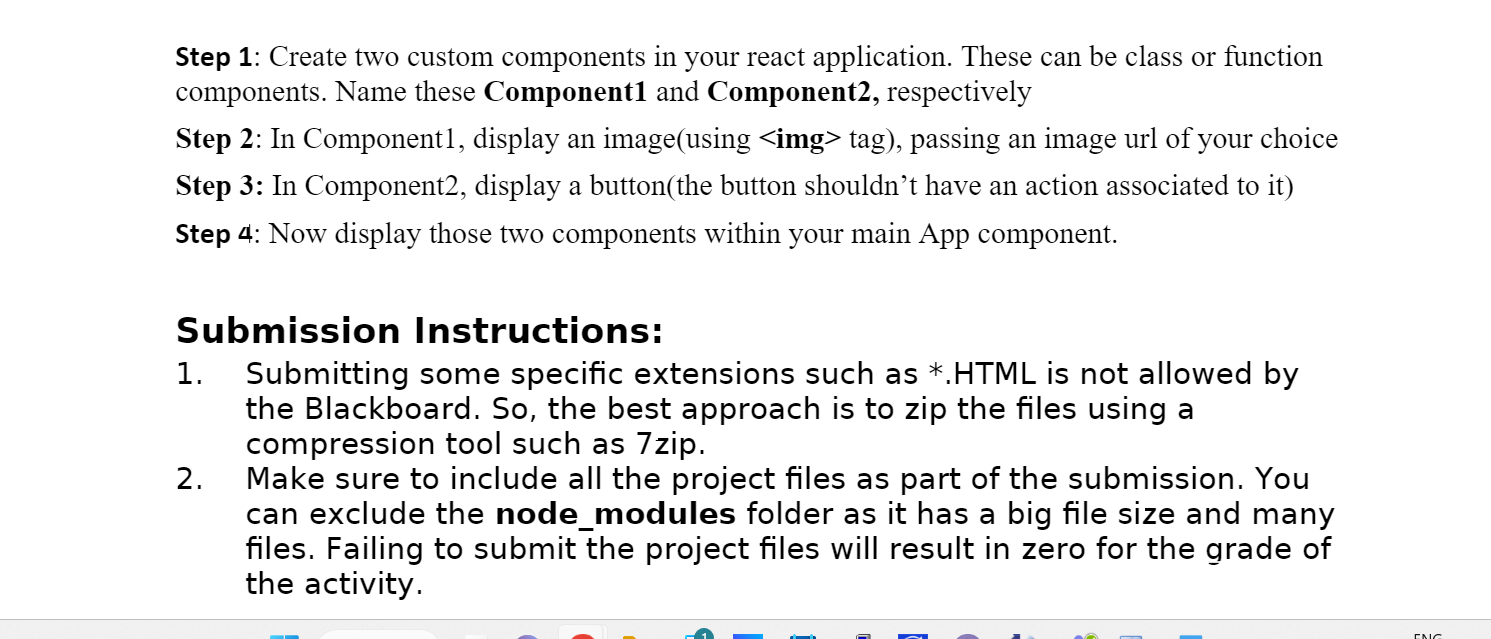
Step 1: Create two custom components in your react application. These can be class or function components. Name these Component1 and Component2, respectively Step 2: In Component1, display an image(using tag), passing an image url of your choice Step 3: In Component2, display a button(the button shouldn't have an action associated to it) Step 4: Now display those two components within your main App component. Submission Instructions: 1. Submitting some specific extensions such as *.HTML is not allowed by the Blackboard. So, the best approach is to zip the files using a compression tool such as 7zip. 2. Make sure to include all the project files as part of the submission. You can exclude the node_modules folder as it has a big file size and many files. Failing to submit the project files will result in zero for the grade of the activity

Step by Step Solution

There are 3 Steps involved in it

1 Expert Approved Answer
Step: 1 Unlock blur-text-image

Question Has Been Solved by an Expert!

Get step-by-step solutions from verified subject matter experts

Step: 2 Unlock
Step: 3 Unlock

Students Have Also Explored These Related Databases Questions!