







Question: Step by step explanation and how to do: You continue your triage of the process or service that is running on port 5 1 3
Step by step explanation and how to do:
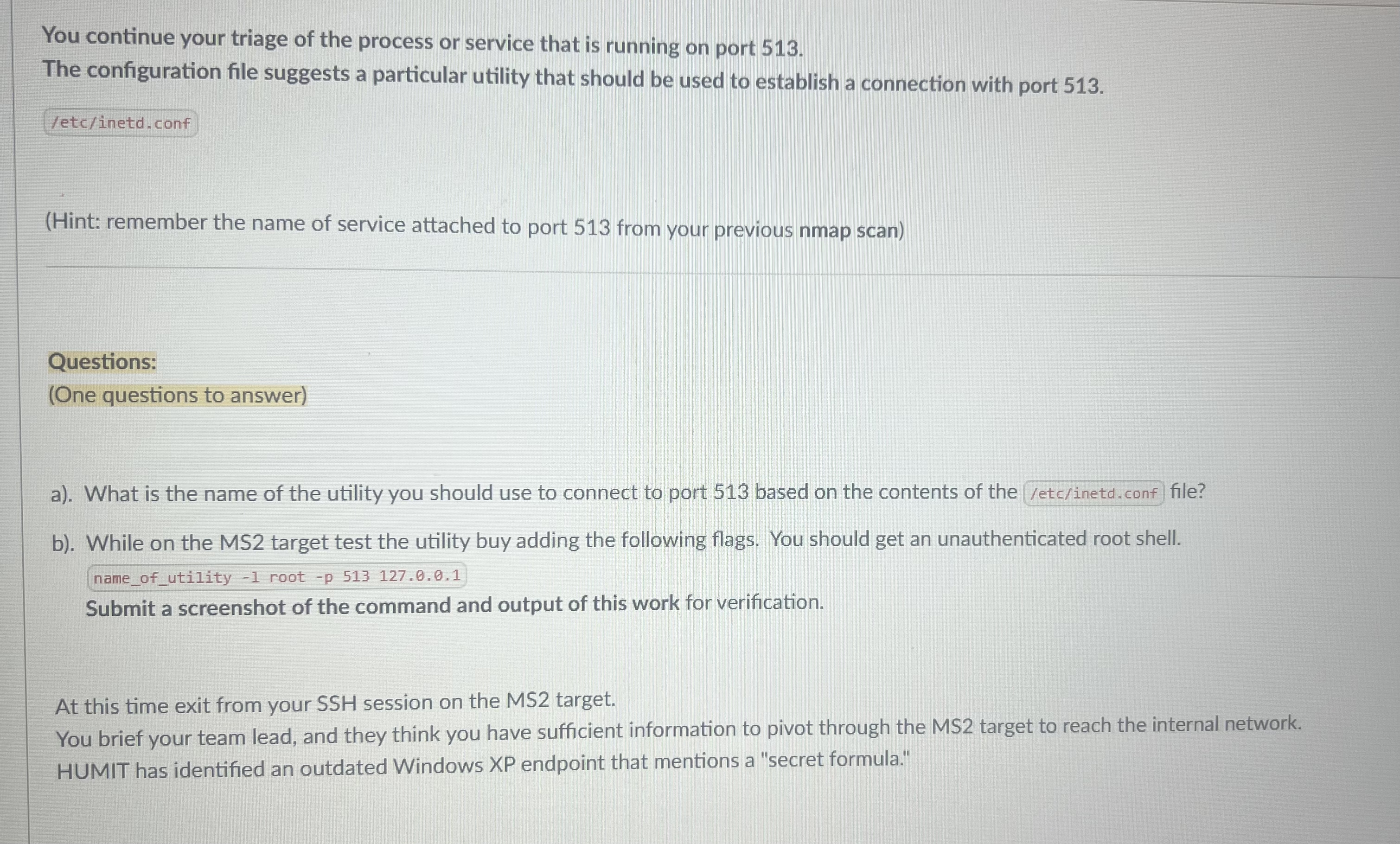
You continue your triage of the process or service that is running on port
The configuration file suggests a particular utility that should be used to establish a connection with port
etcinetdconf
Hint: remember the name of service attached to port from your previous nmap scan
Questions:
One questions to answer
a What is the name of the utility you should use to connect to port based on the contents of the file?
b While on the MS target test the utility buy adding the following flags. You should get an unauthenticated root shell.
Submit a screenshot of the command and output of this work for verification.
At this time exit from your SSH session on the MS target.
You brief your team lead, and they think you have sufficient information to pivot through the MS target to reach the internal network. HUMIT has identified an outdated Windows XP endpoint that mentions a "secret formula."
Step by Step Solution
There are 3 Steps involved in it
1 Expert Approved Answer
Step: 1 Unlock

Question Has Been Solved by an Expert!
Get step-by-step solutions from verified subject matter experts
Step: 2 Unlock
Step: 3 Unlock
 Study Help