







Question: Use Docstrings For each of your functions from now on , write a brief function docstring. Docstrings, like all comments, should be written in the
Use Docstrings
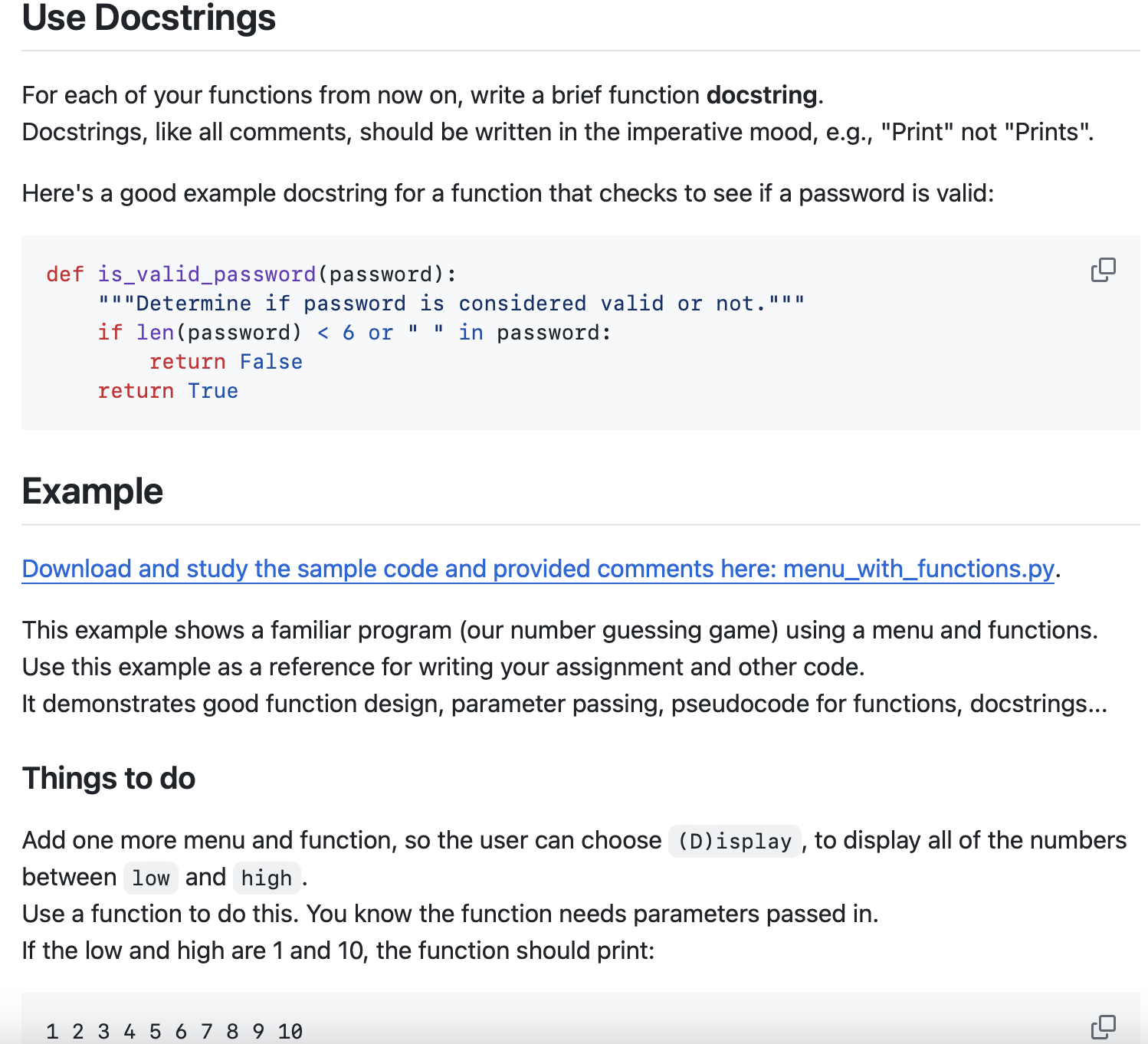
For each of your functions from now on write a brief function docstring.
Docstrings, like all comments, should be written in the imperative mood, eg "Print" not "Prints".
Here's a good example docstring for a function that checks to see if a password is valid:"""Determine if password is considered valid or not.""" return False
Example
Download and study the sample code and provided comments here: menuwithfunctions.py
This example shows a familiar program our number guessing game using a menu and functions.
Use this example as a reference for writing your assignment and other code.
It demonstrates good function design, parameter passing, pseudocode for functions, docstrings...
Things to do
Add one more menu and function, so the user can choose Display to display all of the numbers
between and high
Use a function to do this. You know the function needs parameters passed in
If the low and high are and the function should print:
Step by Step Solution
There are 3 Steps involved in it
1 Expert Approved Answer
Step: 1 Unlock

Question Has Been Solved by an Expert!
Get step-by-step solutions from verified subject matter experts
Step: 2 Unlock
Step: 3 Unlock
 Study Help