







Question: The MenuGrow code and its associated driver MenuGrowDriver, given below, create a display window and display in that window a square with NW comer at
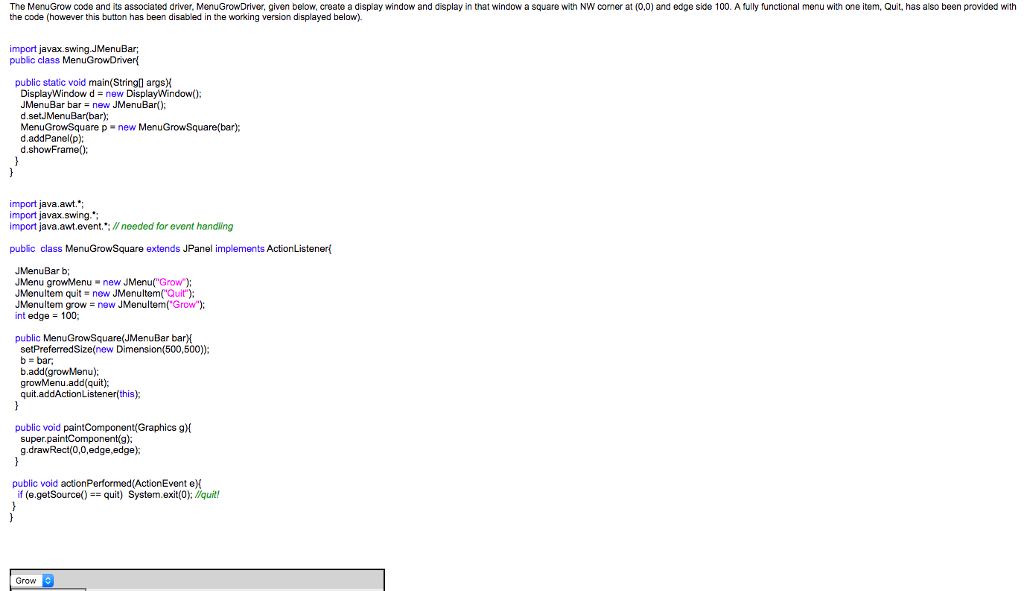
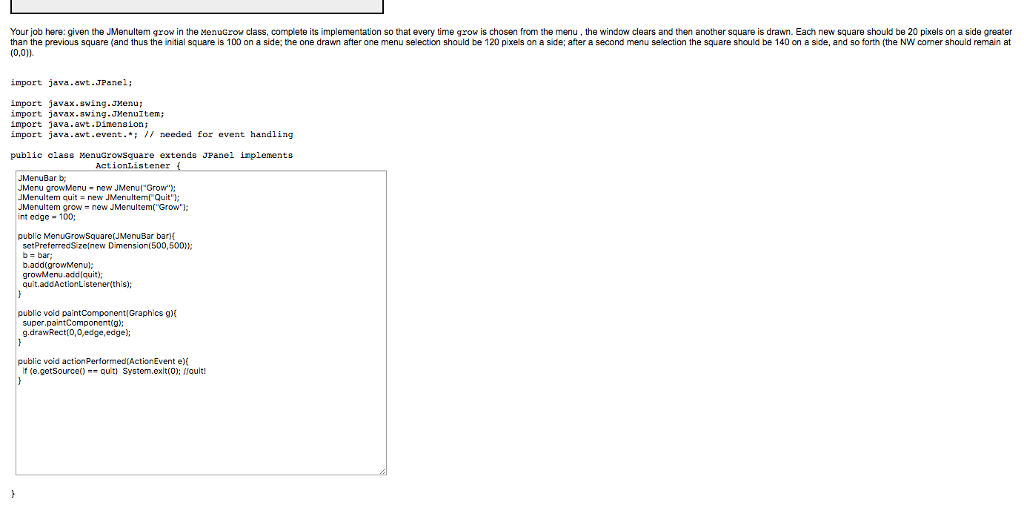
The MenuGrow code and its associated driver MenuGrowDriver, given below, create a display window and display in that window a square with NW comer at (0,0) and edge side 100. A fully functional menu with one item, Quit, has also been provided with the code (however this button has been disabled in the working version displayed below). import javax.swing.JMenuBar; public class MenuGrowDriver public static void main(Stringll argsk DisplayWindow d = new DisplayWindow(); JMenuBar barnew JMenuBar) d.setJMenuBar(bar); MenuGrowSquare p new MenuGrowSquare(bar); d.addPanel(p); d.showFrame: import java.awt. import javax.swing. import java.awt.event.*. #needed for event handling public class MenuGrowSquare extends JPanel implements ActionListener JMenuBar b JMenu growMenu new JMenu( Grow); JMenultem quit new JMenultemQit); J Menulterm grow new JMenuItem("Grow"); int edge 100; public MenuGrowSquare(JMenuBar barH setPreferredSize(new Dimension(500,500) b=bar; b.add(growMenu); growMenu.add(quit); quit.addActionListener(this) public void paintComponent(Graphics gh Super g.drawRect(0,0,edge,edge) public void actionPerformed(ActionEvent e) if (e.getSource()-squit) System.ex.t(0). Au Grow
Step by Step Solution
There are 3 Steps involved in it

Get step-by-step solutions from verified subject matter experts
 Study Help