







Question: Create a Routing Table All questions are asked from the perspective of the routing engine (center of the router). Network Mask Next Hop Interface Which
Create a Routing Table
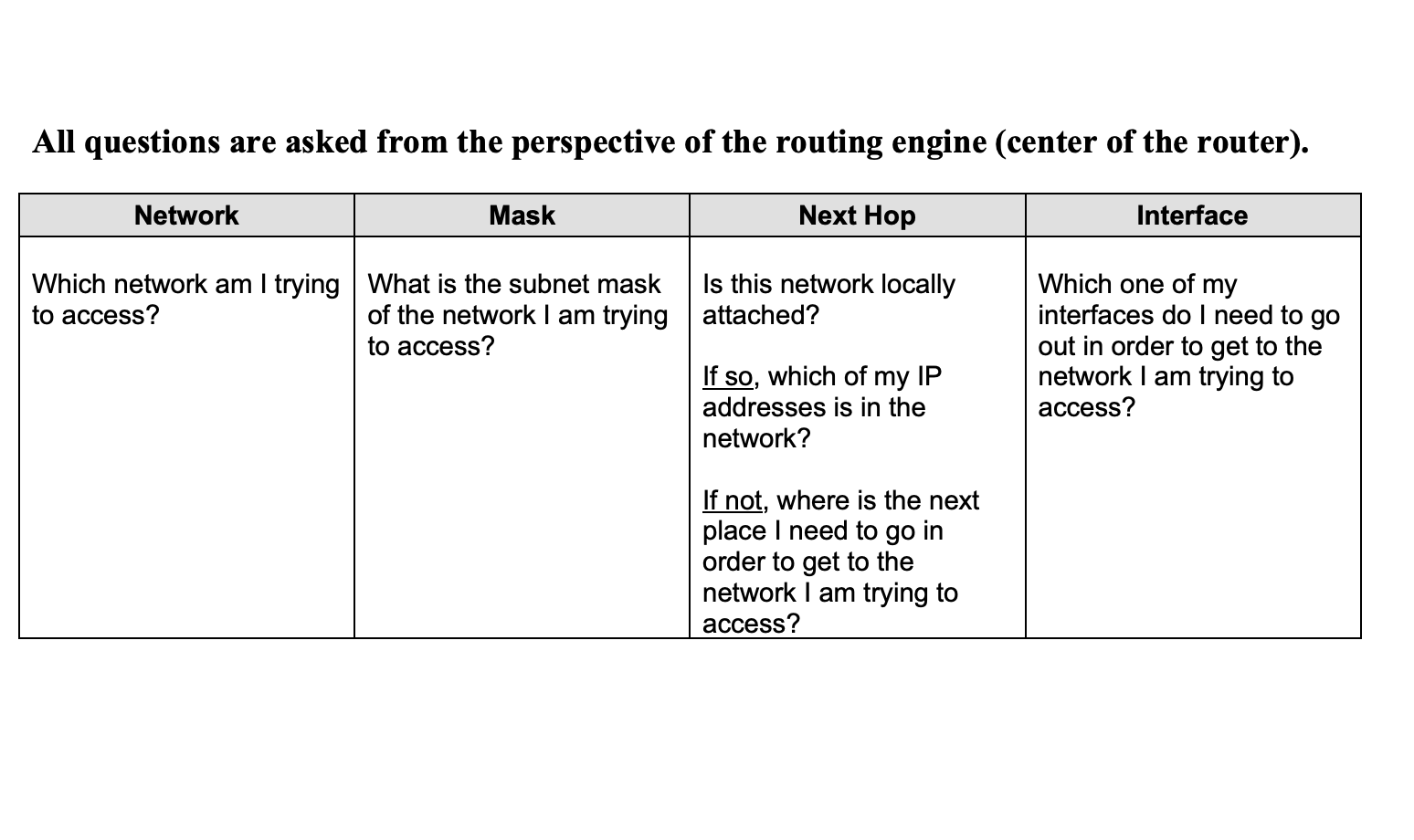
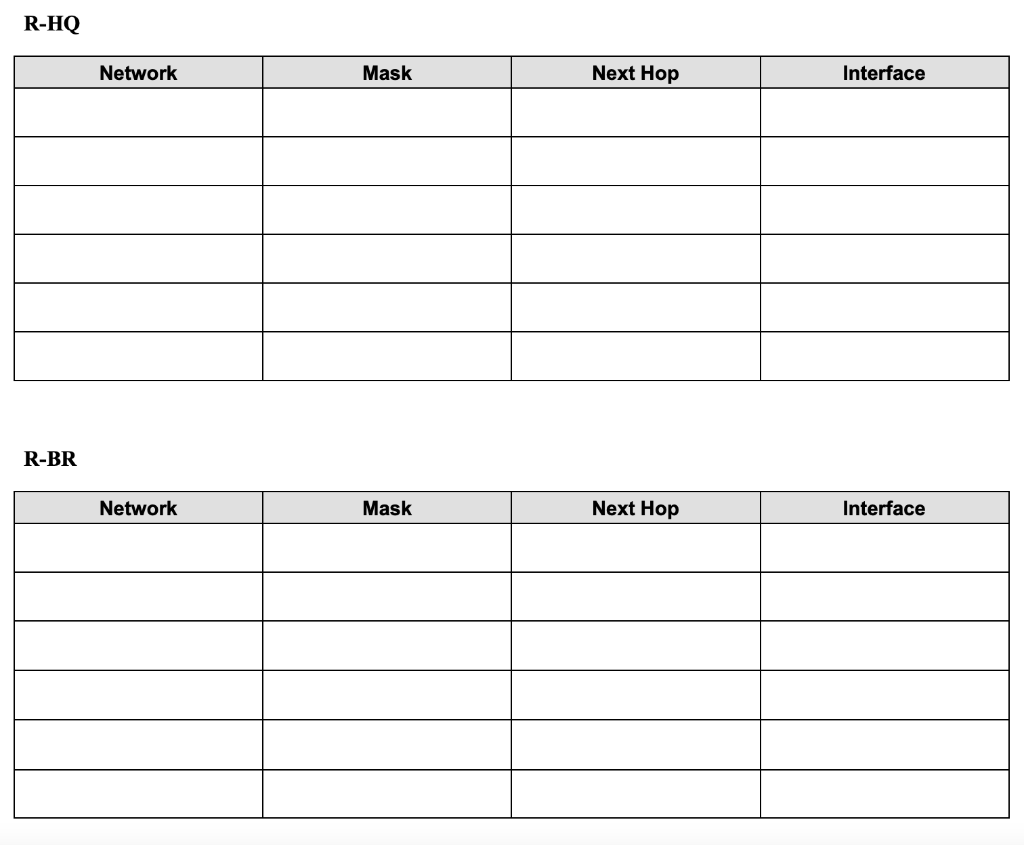
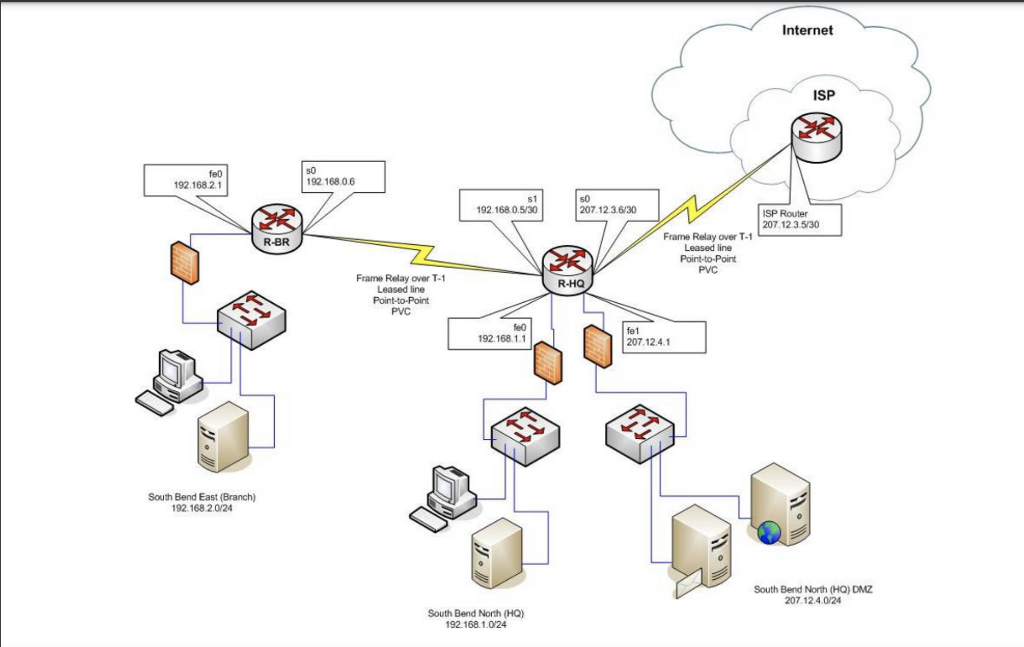
All questions are asked from the perspective of the routing engine (center of the router). Network Mask Next Hop Interface Which network am I trying What is the subnet mask Is this network locally to access? of the network I am trying attached? to access? If so, which of my IP addresses is in the network? Which one of my interfaces do I need to go out in order to get to the network I am trying to access? If not, where is the next place I need to go in order to get to the network I am trying to access? R-HQ Network Mask Next Hop Interface R-BR Network Mask Next Hop Interface Internet ISP feb 192.168.2.1 SO 192.168.0.6 s1 192.168.0.530 207.12.3.6/30 ISP Router 207.12 3.5/30 R-BR Frame Relay over T-1 Leased line Point-to-Point PVC R-HQ Frame Relay over T-1 Leased line Point-to-Point PVC 192.168.1.1 fet 207.12.4.1 South Bend East (Branch) 192.168.2.0/24 South Bend North (HQ) DMZ 207.12.4.0/24 South Bend North (HQ) 192.168.1.0/24
Step by Step Solution
There are 3 Steps involved in it

Get step-by-step solutions from verified subject matter experts
 Study Help